Track study, sleep and everything in between
You know you should study more and scroll less. But how much time actually goes where? Track your entire day (study, sleep, exercise, social, and leisure) and make decisions based on data, not guilt.
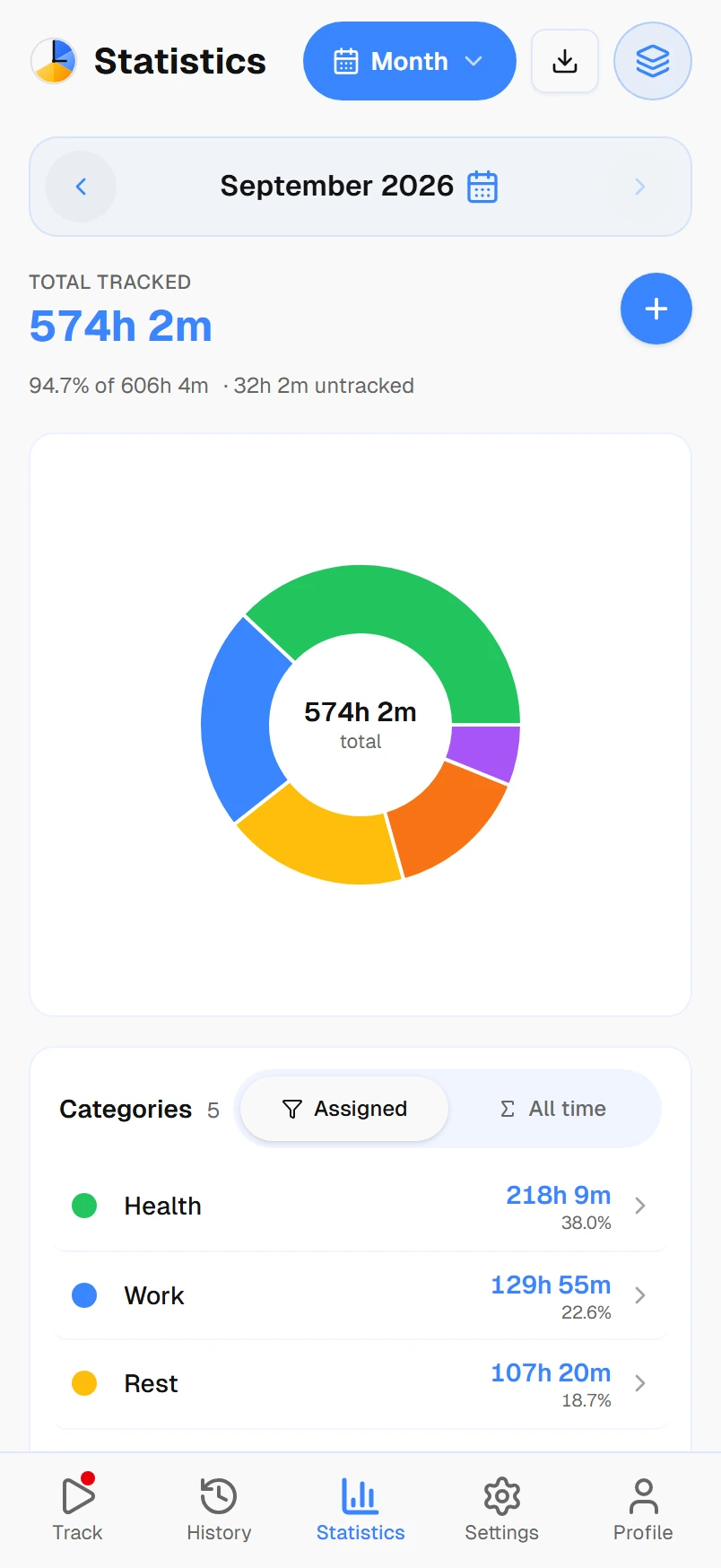
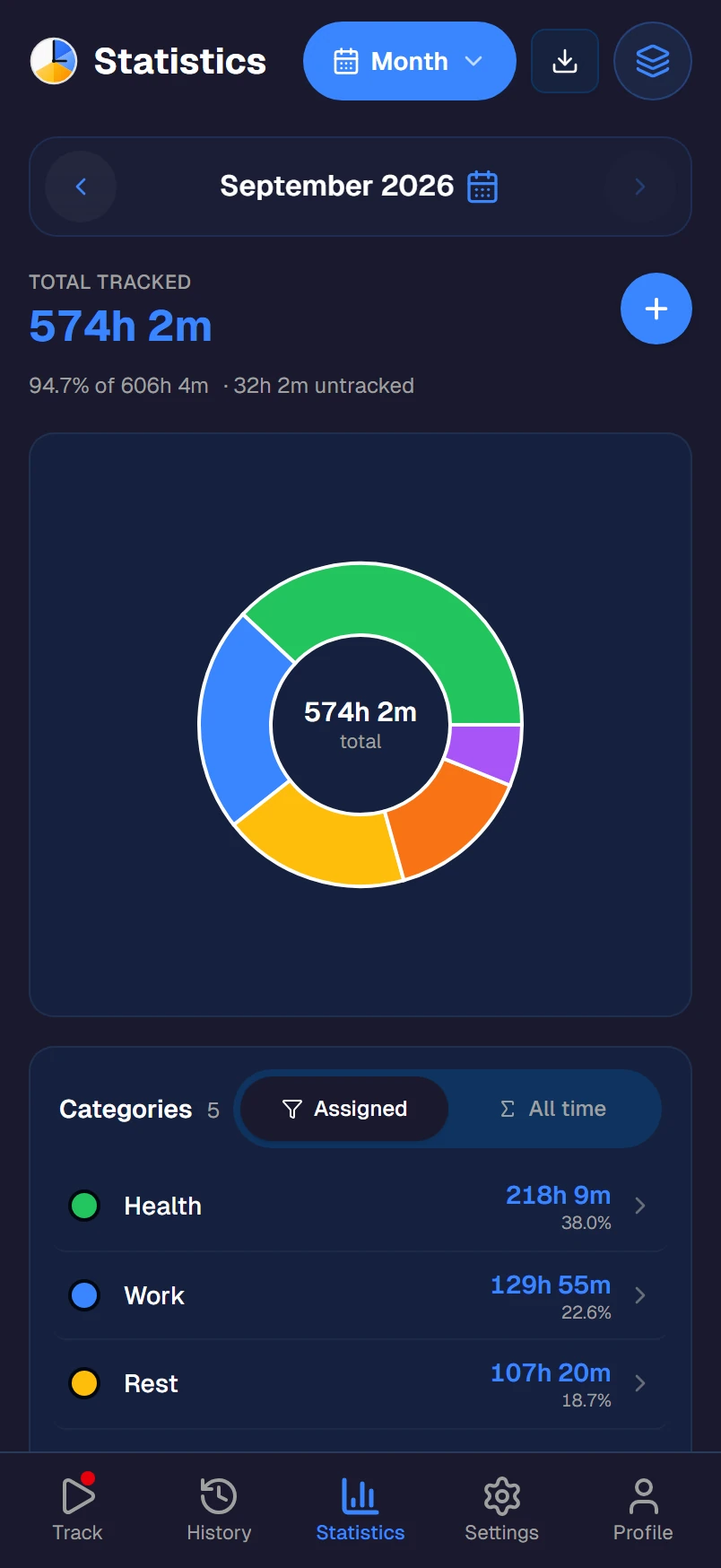
Where does your day actually go?
Most students overestimate how much they study and underestimate how much time goes to their phone. A 2024 study found that college students spend an average of 8-10 hours per day on screens outside of class, with much of it unintentional scrolling.
Time tracking doesn't fix this overnight. But when you see the actual numbers ("I studied 3 hours and scrolled Instagram for 4") you make different choices. Not because someone told you to, but because the data is hard to ignore.
Built for student life
Track every subject
Create activities for each subject: Math, Biology, Essay Writing, Lab Work. Nest them under a Study category. See exactly how much time goes to each course and whether it matches the effort required.
Protect your sleep
Track sleep alongside everything else. When you see you've averaged 5 hours of sleep for a week straight, the data makes the case for change better than any alarm clock.
Keep exercise visible
Exercise is the first thing to go during exam season. Set a weekly goal (4 hours of exercise) and track it. When it's visible alongside study hours, it's harder to skip.
Balance social life
See how much time you spend socializing, gaming, and on your phone. No judgment, just data. You decide what the right balance is.
Set study goals
Set weekly study goals per subject. 10 hours for your hardest class, 5 for the easier ones. Track progress through the week and adjust as exams approach.
Works on all your devices
Phone, laptop, tablet: Timetracker syncs everywhere. Start a study timer on your phone in the library, check your weekly stats on your laptop at home.
A student setup that works
Here's how most students organize their Timetracker. Set it up in 2 minutes.
- StudyMath, Biology, Essay Writing, Lab Work, Group Projects
- ClassesLectures, Tutorials, Office Hours
- SleepNight Sleep, Naps
- HealthGym, Running, Cooking, Meals
- SocialFriends, Dating, Calls with Family
- LeisureGaming, Social Media, Netflix, Reading
- WorkPart-time Job, Freelancing
Frequently asked questions
What is the best free time tracker for students?
Timetracker is a free time tracking app designed for tracking your entire day — not just study hours. Unlike work-focused trackers like Toggl or Clockify, it organizes time into categories (Study, Sleep, Exercise, Social, Classes) and lets you set personal time goals. All features are free with no ads.
How can students use time tracking to study better?
By tracking all your time (not just study sessions), you see the full picture — how much you actually study vs. scroll social media, whether you're sleeping enough, and if exercise is getting squeezed out. Set weekly study goals and watch your actual numbers. Data beats guessing.
Can I track different subjects separately?
Yes. Create a Study category, then add activities for each subject — Math, Biology, Essay Writing, Lab Work. You can nest activities too, like Study > Computer Science > Algorithms. Track how much time goes to each subject and set per-subject goals.
Does it work on my phone and laptop?
Yes. Timetracker works on Android, iOS, Windows, Mac, Linux, and any browser. Your data syncs across all devices. Start a study timer on your phone, check weekly stats on your laptop.
Is this better than a simple Pomodoro timer?
Pomodoro timers count 25-minute work sessions. Timetracker tracks your entire day — it shows you that you studied 4 hours but also scrolled your phone for 3 hours and only slept 5. That full picture is what helps you make real changes to your routine.
Is it really free for students?
Yes. Timetracker is free for everyone — no student discount needed. Every current feature is included: unlimited activities, unlimited tracking history, and no ads.