Time tracker for Linux
A native Linux time tracker that covers all 24 hours of your day, not just work. A free desktop app to help you balance work, health, hobbies, and family, packaged as AppImage, .deb, and .rpm.
64-bit · x86_64 · AppImage works on any distro
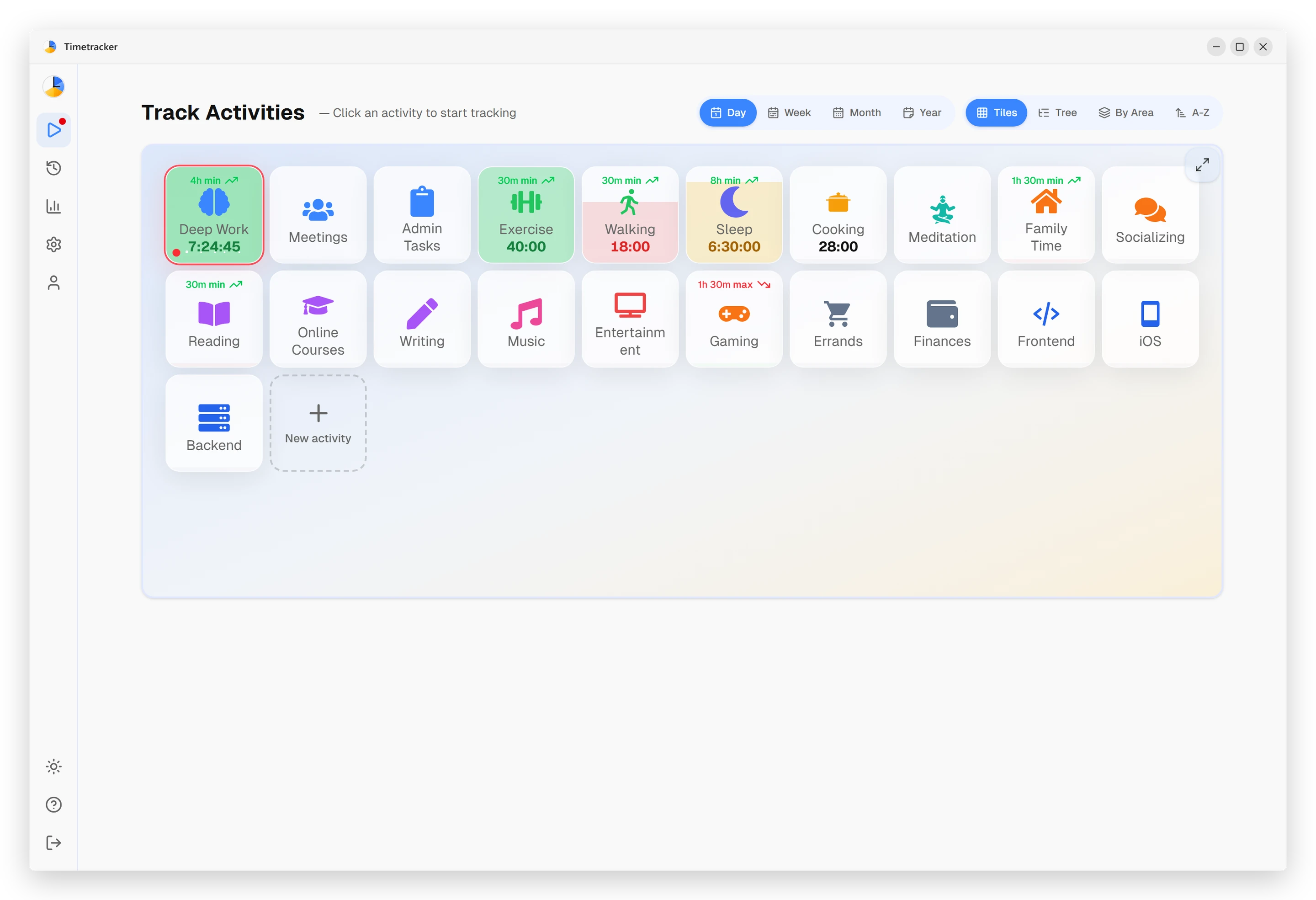
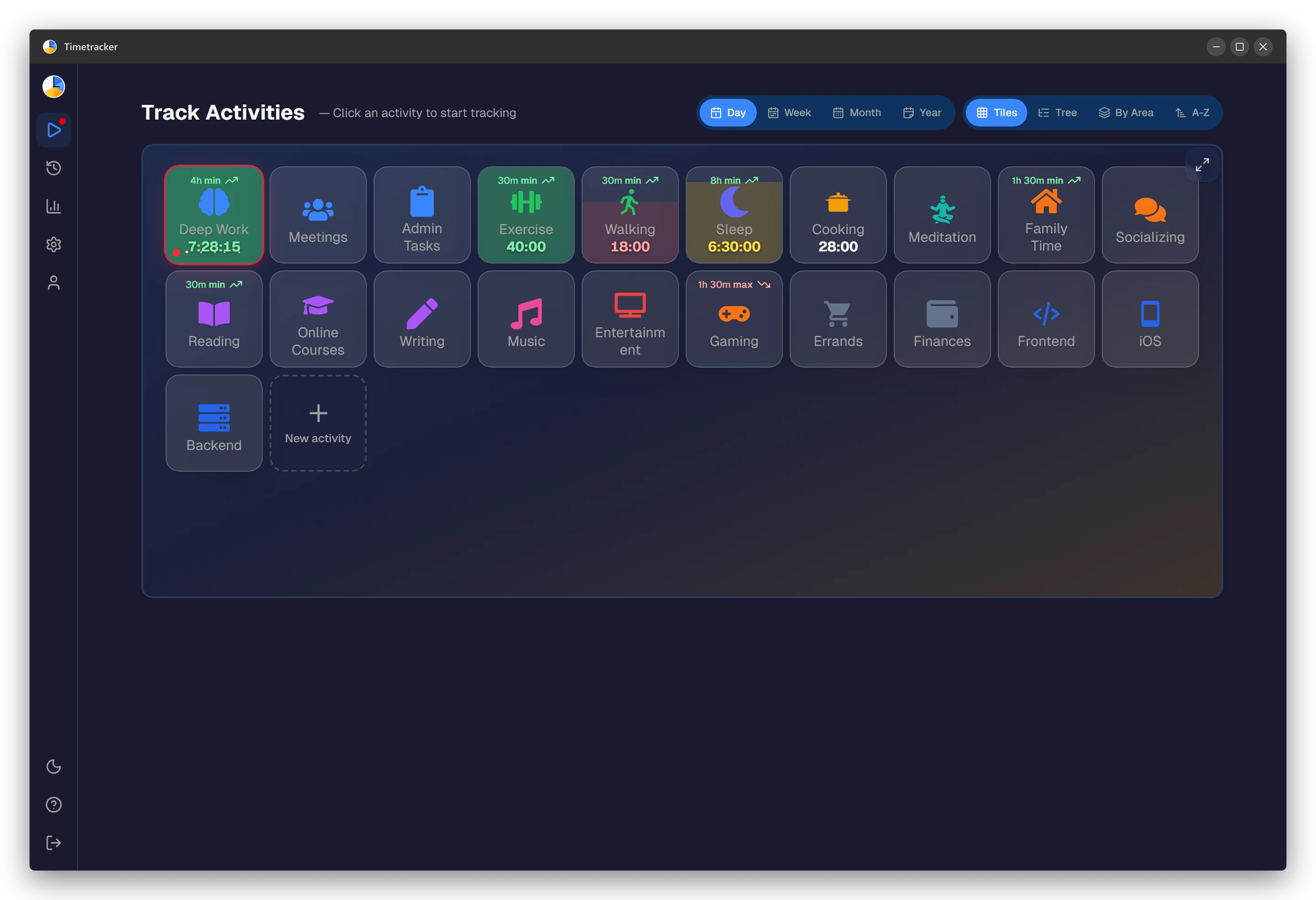
Why a desktop app?
You can use Timetracker in a browser, but a native Linux app has real advantages for people who spend most of their day at a computer.
Tray + launch at login
Lives in the system tray on GNOME, KDE, or your tiling WM of choice and starts at login. No browser tab to manage: your timer keeps running in the background.
One click away
Click the tray icon to switch activities instantly, without hunting through browser tabs. The tracker is always one click from wherever you are.
Light on RAM
Built with Tauri, not Electron, so the install stays small and the memory footprint low. It won't fight your editor and compiler for resources.
AppImage, .deb, or .rpm: which should you download?
Timetracker ships for Linux in three formats so it runs on whatever distro you prefer. The AppImage is the universal option: download it, make it executable, and run; it works on Ubuntu, Fedora, Arch, openSUSE, and almost anything else without touching your package manager. The .deb package is for Debian, Ubuntu, and Linux Mint; the .rpm is for Fedora and openSUSE. All are 64-bit x86_64 builds.
Whichever you pick, Timetracker integrates with your desktop's system tray and can launch at login, so a running timer is always a click away in GNOME, KDE, or a tiling window manager. It's built with Tauri rather than Electron, which keeps the install small and the memory footprint low: it won't fight your editor and compiler for RAM.
And because Timetracker tracks your whole day rather than just billable hours, it's as happy logging a late-night kernel-hacking session as it is your morning run or time spent away from the screen. Everything syncs with the web app and the mobile apps, so your history is never trapped on one machine.
Works on any distro
curl -LO https://timetracker.live/downloads/Timetracker.AppImage
chmod +x Timetracker.AppImage
./Timetracker.AppImage
Everything you need to track your time
Track all 24 hours
Not just work hours. The Linux app logs sleep, exercise, side projects, hobbies, and family time, so you see where your whole day at the keyboard (and away from it) actually goes.
Categories
Group activities into categories like Work, Health, Open Source, and Family. One glance at the week shows whether your time is balanced or tilting into a single category.
Goals & budgets
Set daily or weekly time goals for any activity (focused work, exercise, reading) and track how close you get over time.
Statistics & insights
Daily, weekly, and monthly charts surface trends you'd otherwise miss, like the weeks a project quietly took over your evenings.
Native Linux app
A real desktop app (AppImage, .deb, or .rpm) that lives in your system tray and starts at login. Built with Tauri, so it's light on RAM and won't fight your editor for memory.
Syncs everywhere
Your data syncs across Linux, Android, iPhone, Windows, Mac, and the web. One account, every device: your history is never trapped on one machine.
How it works
1. Set up your categories
Create 5–7 categories like Work, Health, Sleep, and Hobbies and add a few activities under each. Takes about two minutes.
2. Track as you go
Click an activity to start the timer. Switch to something else and the previous one stops automatically, no manual stop-and-start.
3. See where time goes
Open the daily, weekly, and monthly breakdowns to see exactly how your hours split across work, health, family, and everything else.
Frequently asked questions
Is Timetracker for Linux really free?
Yes. Everything in the app today is free — no ads, no per-user pricing. Every current feature is available from day one.
Which Linux distributions are supported?
Timetracker is available as AppImage (works on any distro), .deb (Ubuntu, Debian, Linux Mint), and .rpm (Fedora, openSUSE). 64-bit x86_64 only.
What's the difference between AppImage, .deb, and .rpm?
AppImage is a universal format that runs on any Linux distro without installation — just download, make executable, and run. The .deb and .rpm packages integrate with your system's package manager for a more native experience.
Does it sync with my phone?
Yes. Your data syncs across all devices — Linux, Android, iPhone, Windows, Mac, and the web app. Start a timer on your desktop, switch it from your phone.
Can I track more than just work hours?
That's what Timetracker is designed for. Unlike most time trackers that focus on billable hours, Timetracker covers your entire day — work, sleep, exercise, hobbies, family time, and everything in between.
Is my data private?
Your data is stored securely and is only accessible to you. We don't sell data, show ads, or share your information with third parties.
Also see: built-in pomodoro timer, vs Toggl, vs Clockify, or read the blog.
Start tracking your time today
Free to use. No ads. No time limits.
Create Free AccountDownload for LinuxAvailable on Android, iOS, Windows, Mac, Linux and Web