


Why time tracking often fails
Most people try a time tracker, use it for a week, then quit. The reasons are almost always the same.
- Forgot to switch the timer
- A messy flat list of activities
- Switching takes too many taps
The data ends up incomplete, messy, or just wrong. You stop trusting it and stop tracking.
The tool failed, not you.
Four things other trackers don't do
The features that keep your data clean and your habit alive.
Hierarchical activities
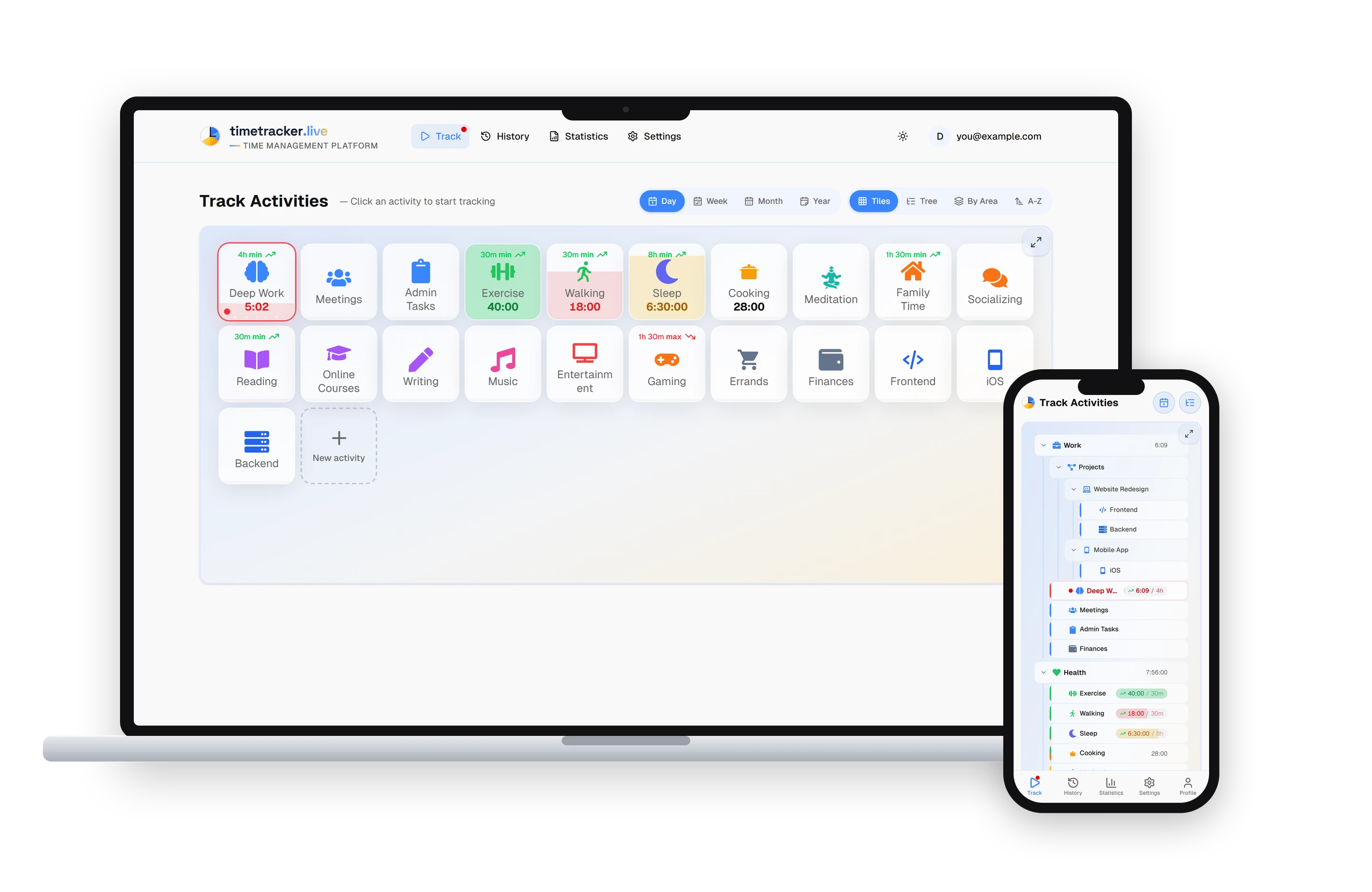
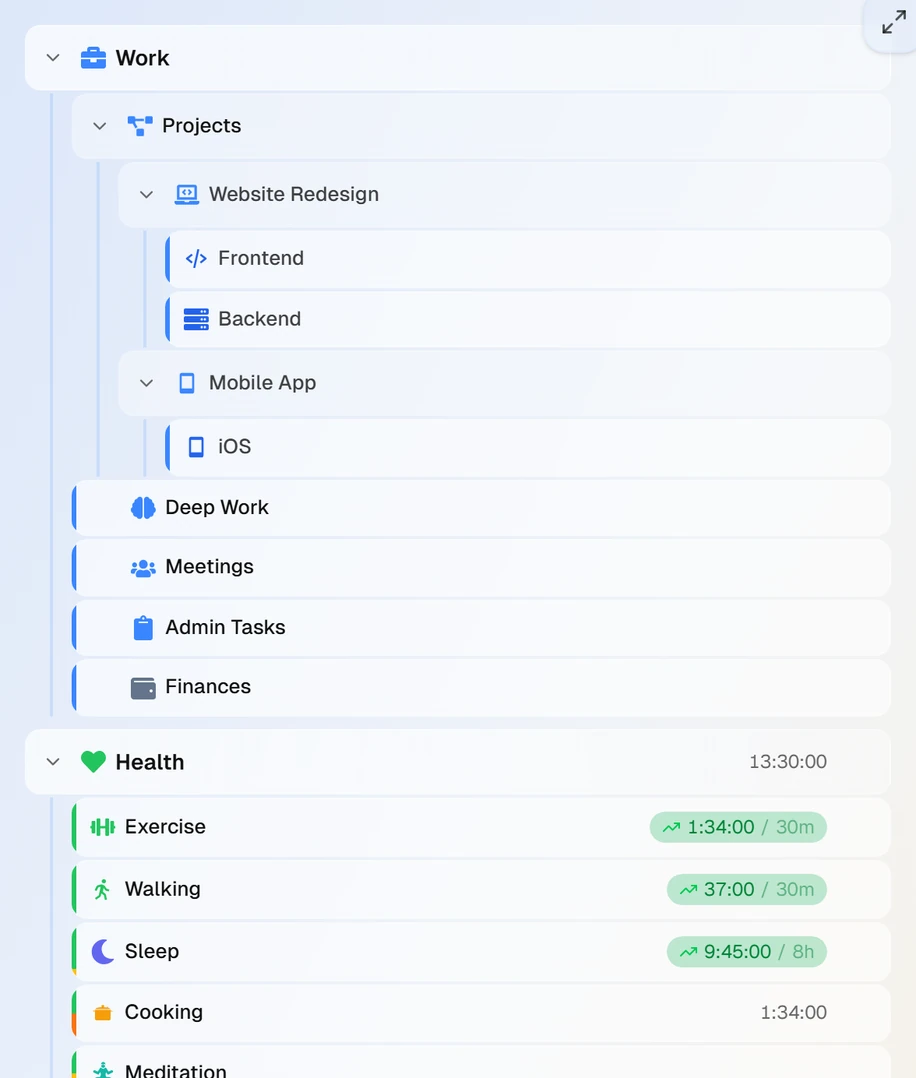
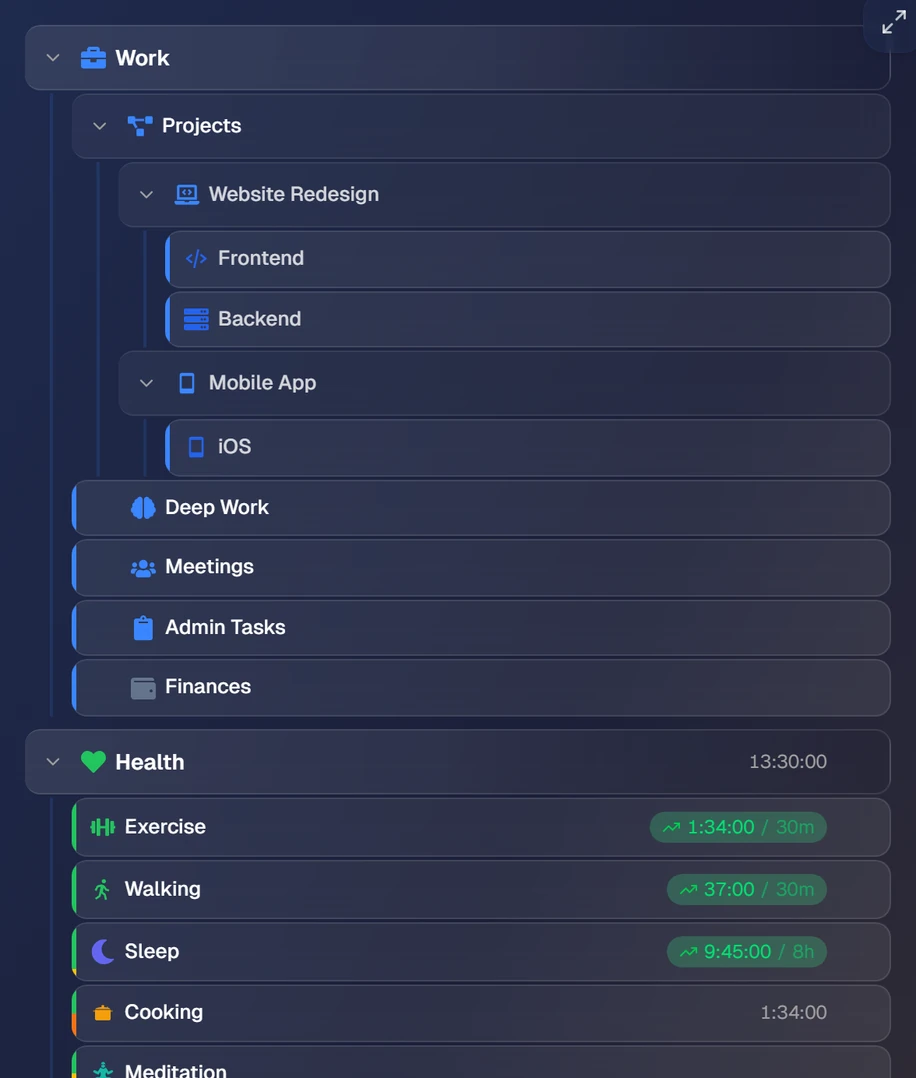
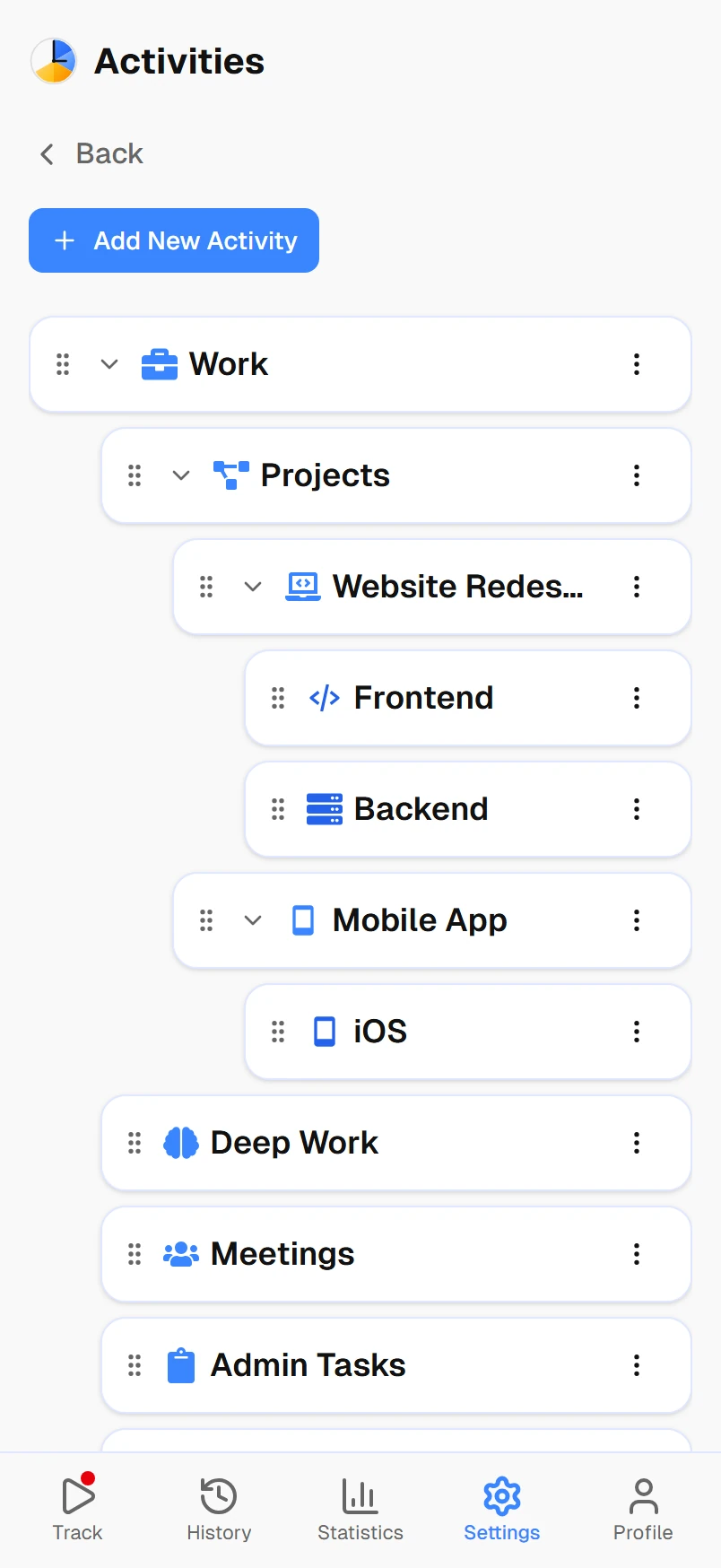
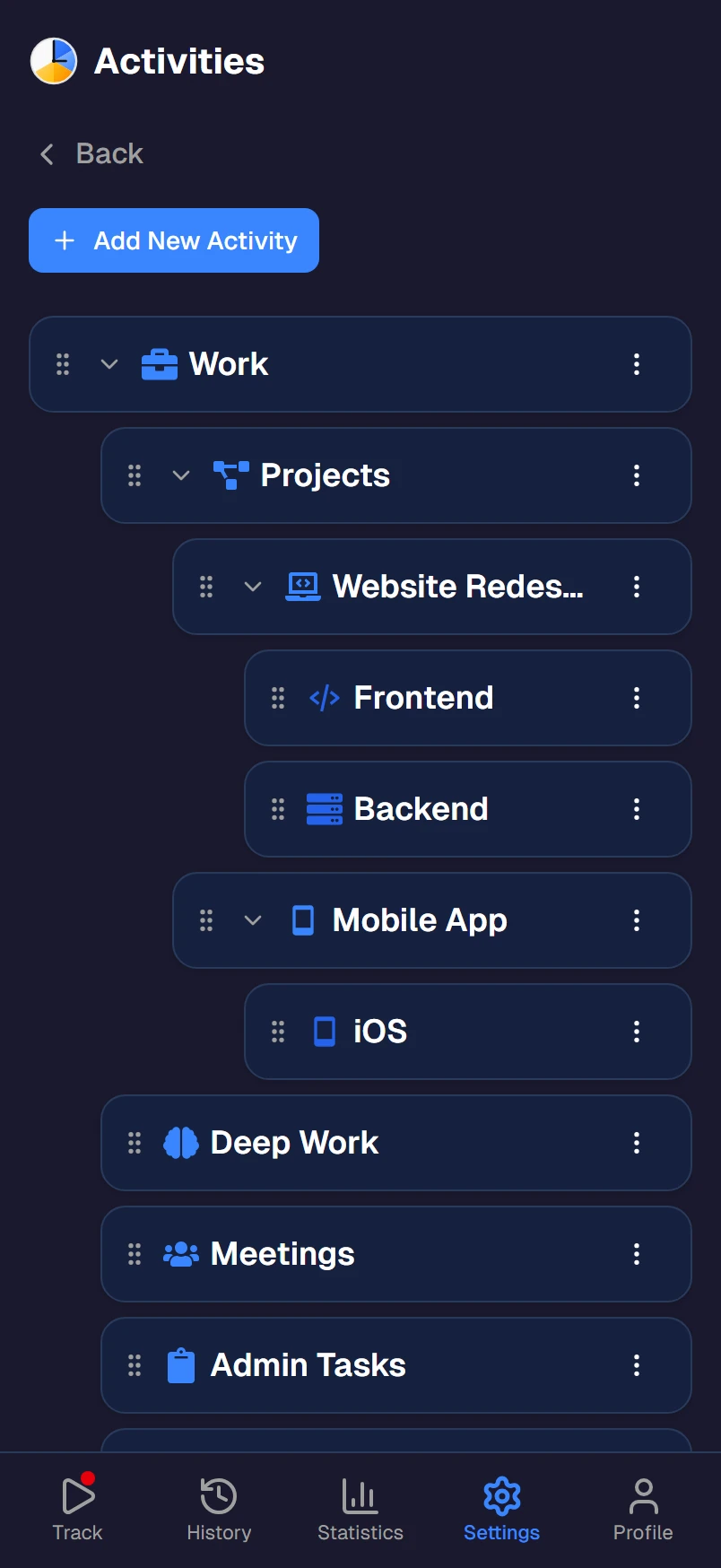
Nest activities as many levels deep as you need, like Work → Projects → Website → Frontend. Everything stays organized, even at 100+ activities.
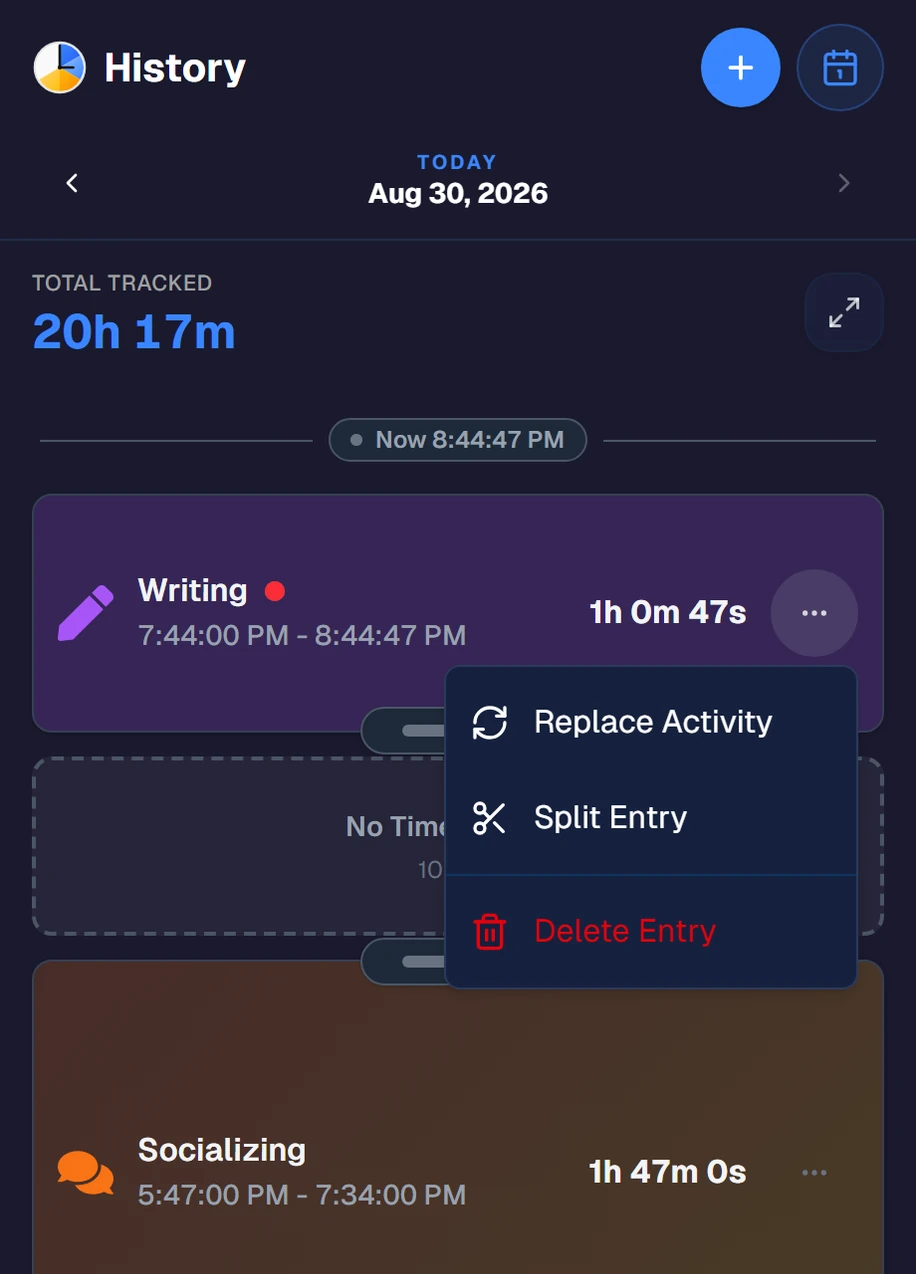
Fix mistakes in seconds
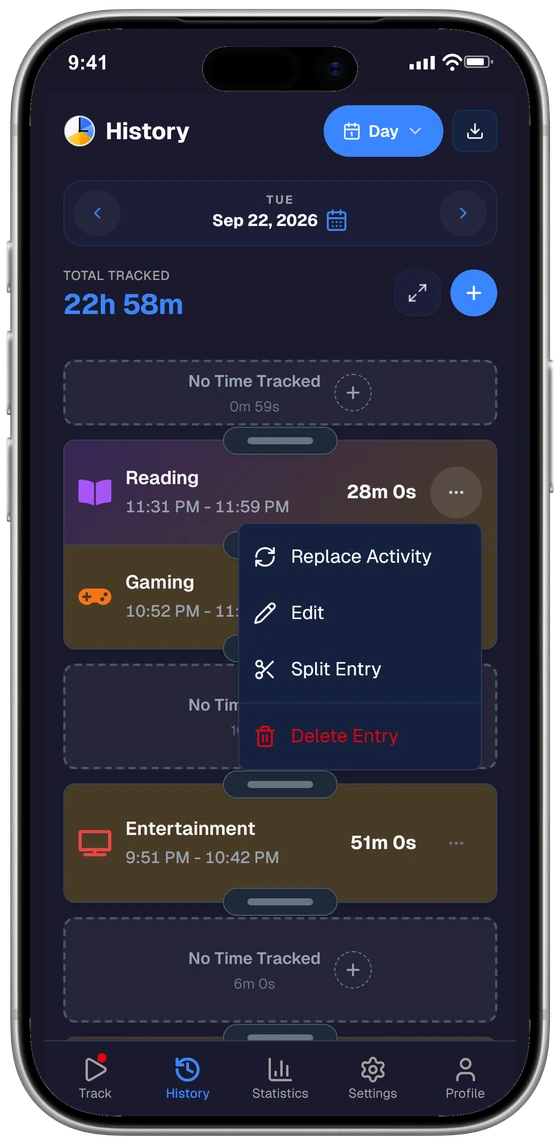
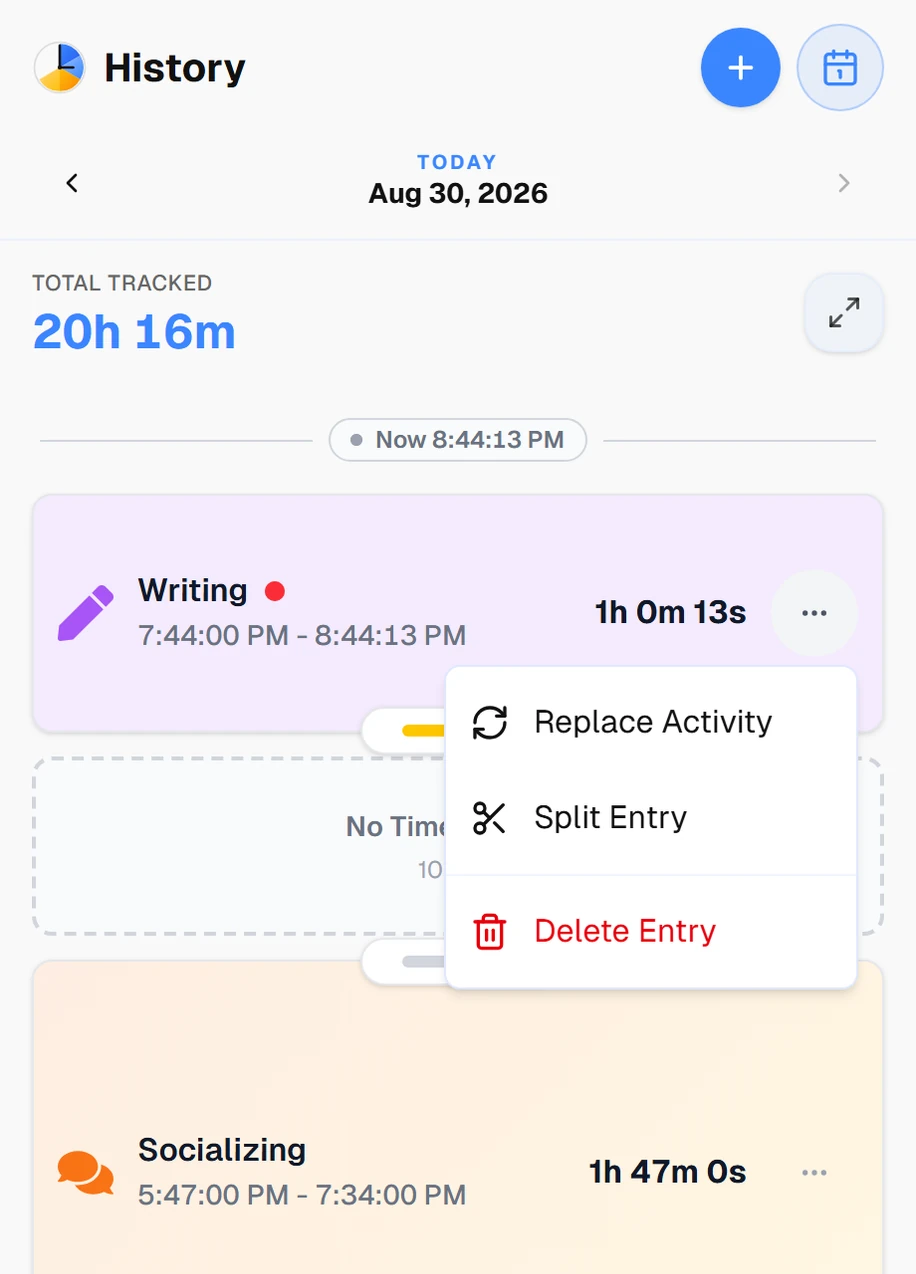
Forgot to switch the timer? Every entry is editable. Drag a boundary to adjust the time, or replace, split, or delete it in a tap. Your data stays accurate, so you keep trusting it.
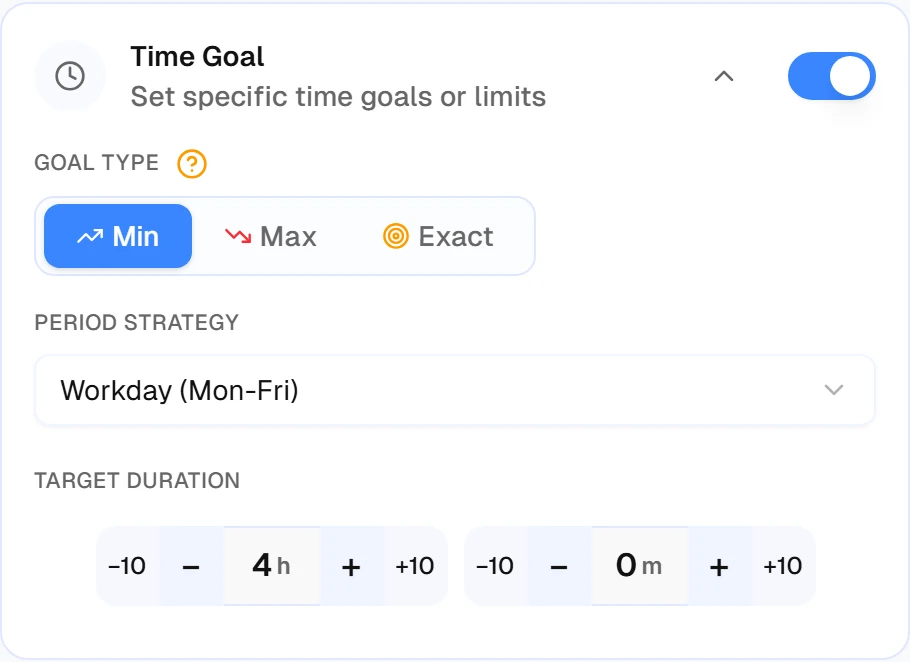
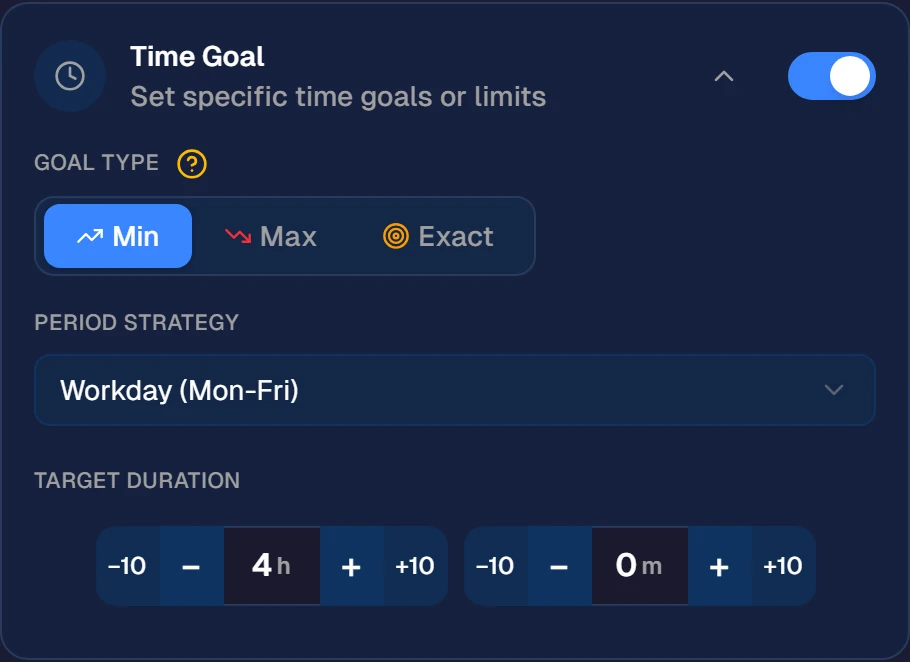
Goals you can actually track
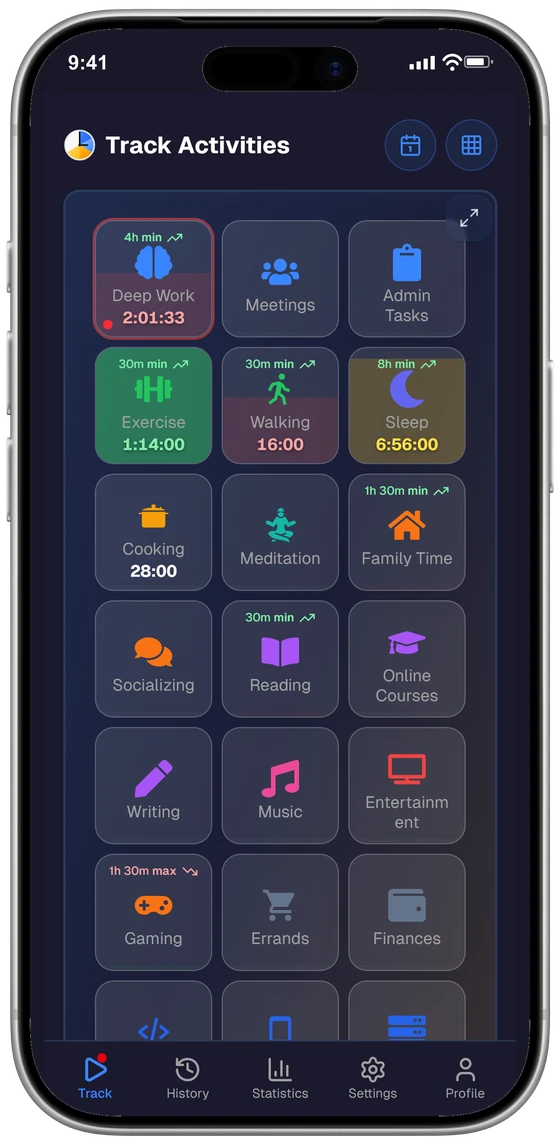
Set a minimum, maximum, or exact target for any activity. Exercise at least 5h a week, keep gaming under 1h a day, and watch your progress fill in as you track.
Pomodoro, no second app
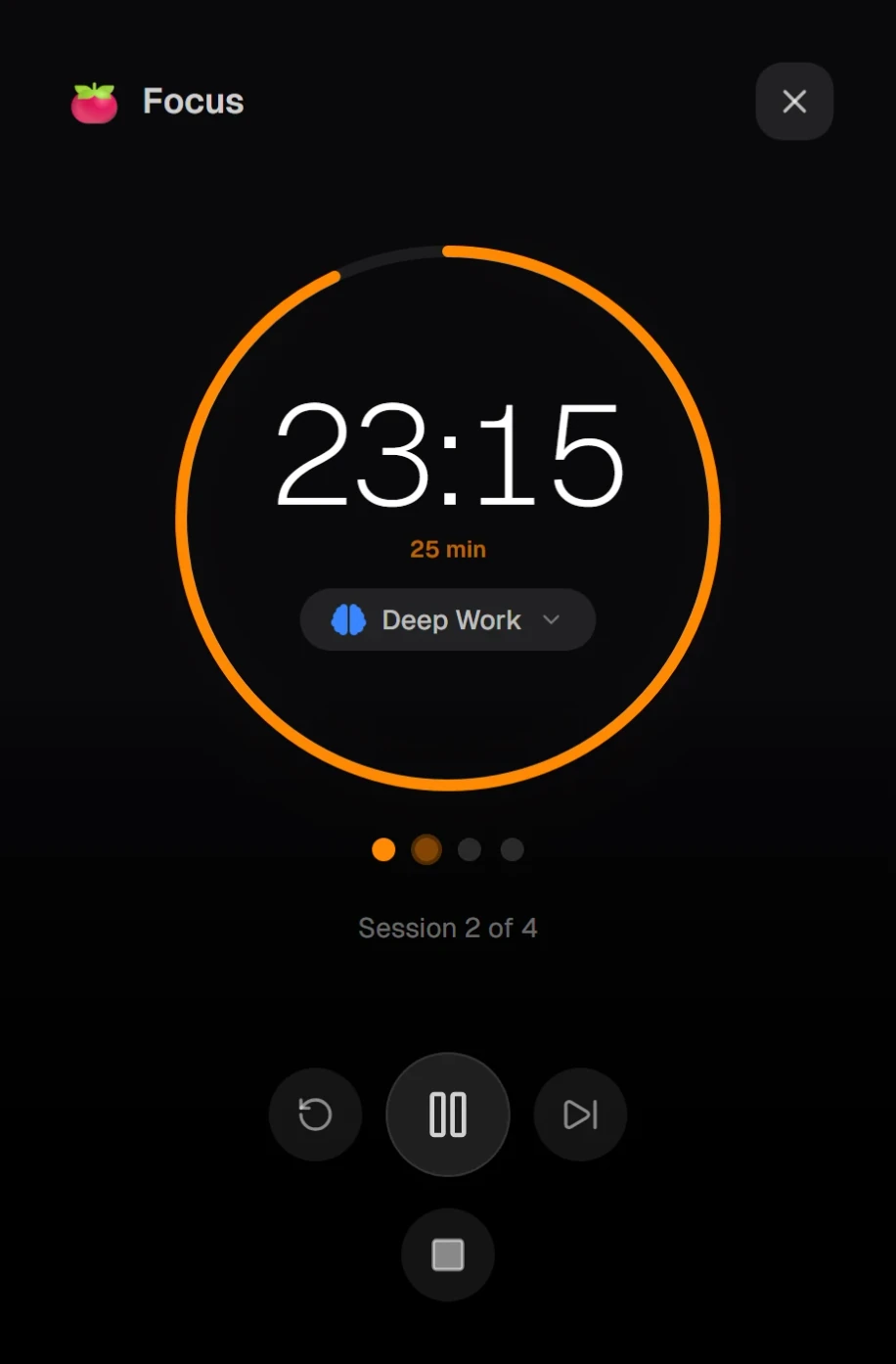
The pomodoro timer lives inside your time tracker. One activity list, one history, one tap. When focus ends it switches to your break activity, and back when the break is over.
See how Pomodoro works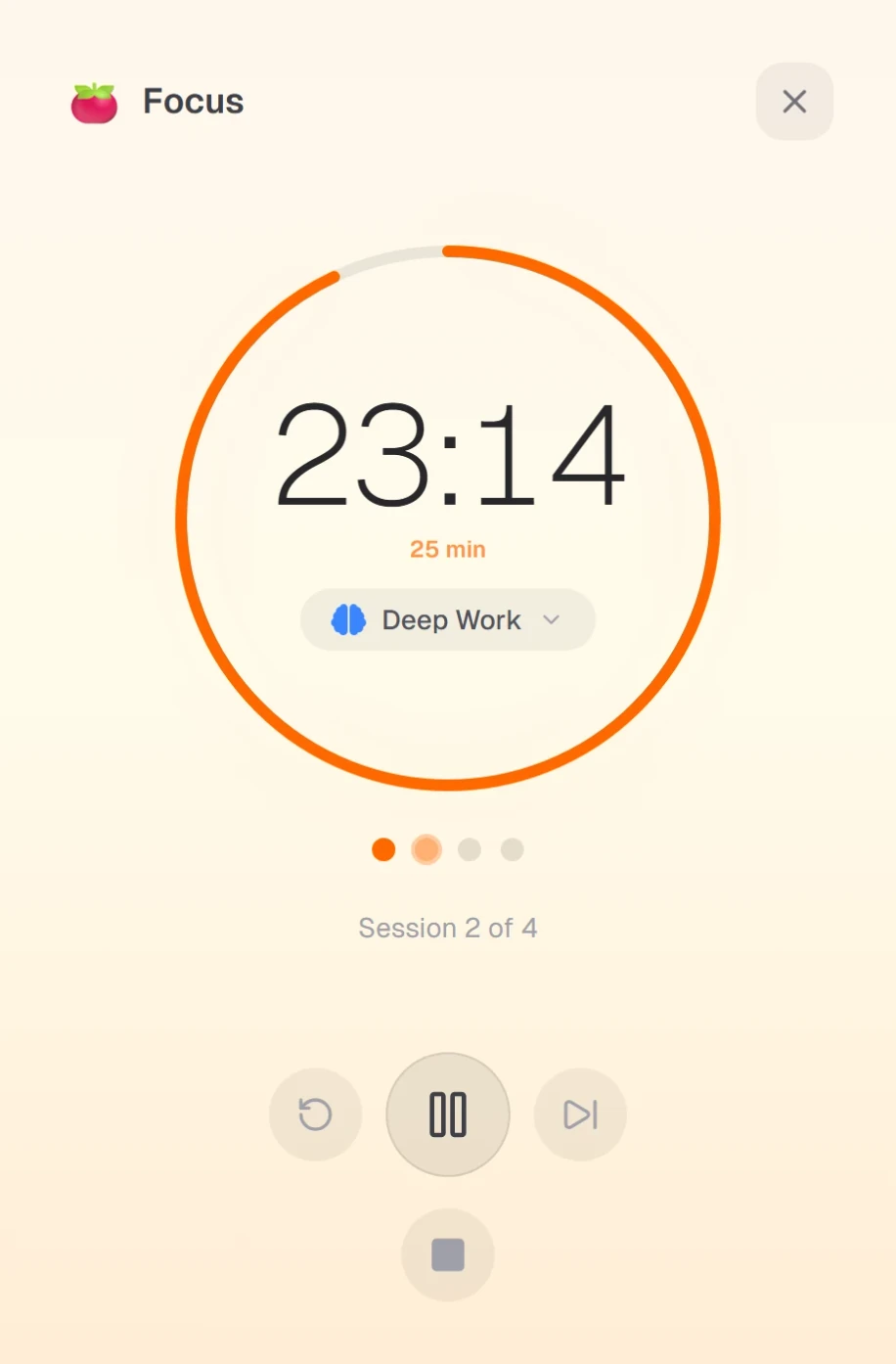
How it works
Three simple steps. Setup takes a couple of minutes.
1. Add your activities
List the things you actually do: Work, Sleep, Gym, Reading, Gaming, whatever fills your day. Add a handful or a hundred; you can always add more later.
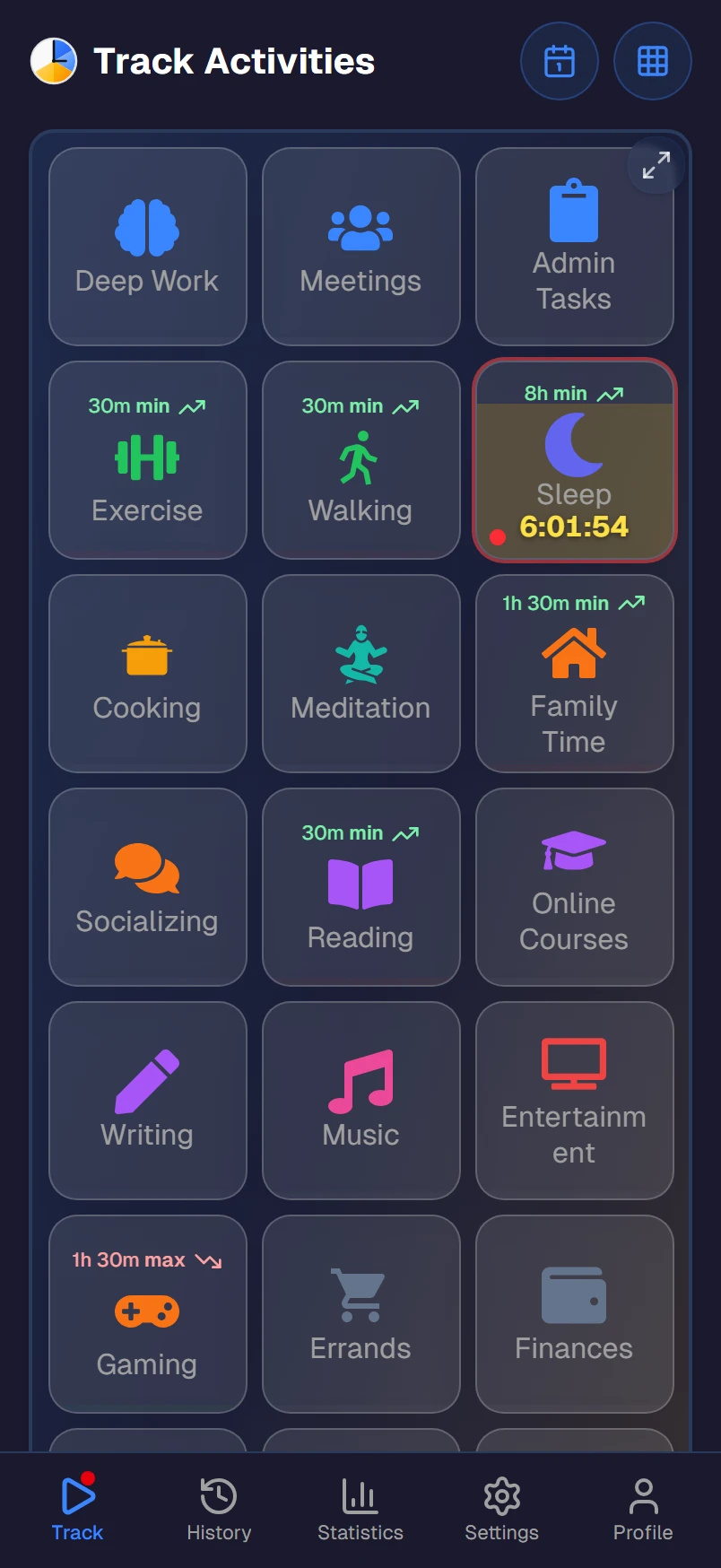
2. Tap to track
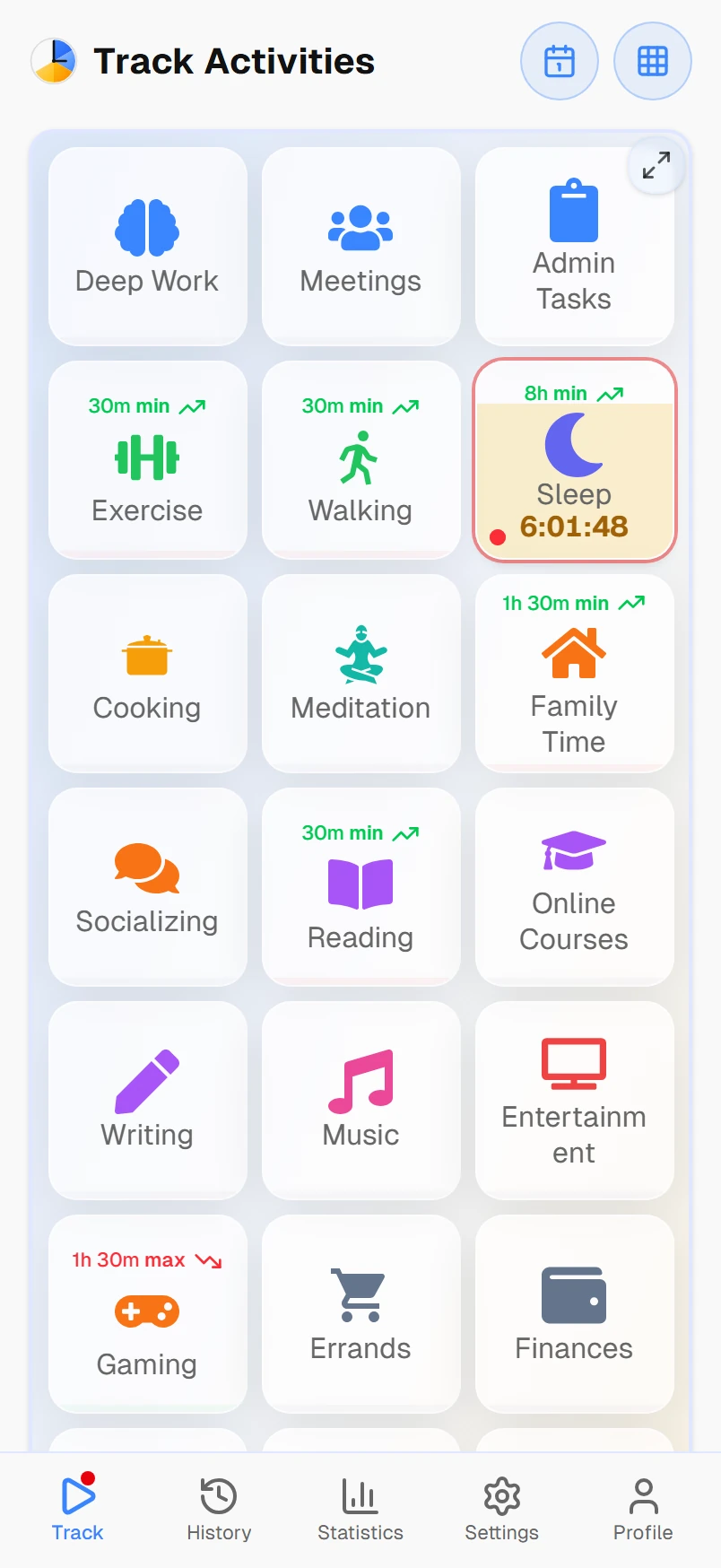
One tap starts an activity. Tap another to switch and the previous one stops on its own. You're always tracking something, so there are no gaps and nothing to remember.
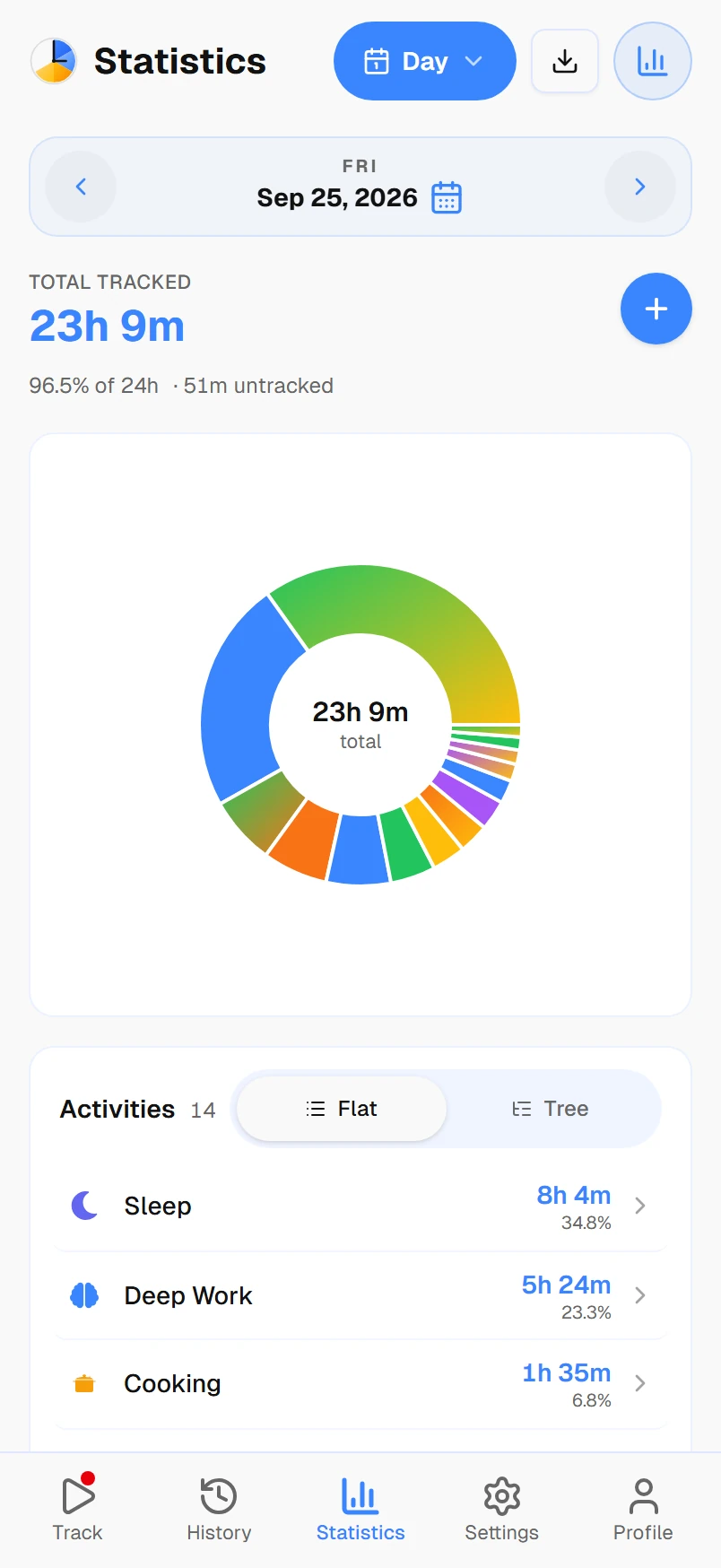
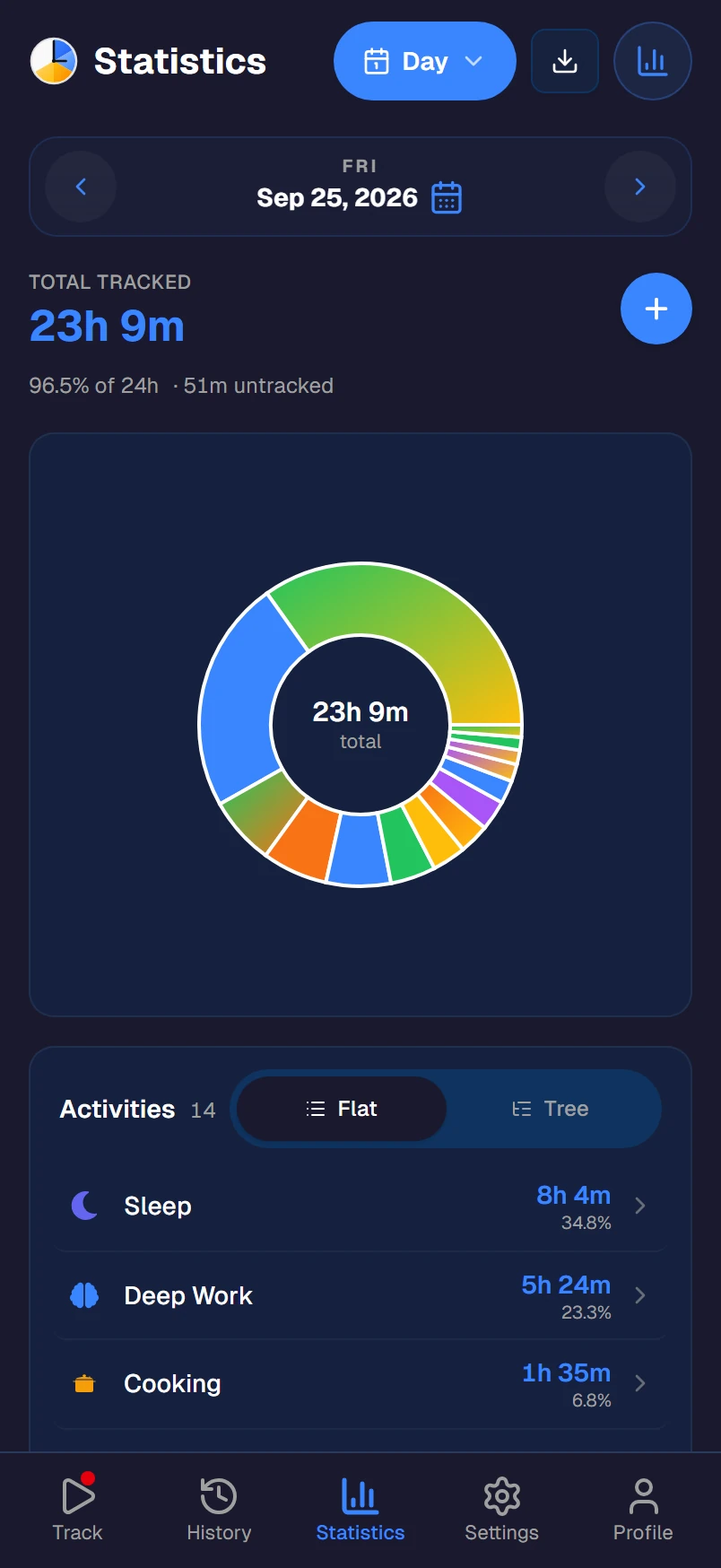
3. See where your time goes
Your dashboard turns those taps into clear breakdowns and trends, built from what you really did, not what you think you did. Start with our guide to tracking all 24 hours.
Want the bigger picture? Optionally sort activities into categories like Work, Health, or Rest, and the app shows how your week balances out. Skip it entirely if you just want the time breakdown.
What your data reveals
Two views that turn raw time into understanding.
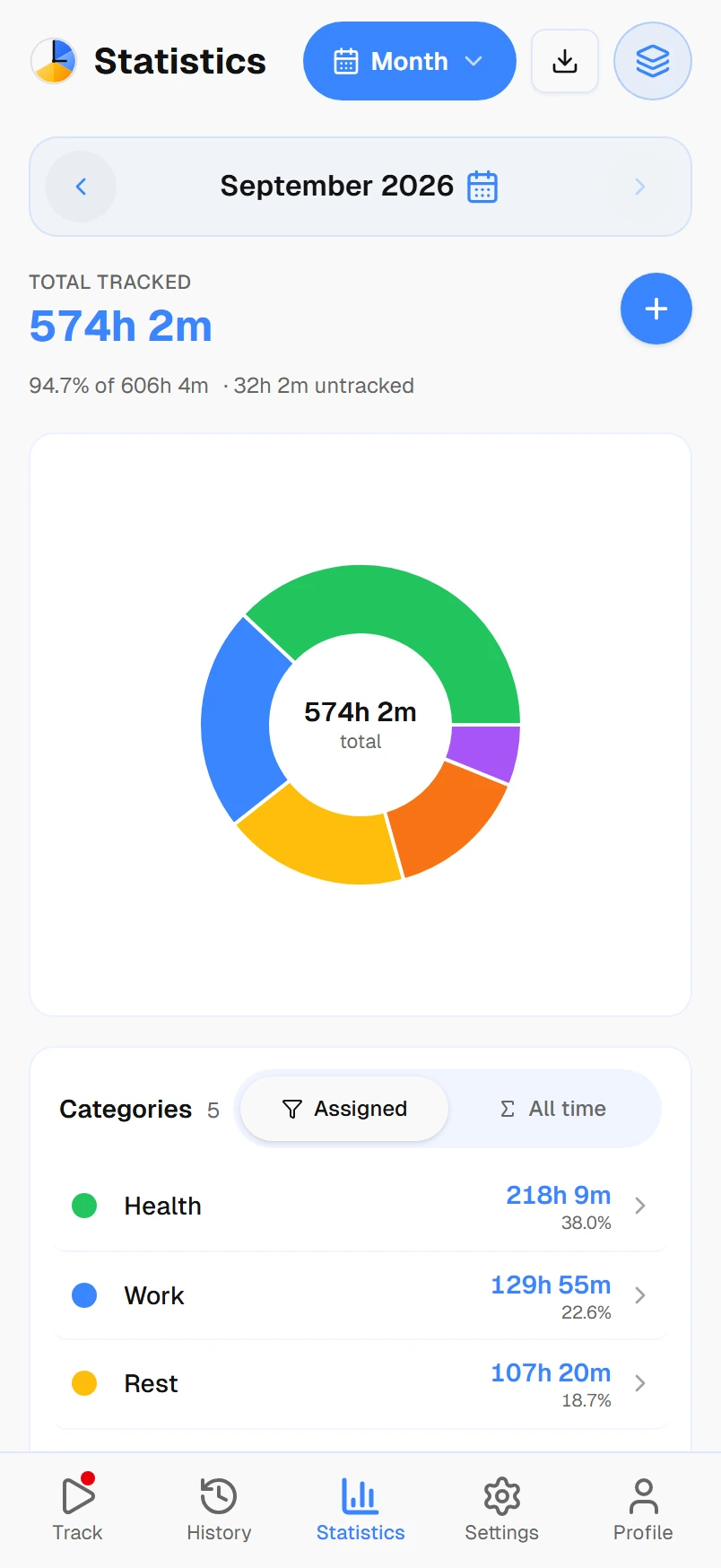
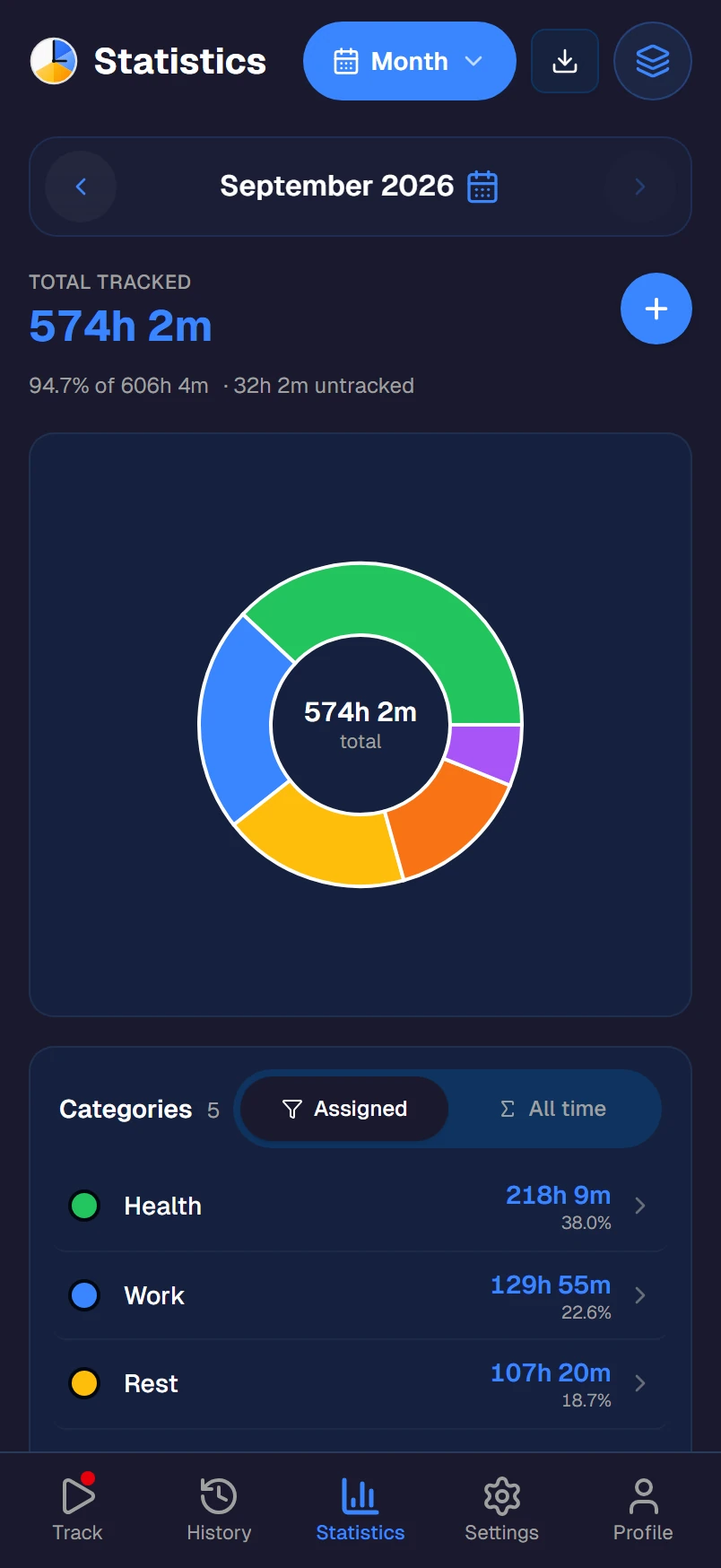
Where your time goes
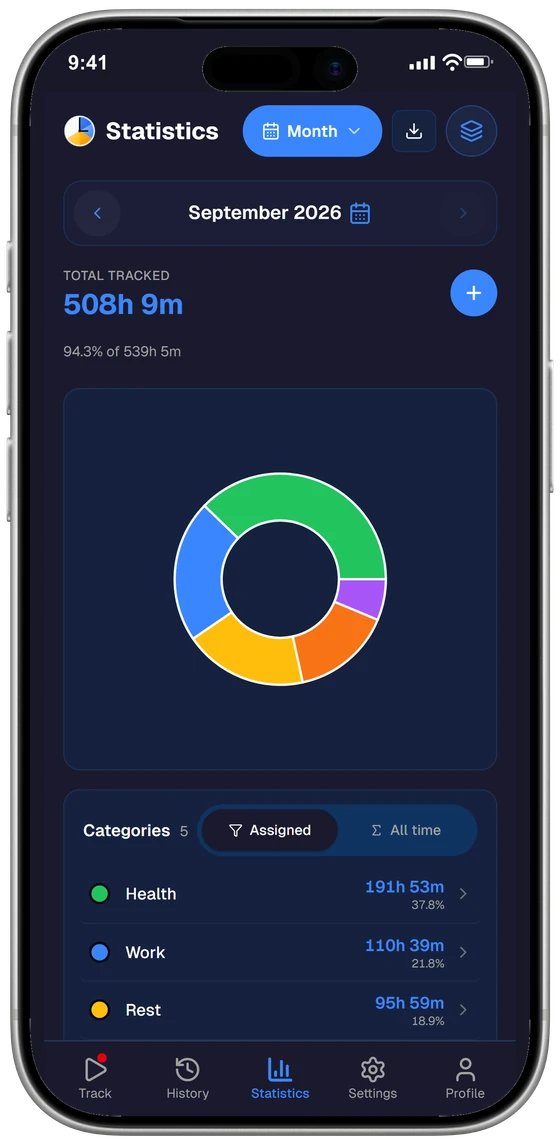
Every activity totaled for the day, week or month. Or grouped into categories like Work, Health and Rest, to see how your life balances out.
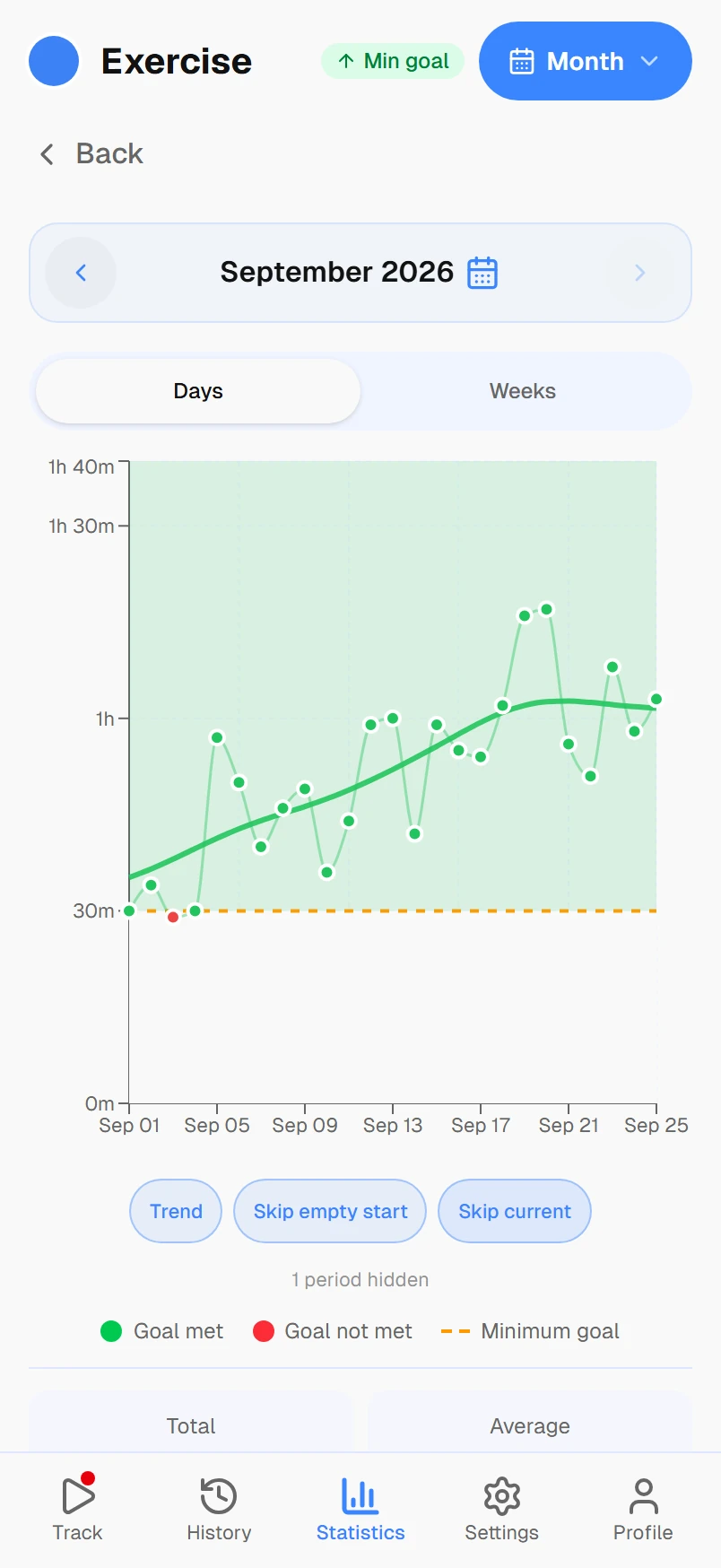
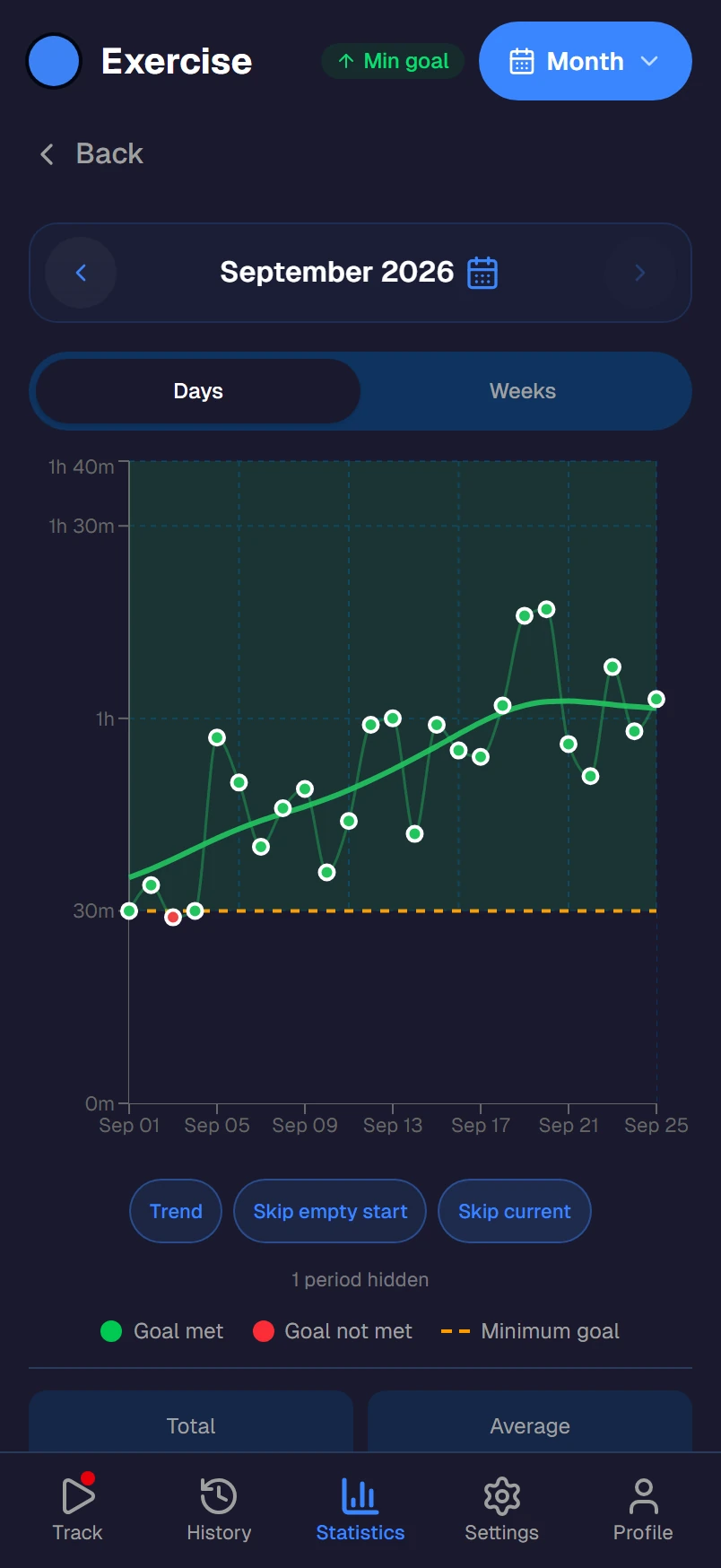
Trends over time
Single days are noisy. Trends show what's quietly growing and what's slipping away, against the goal you set.
Available on every platform
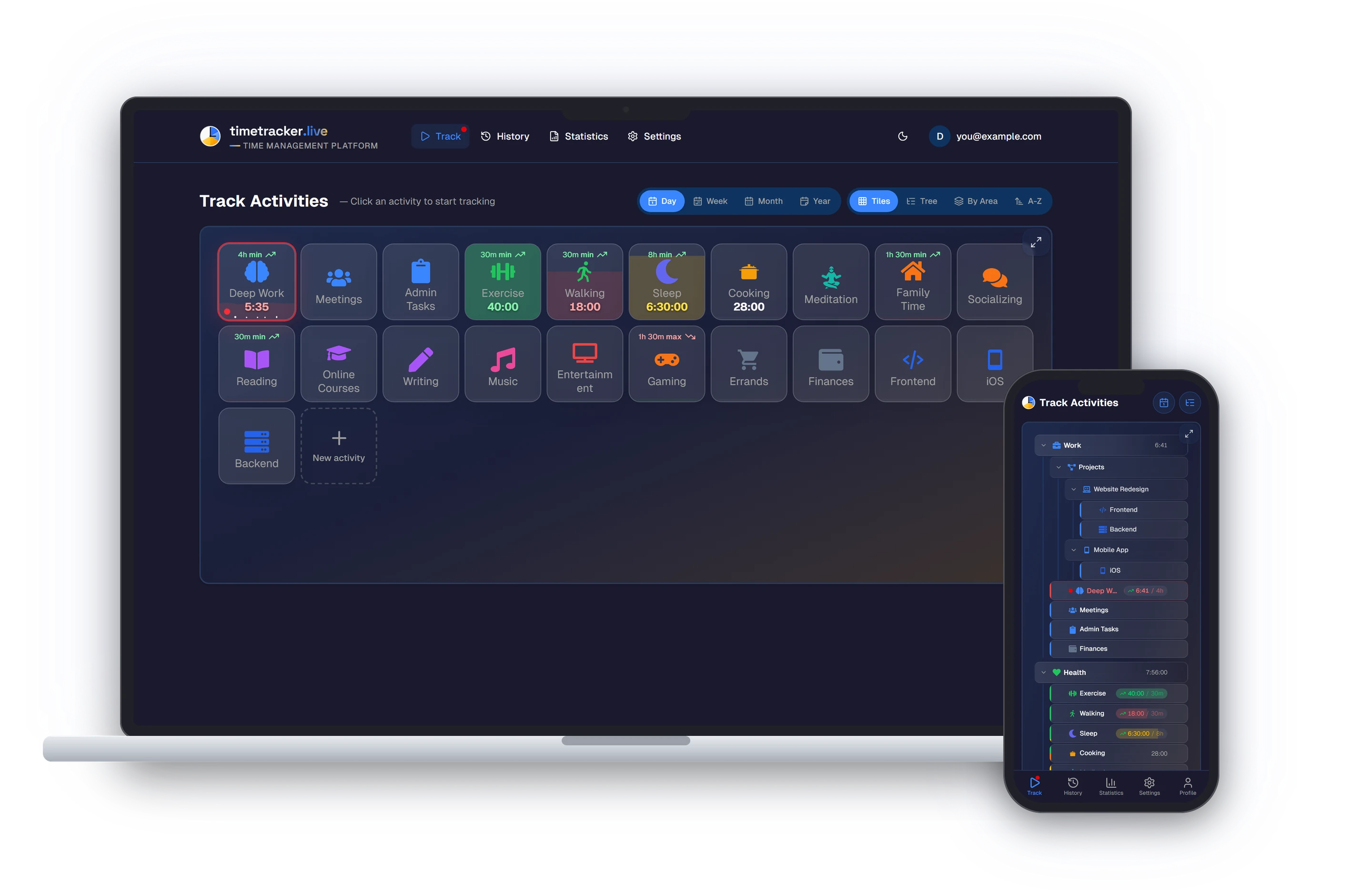
Start tracking on your phone, check stats on your laptop. One account, real-time sync, zero friction.

No judgment. No productivity pressure. No streaks.
Just an honest picture of how you spend your time.
Understanding comes first. Change, only if you want it.
Frequently asked questions
What is Timetracker?
Timetracker is a free personal time tracking app that helps you understand where all 24 hours of your day go. You add the activities you do — work, sleep, exercise, hobbies, family — and track them with one tap. It covers your whole day, not just billable work. Set time goals, and optionally group activities into categories to see where the hours actually went.
Is Timetracker really free?
Yes. Tracking is free — no ads, no per-user pricing. You get unlimited activities, categories, goals, and full reporting from day one. A paid plan adds API and AI-assistant access.
How is this different from Toggl or Clockify?
Toggl and Clockify are built for tracking billable work hours with projects, clients, and invoicing. Timetracker is built for personal time awareness — tracking your entire day across categories like Work, Health, Sleep, and Hobbies. Different tools for different goals.
What devices does it work on?
Timetracker has native apps for Android, iPhone and iPad, Windows, Mac and Linux, and it runs in any web browser. Your data syncs across all devices automatically — start a timer on your phone, check stats on your laptop.
How does the tracking work?
One-tap switching. You're always tracking something — tap a new activity and the previous one stops automatically. No start/stop buttons, no gaps in your timeline, no forgotten timers. Your day is one continuous stream of activities.
Does it have a pomodoro timer?
Yes — and it's built right into the time tracker, so you don't need a second app for focus sessions. Pick an activity, start a pomodoro, and when the focus ends the timer automatically switches to your break activity (and back when the break ends). Configurable durations, custom sounds, cross-device sync. No more juggling Forest or Pomofocus alongside your tracker.
Can I set time goals?
Yes. Set daily, weekly, or monthly goals for any activity — exercise 5 hours a week, sleep 8 hours a night, limit social media to 1 hour a day. Track your progress and build better habits over time.
Is my data private?
Your data is stored securely and is only accessible to you. We don't sell data, show ads, or share your information with third parties. See our privacy policy for details.
How long does it take to set up?
About two minutes. Add a few activities you do every day and you're tracking — you can group them into categories later if you want. No tutorials or onboarding courses needed.
Something else? Write to us.
Start building your life picture
Your data gets more valuable with every day you track.
Create Free AccountFree to use · No credit card · Works on any device