How to Track All 24 Hours of Your Day (Not Just Work)
Track your whole day with a few activities, one-tap switching and a simple daily review. Includes a 24-hour example and tips for sleep and forgotten timers.
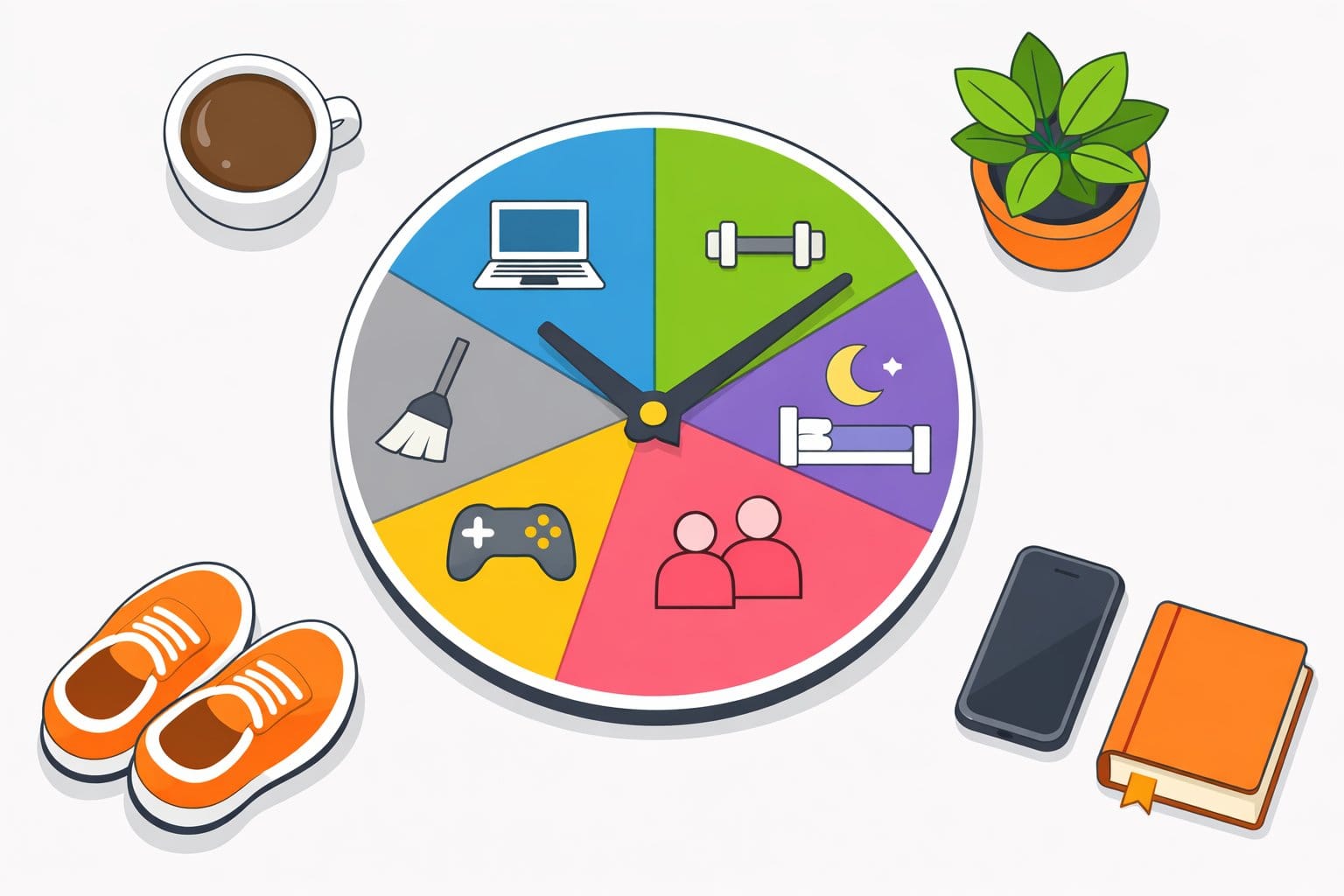
To track all 24 hours, keep one activity running and switch it whenever you move to something else. Include sleep, meals, travel and rest. Review your timeline once a day to correct anything you forgot. A handful of activities is enough to begin; you can add detail later.
The point is to see where your day goes. You don't need a productivity target or a perfectly organized activity list to learn something useful.
Start Tracking Your Day in Three Steps
- Add a few activities. Try Work or Study, Sleep, Meals, Travel, Chores and Free time. Choose names you recognize at a glance.
- Start what you're doing now. Switch to the next activity when you change tasks. In Timetracker, tapping another activity stops the previous timer automatically.
- Check the timeline tonight. Correct missed switches, then start Sleep when you go to bed. Switch again when you get up.
Start tracking in your browser. All current features are free, and you can group activities into categories later if you want a broader breakdown.
Prefer to read through the setup first? The online time tracker page explains how the browser app works across devices. Our simple time tracking guide covers the basic workflow.
An Example That Covers a Full 24 Hours
This is an illustrative day, not a recommended routine. It runs from 23:00 one evening to 23:00 the next. Your activities and durations will be different.
| Time | Activity | Duration |
|---|---|---|
| 23:00–07:00 | Sleep | 8h |
| 07:00–08:00 | Breakfast and getting ready | 1h |
| 08:00–08:30 | Travel | 30m |
| 08:30–12:00 | Work | 3h 30m |
| 12:00–13:00 | Lunch and a walk | 1h |
| 13:00–17:00 | Work | 4h |
| 17:00–17:30 | Travel | 30m |
| 17:30–18:30 | Exercise | 1h |
| 18:30–19:30 | Cooking and dinner | 1h |
| 19:30–20:00 | Chores | 30m |
| 20:00–22:00 | Family, hobbies or rest | 2h |
| 22:00–23:00 | Winding down | 1h |
| Total | 24h |
Nothing needs to be labeled productive or unproductive. The useful part is being able to account for the whole day, including the time between larger commitments. You can keep “Lunch and a walk” as one activity at first, then separate them if you want to understand each one.
Choose Activities Before Organizing Them
An activity is what you tap to track: Reading, Cooking, Studying, or whatever you're doing now. Start with broad names and split them only when you have a question the extra detail would answer.
For example, Work might eventually become Deep work, Meetings and Admin. If you're tracking study time as a student, start with Study and Classes; add individual subjects when that helps you plan your week.
You can also nest activities: Work → Coding → Website. You don't need that much detail on day one.
Categories Are Optional
Categories group activities into broader parts of your life. You might put Reading and Courses under Learning, or Running and Gym under Health. Keep using activities alone if their totals already answer your questions.
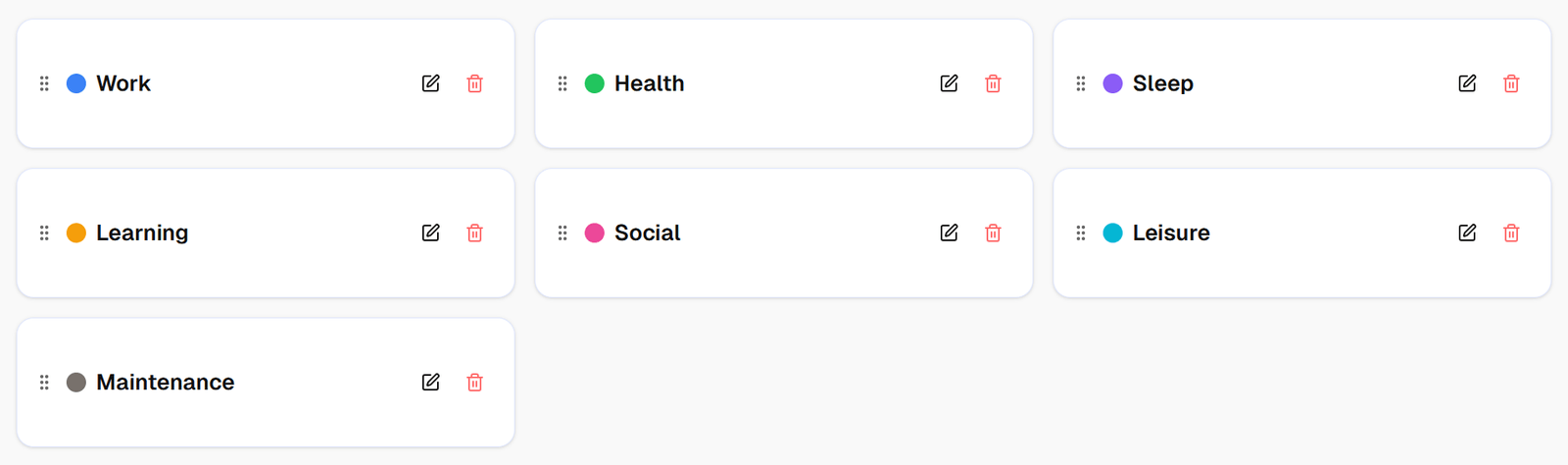
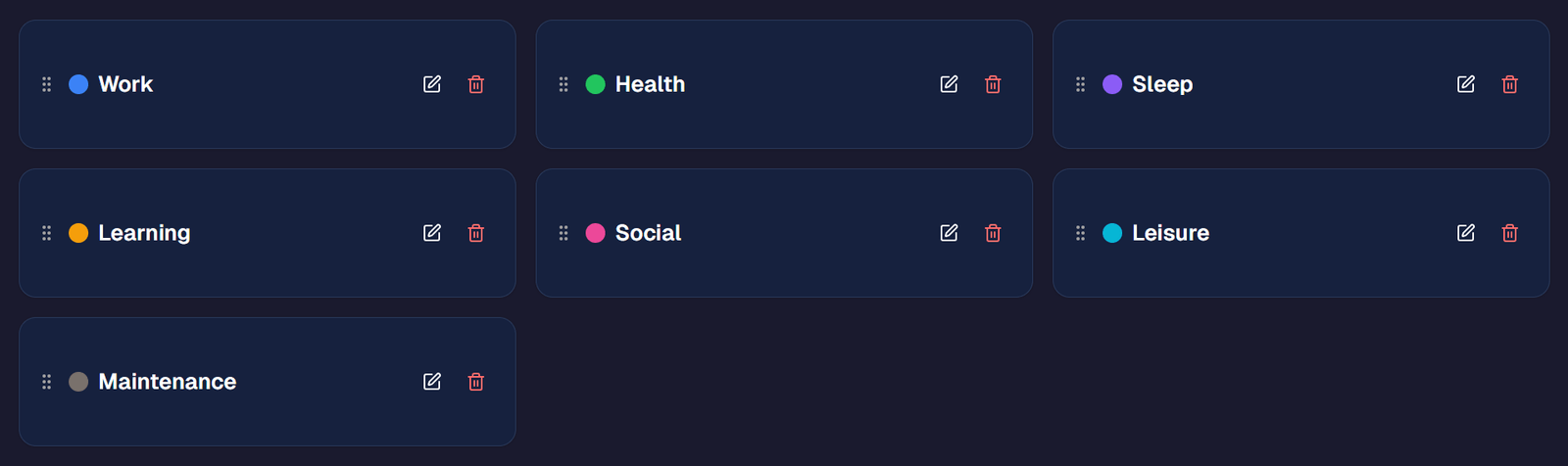
If you want to explore work-life balance, categories can help you compare how much time work, rest and other commitments receive. Add them after you have some data, using our guide to tracking your whole life for more detail.
Switch Activities as Your Day Changes
Finished breakfast? Tap Travel. Arrived at your desk? Tap Work. Leaving for lunch? Tap Meals. One switch closes the previous activity and starts the next.
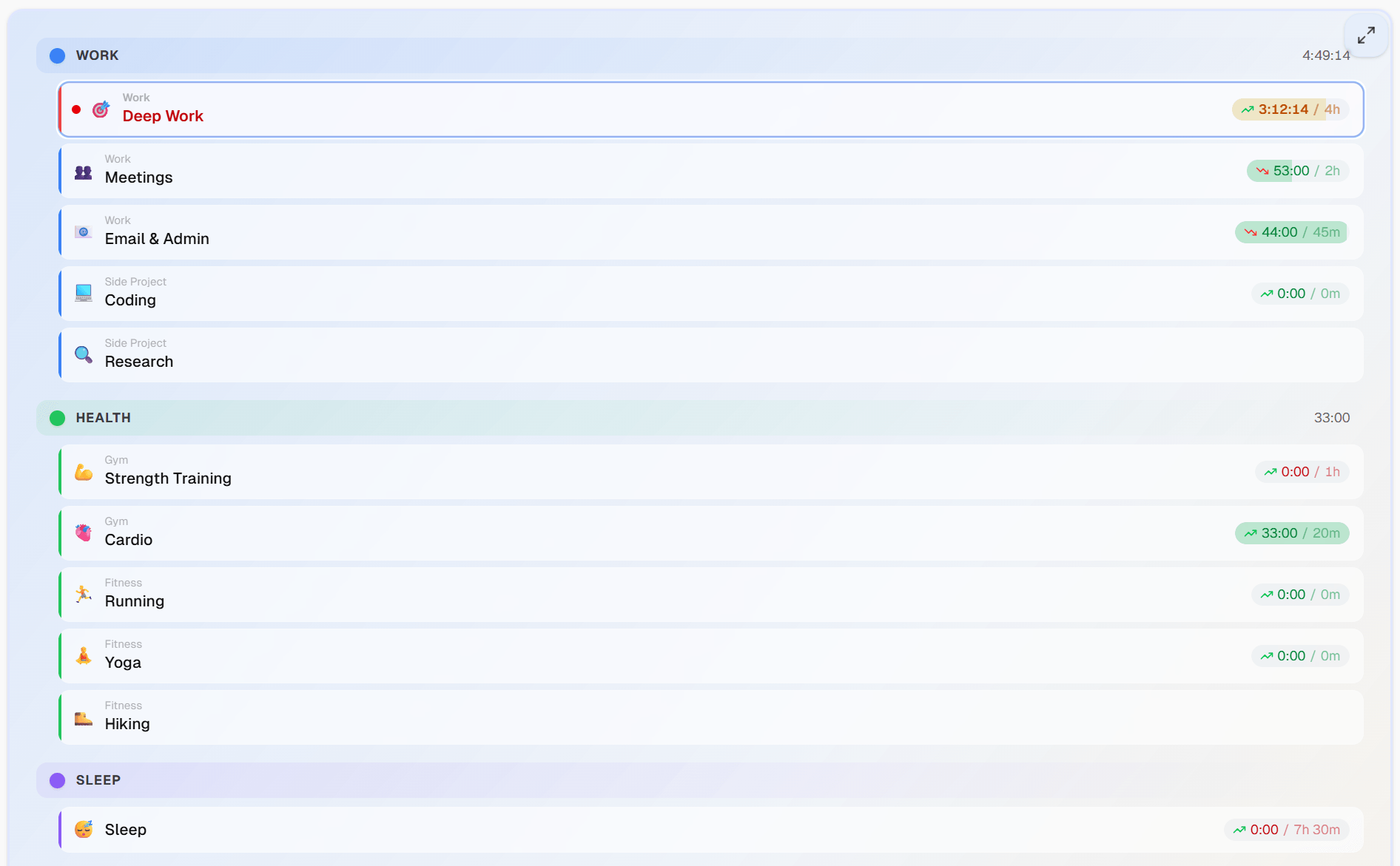
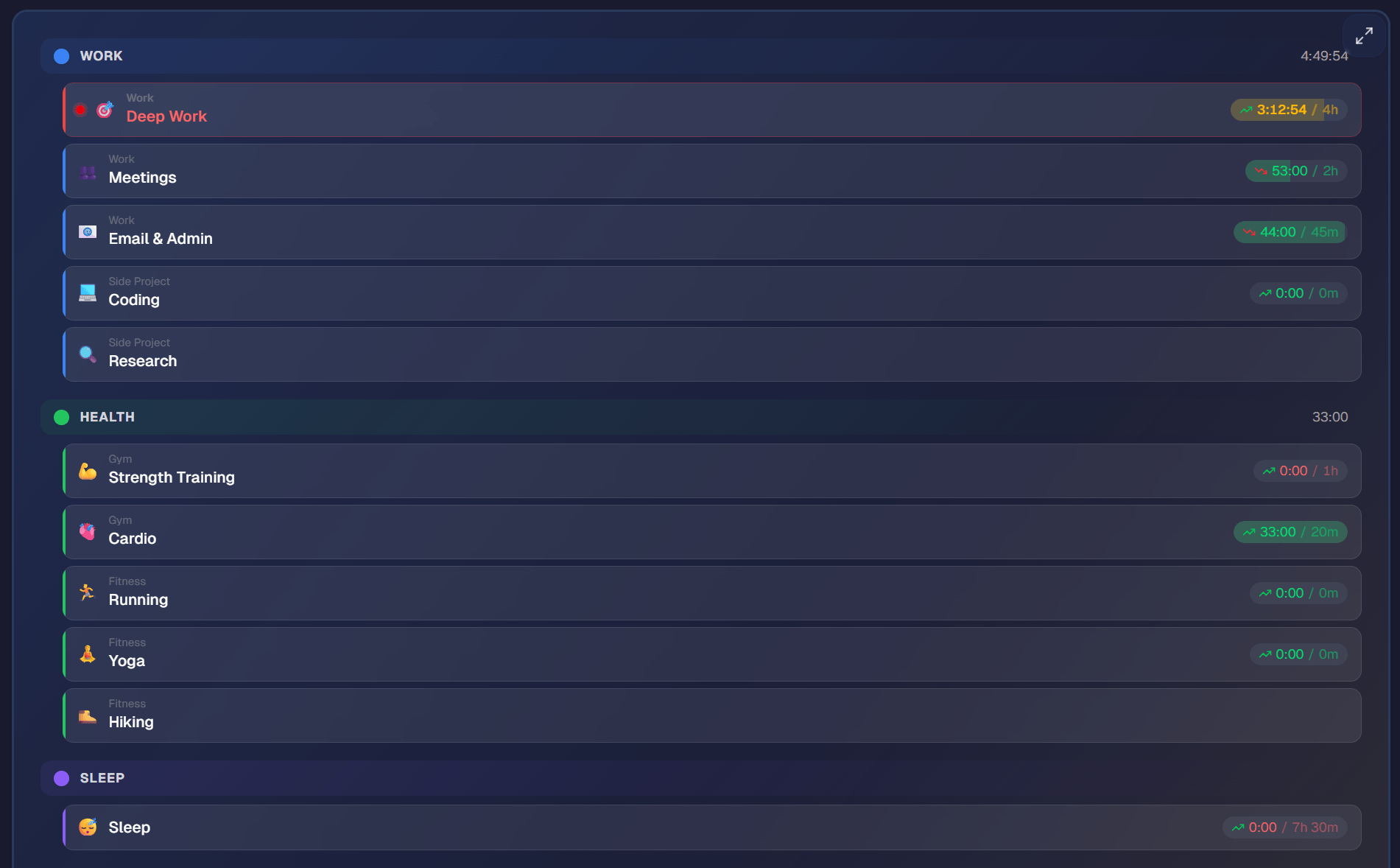
Make switching part of an existing transition, such as sitting down at your desk or putting your phone on its charger. You don't need an alarm interrupting you every few minutes.
What If You Forget to Switch?
Correct the entry when you notice. If lunch began at 12:30 but you switched at 13:00, adjust the boundary to 12:30. If an entire activity is missing, use the timeline's editing tools to replace or split the affected time.
Use a reasonable estimate when you can't remember the exact minute. The goal is a useful record you can keep maintaining. A missed switch doesn't mean you need to abandon the day.
Include Sleep and Time Away From Screens
Start Sleep when you settle down for the night and switch to your first morning activity when you get up. If you forgot, correct the overnight entry in the morning. This records the time you assigned to sleep, not a measurement of when you actually fell asleep or your sleep quality.
The same principle works for exercise, cooking, walks and time with family. Switch from your phone when you leave your computer. Recording these activities is what makes a full-day view useful: a record of computer use alone leaves them unexplained.
Review Your Day, Then Look for Patterns
At the end of the day, check for unusually long entries and anything you remember doing that isn't there. Once the timeline looks reasonable, leave it alone.
After a week or two, look at your daily and weekly breakdowns:
- How much time goes to travel, chores and getting ready?
- Is your free time in long stretches or short gaps?
- How do workdays differ from days off?
- Does an activity you care about get the time you expected?
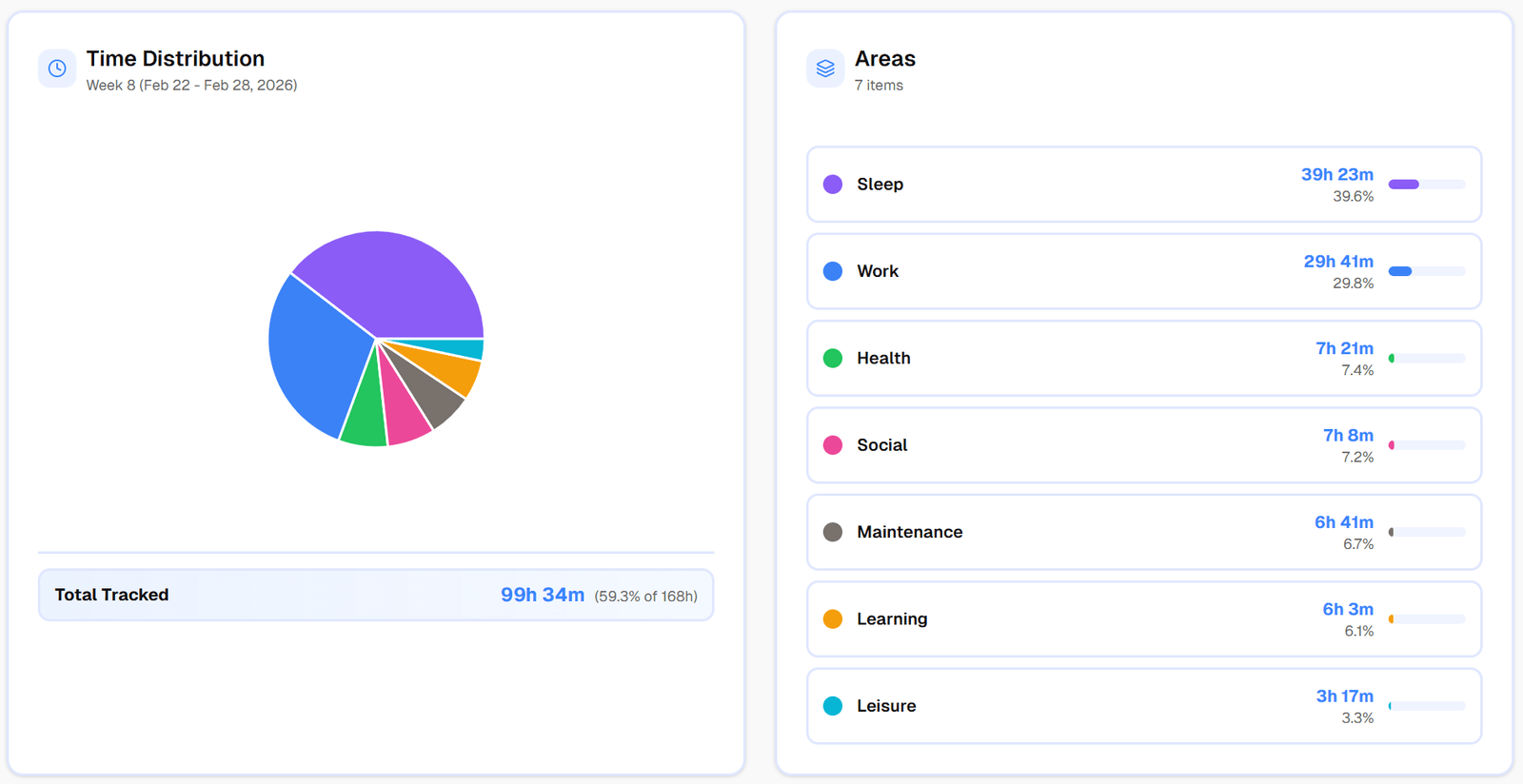
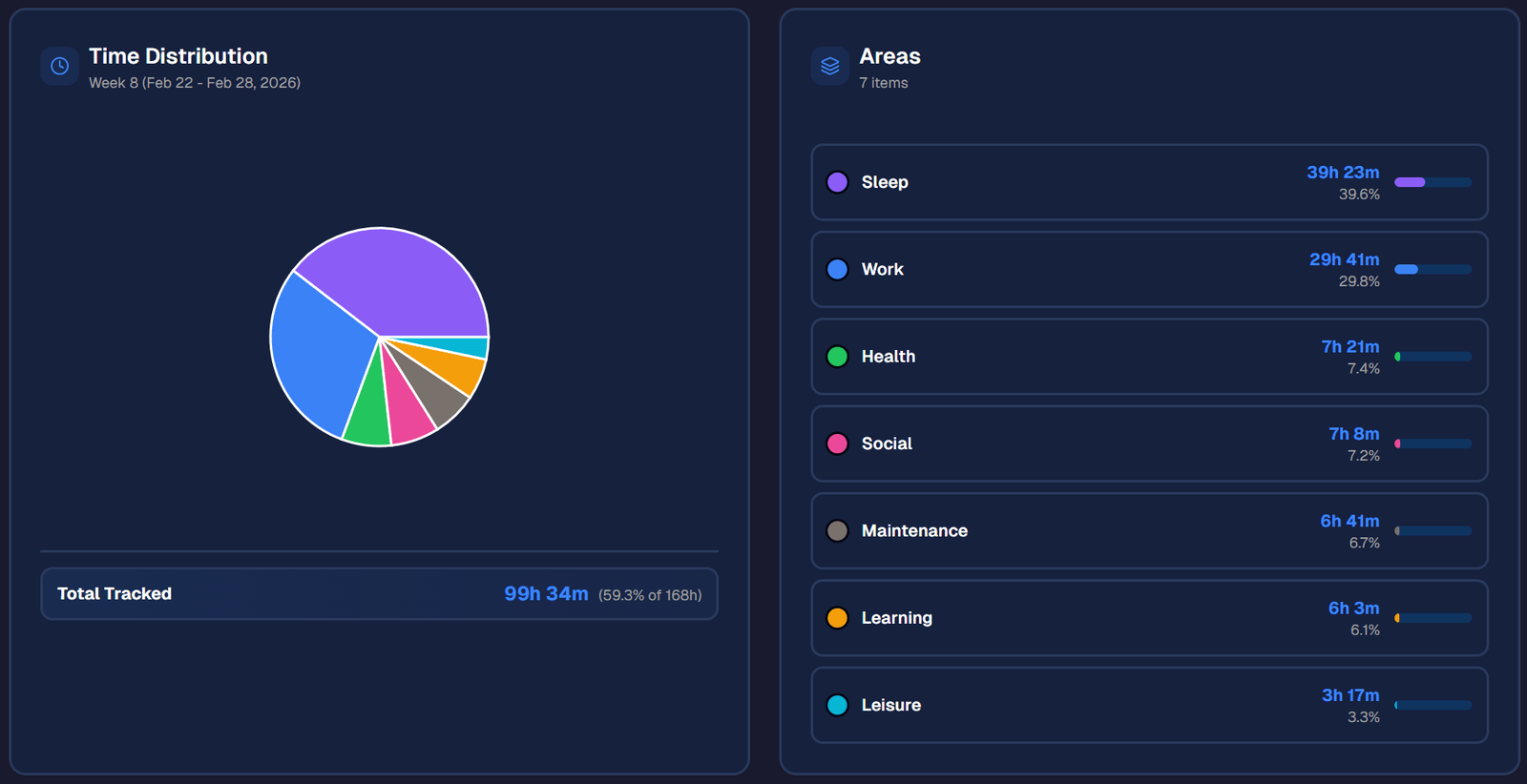
You may find something to change, or you may simply understand a busy week better. The data doesn't have to lead to a new target.
Set Time Goals If They Help
Once you know your starting point, you can set a time goal for an activity. For example, try a minimum of two hours of Reading each week, or a maximum of one hour of Gaming each day. Pick a target that fits your circumstances and review it as you go.
Goals belong to activities. Categories are optional groupings, so you don't need to set them up to use a goal.
Common Questions About Full-Day Tracking
Do I Have to Track Every Tiny Task?
No. Keep small interruptions inside the activity they're part of unless you specifically want to study them. A quick glass of water during Work doesn't need its own entry. If interruptions become the question you're trying to answer, add detail then.
What If I'm Doing Two Things at Once?
Choose the activity that best describes how you want to account for that time. For example, an hour of cooking while listening to a podcast can stay Cooking. Use the same approach consistently so comparisons between days remain useful.
Do I Need to Track Forever?
No. You can run a time audit for a limited period, answer your question and stop. If ongoing tracking remains useful, keep it simple enough to fit your day.
Start With the Activity You're Doing Now
Create a free account, add a few activities and start one. Include sleep tonight and check for missed switches tomorrow. You can add categories, more detail or goals when there's a question you want them to answer.
Related articles
How to Do a Time Audit You'll Actually Finish
Most time audits die on day three, killed by the alarm-and-notebook method. Here's a two-week version that survives contact with a real life, plus the categories to use and what to look for at the end.
I Used Toggl for Two Years to Track My Life. Here's Why I Stopped.
Toggl is the best work time tracker on the market. It's also the wrong tool for tracking your life. Here's what I learned after two years of trying to force it.