How to Track Your Whole Life, Not Just Work
Where does your time actually go? Learn how to track your whole day — work, health, hobbies, family — with a free personal time tracker. Step-by-step guide.


Most time tracking apps are built for one thing: billing clients. They're great if you're a freelancer counting hours, but completely useless if you want to answer a deeper question: where does my life actually go?
Think about it. You spend roughly 16 waking hours every day. Work takes maybe 8 of those. What about the other 8? What about weekends? What about the time that quietly vanishes into scrolling, commuting, or "just resting for a bit"?
That's the gap 24-hour time tracking fills. A personal time tracker that covers your whole day — not just billable hours — gives you a complete picture of where your life actually goes.
Why Track More Than Work?
When people first hear "track your whole life," the reaction is usually: "That sounds exhausting." But it's actually the opposite. Here's why:
1. You Can't Improve What You Don't Measure
Everyone knows they "should exercise more" or "should spend more time with family." But how much time do you actually spend on those things? Most people have no idea. Tracking gives you real numbers instead of vague guilt.
2. It Reveals Hidden Time Sinks
You might think you spend 30 minutes on social media per day. The real number is often 2-3x that. Tracking makes the invisible visible.
3. It Helps You Set Realistic Goals
Want to learn guitar? You need to find 30 minutes a day somewhere. Tracking shows you exactly where that time can come from — and whether your goals are realistic given your current schedule.
How to Set Up Whole-Life Tracking
The key is to keep it simple. Don't try to track every minute of every day from the start. Here's a practical approach:
Step 1: Define Your Categories
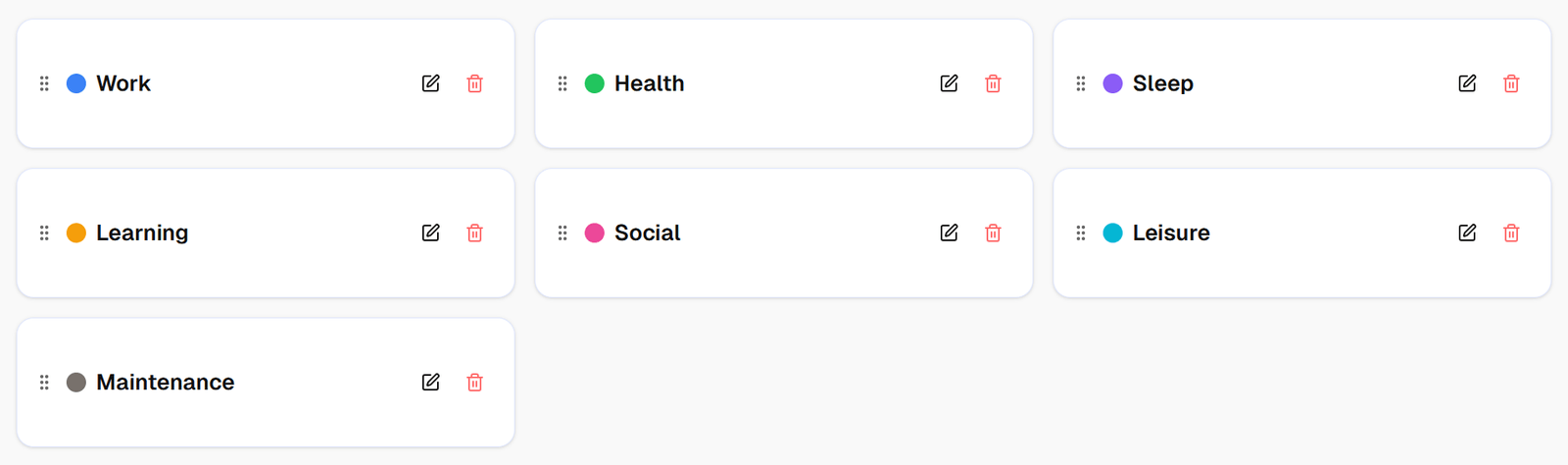
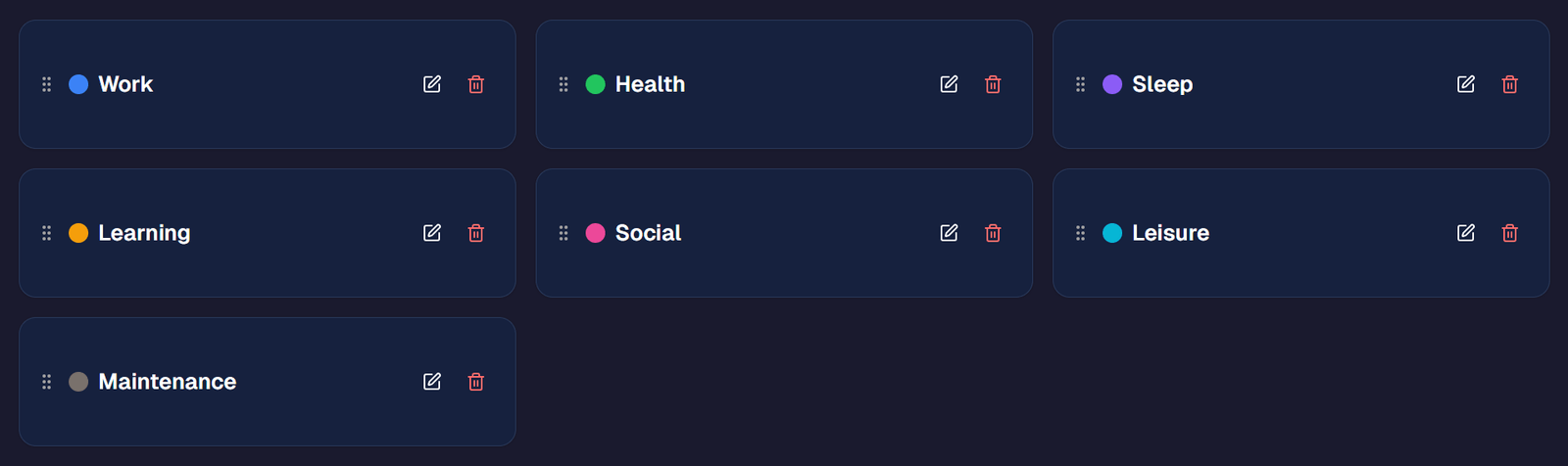
Start with 5-7 broad categories that cover everything:
- Work — your job, career development, side projects
- Health — exercise, cooking, medical appointments
- Sleep — yes, track this too
- Learning — reading, courses, skill development
- Social — family time, friends, dates
- Leisure — hobbies, entertainment, relaxation
- Maintenance — chores, errands, commuting
Step 2: Create Activities Within Each Category
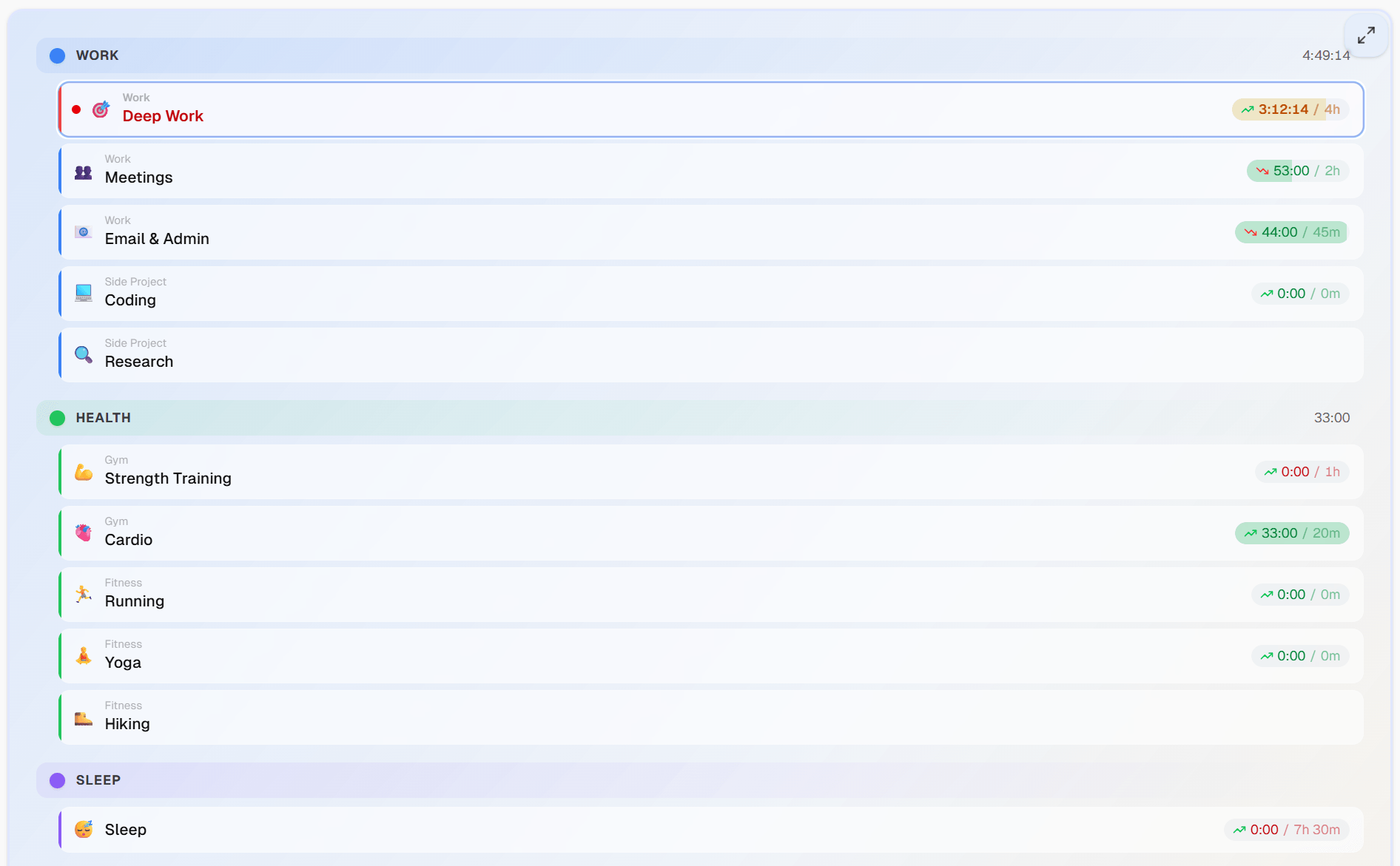
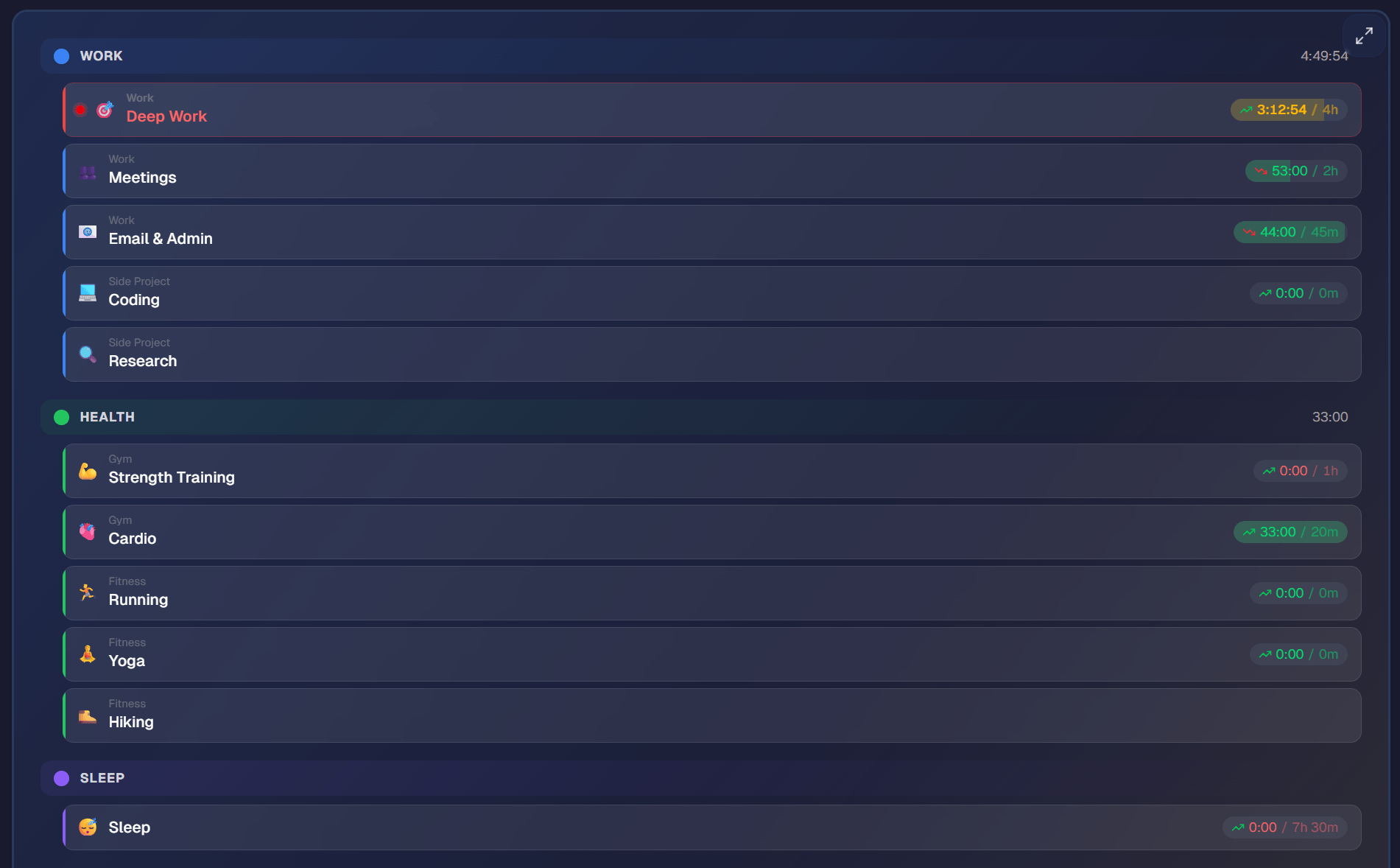
Under "Health," you might have: gym, running, yoga, meal prep. Under "Work": deep work, meetings, email, admin tasks. You can organize these as nested activities — a tree structure that keeps tracking simple but gives you rich analysis. Keep it granular enough to be useful, but not so detailed that tracking becomes a chore.
Step 3: Track in Real-Time
The most accurate method is to start a timer when you switch activities. This sounds tedious, but it quickly becomes a habit — like locking your phone when you put it down. Most people find it takes less than 5 seconds per switch.
Step 4: Review Weekly
Set aside 10 minutes each Sunday to review your week. Look at:
- How much time went to each category?
- Did any category get significantly more or less time than you expected?
- Are you making progress toward your goals?
What You'll Discover After Tracking Your Whole Day
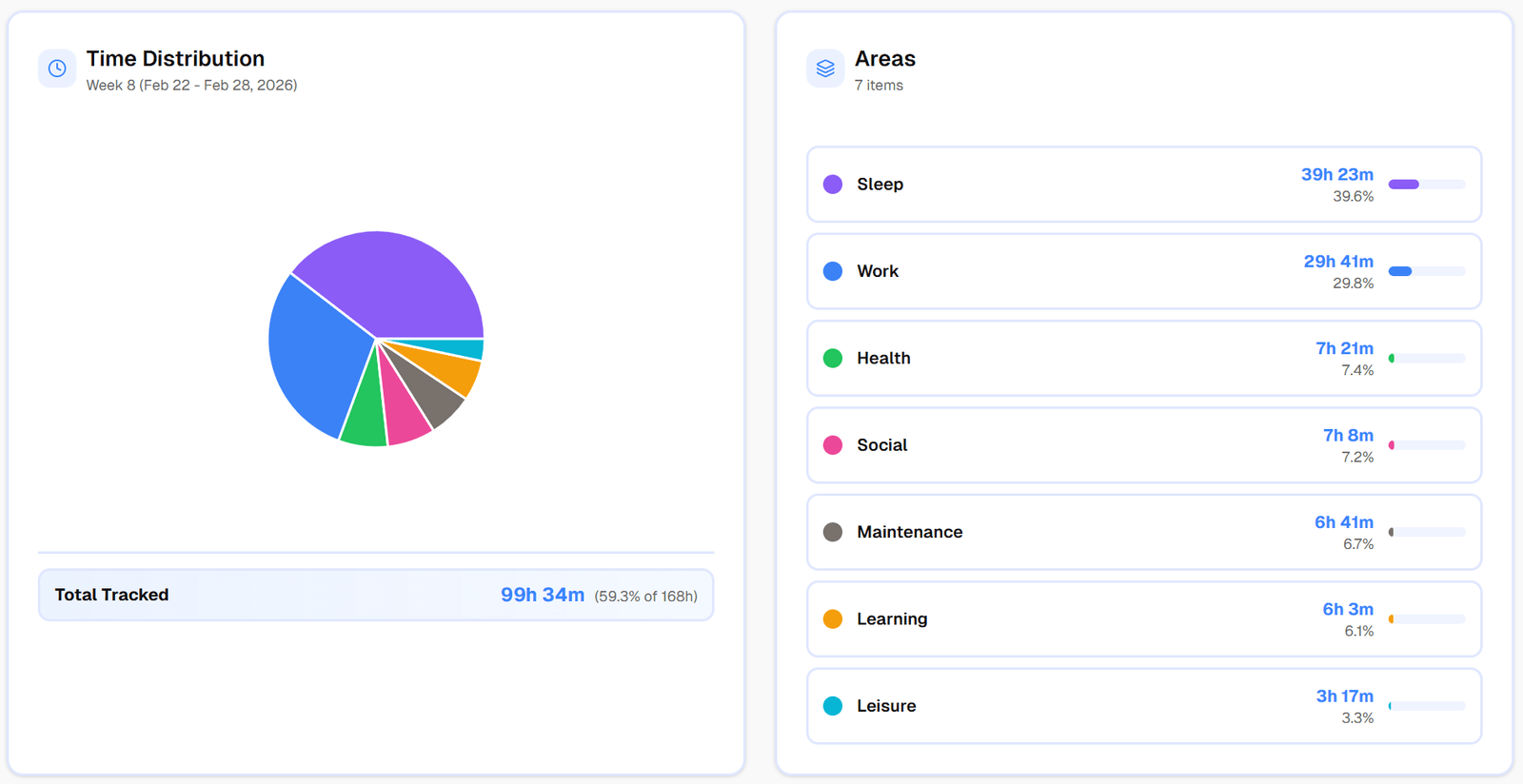
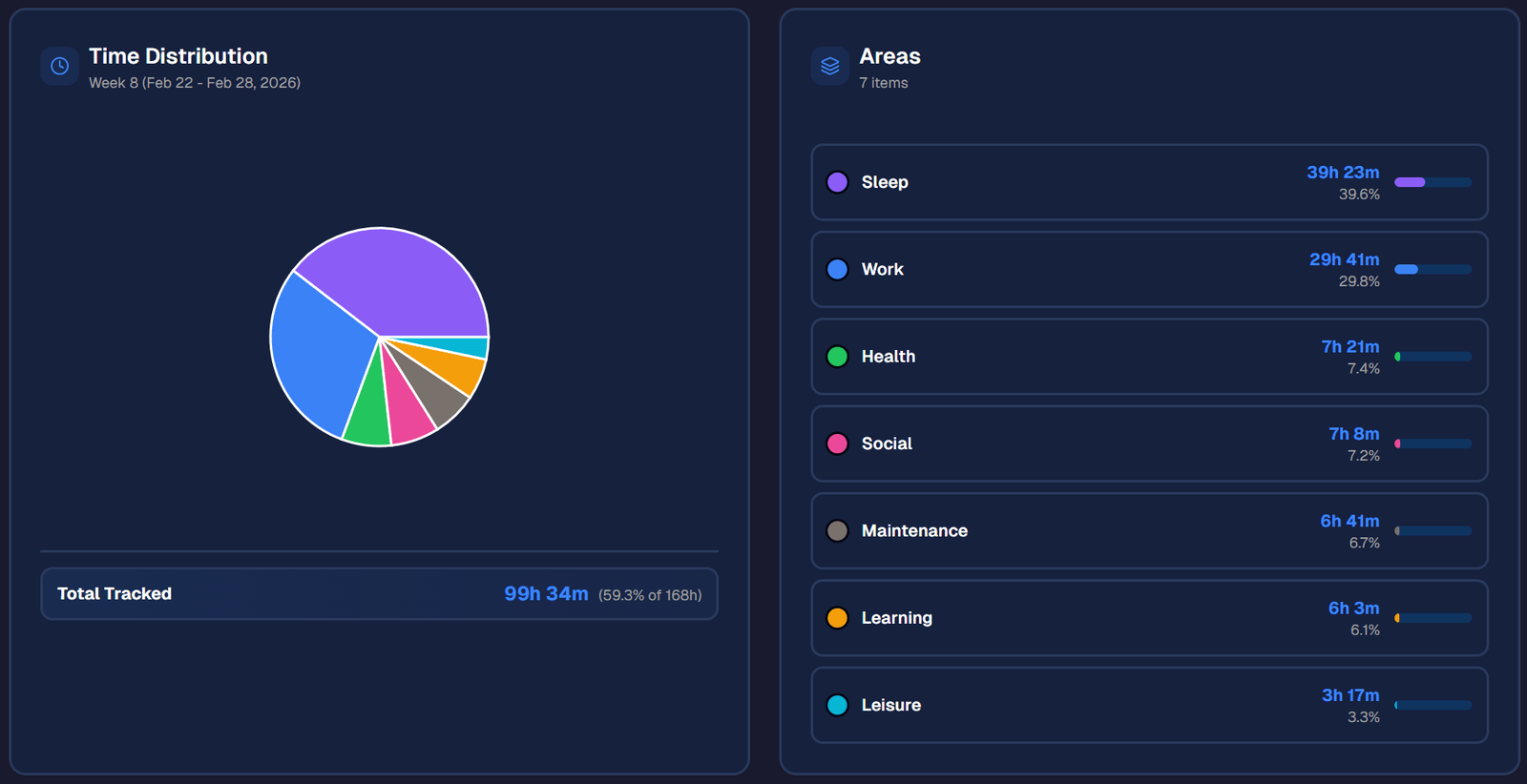
After a few weeks of whole-life tracking, most people discover some surprising patterns:
Sleep is inconsistent. You might think you get 7-8 hours, but tracking reveals a range of 5.5 to 9 hours, with an average of 6.5.
Transition time is real. The gaps between activities — getting ready, commuting, settling in — add up to 1-2 hours per day that you never accounted for.
Weekends are less free than you think. Chores, errands, and social obligations eat into "free time" more than expected.
You have more control than you thought. Once you see the numbers, you realize that small changes (30 minutes less scrolling, 20 minutes less on email) can free up meaningful time for things that matter.
Tips for Sticking With It
- Don't aim for perfection. Missing a few entries is fine. Even 80% tracking accuracy gives you incredibly useful data.
- Use one-tap tracking. The fewer taps to start tracking, the more likely you'll stick with it. Tools like timetracker.live let you start tracking any activity with a single tap.
- Set goals, not rules. Instead of "I must exercise 1 hour every day," try "I want to exercise 5 hours this week." Goals with flexibility are more sustainable — learn how to set time goals that actually work.
- Celebrate insights, not just productivity. The point isn't to squeeze more work into every day. It's to understand your life and make intentional choices about how you spend your time.
The Bottom Line
Time is your most valuable resource, and most of it isn't spent at work. Tracking your whole life — not just billable hours — gives you the clarity to make better decisions about how you spend every hour, not just the ones someone else is paying for.
Ready to start? Create a free account on timetracker.live and set up your first categories today. It takes less than 2 minutes.
Related articles
How to Do a Time Audit You'll Actually Finish
Most time audits die on day three, killed by the alarm-and-notebook method. Here's a two-week version that survives contact with a real life, plus the categories to use and what to look for at the end.
I Used Toggl for Two Years to Track My Life. Here's Why I Stopped.
Toggl is the best work time tracker on the market. It's also the wrong tool for tracking your life. Here's what I learned after two years of trying to force it.