News & Updates

Timetracker is Now on the Microsoft Store

Timetracker for Windows is now available on the Microsoft Store! Install it directly from the Store for automatic updates, or keep using the standalone EXE/MSI installers. Same app, same features — just another way to get it.

Get it from Microsoft Store
Timetracker Desktop App for Linux

Timetracker Desktop App for Linux

Timetracker is now available as a native Linux desktop app! Available as AppImage (works on any distro), .deb (Ubuntu/Debian), and .rpm (Fedora/openSUSE). Built with Tauri for a lightweight, fast experience — no Electron bloat. System tray integration, real-time sync with all your other devices.

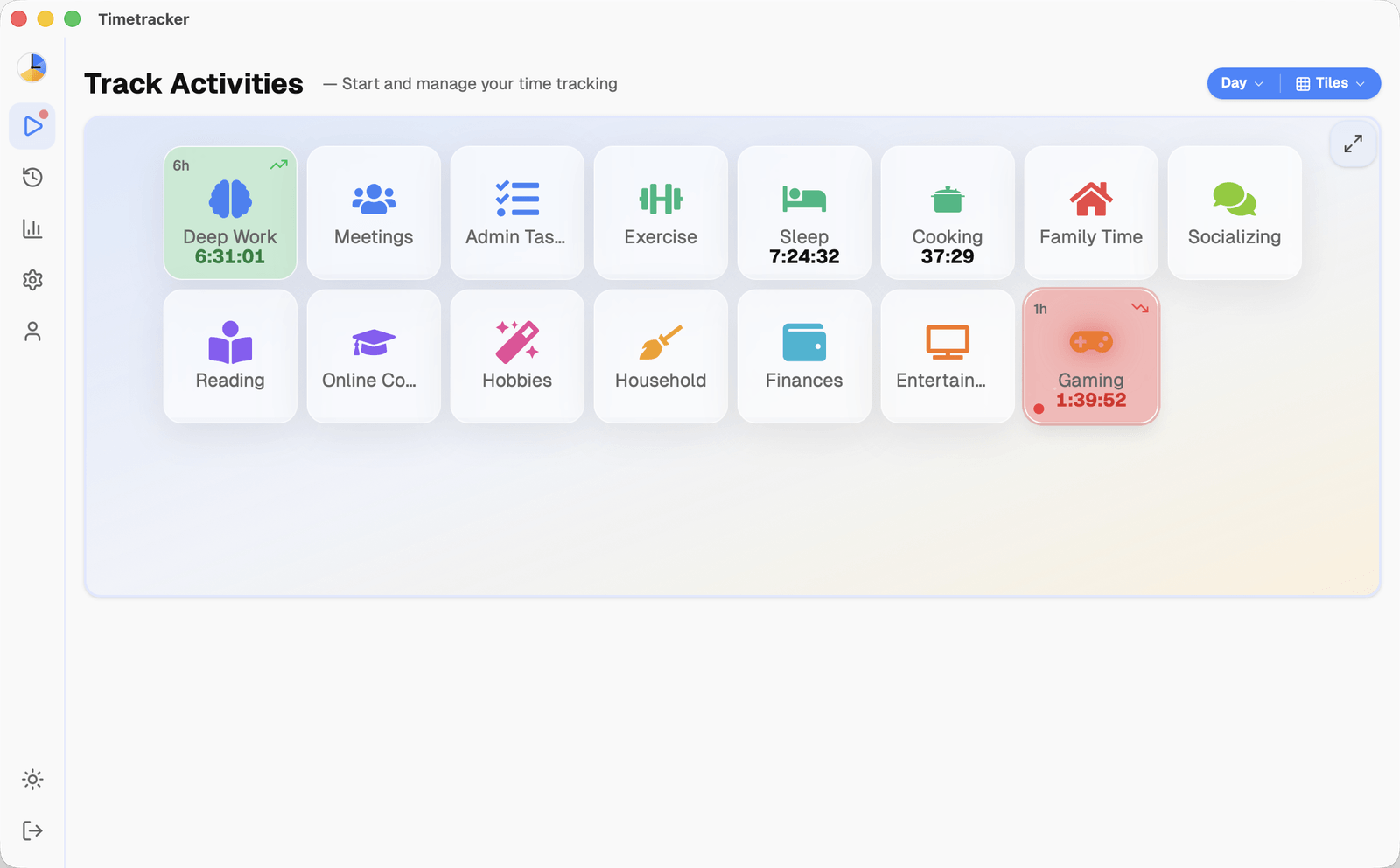
Timetracker Desktop App for Mac

Timetracker Desktop App for Mac

Timetracker is now available as a native macOS app! Runs on both Intel and Apple Silicon Macs. Lives in your menu bar, launches at login, and syncs with your iPhone, Android, Windows, and the web. Built with Tauri — tiny install, no battery drain. Download the DMG for free.

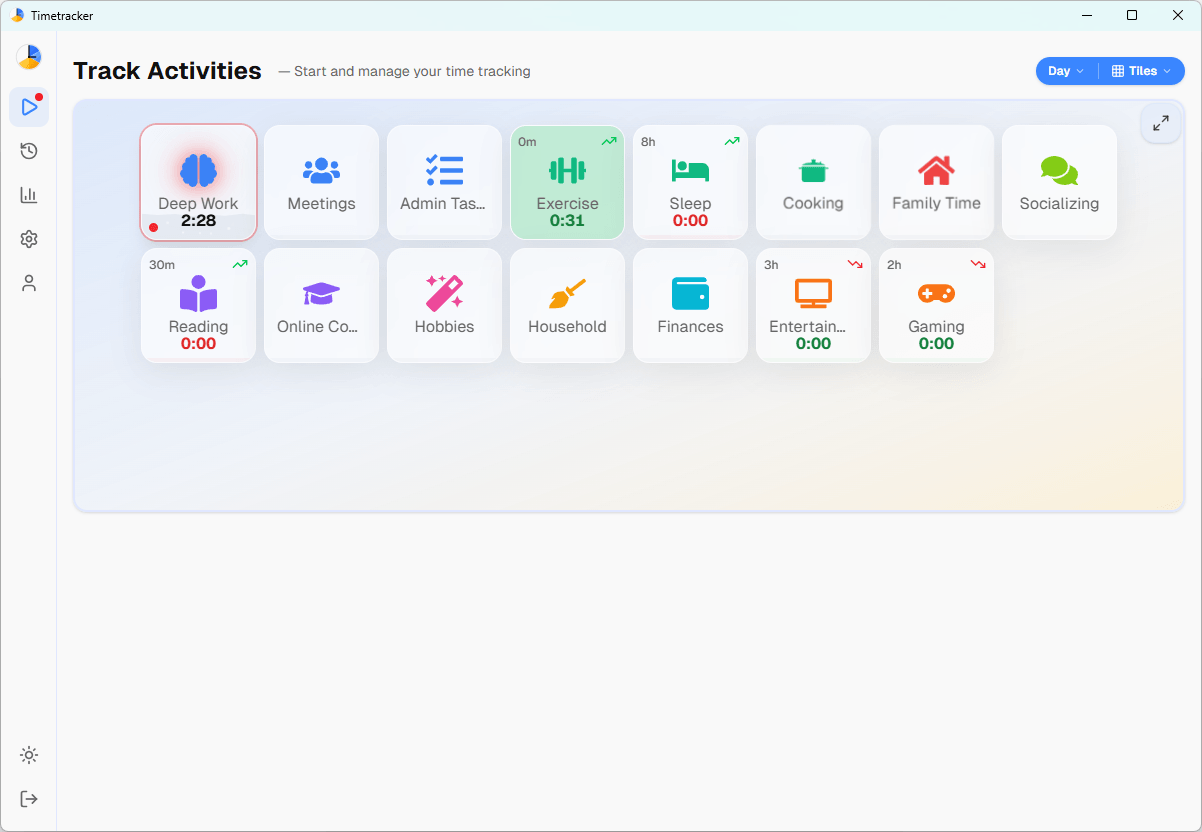
Timetracker Desktop App for Windows

Timetracker Desktop App for Windows

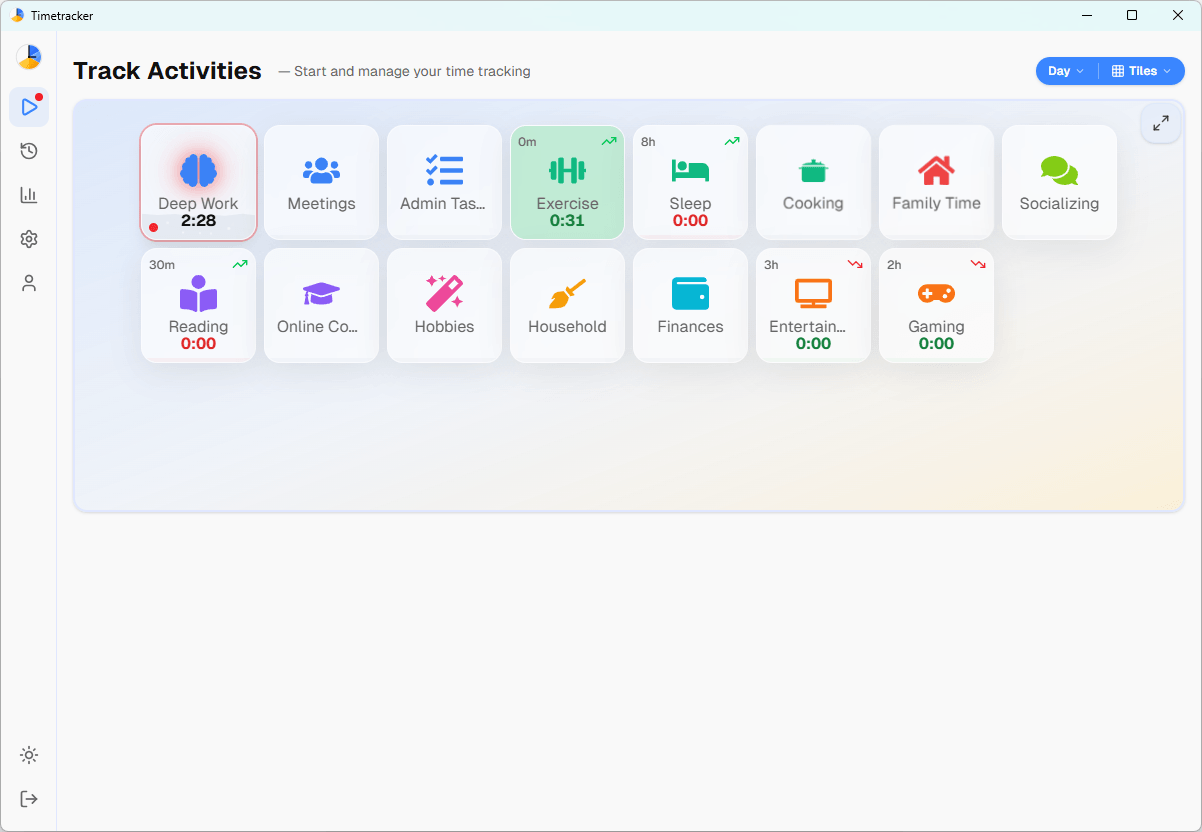
Timetracker is now available as a native Windows desktop app! Get a dedicated window for your time tracking — no browser tab needed. Fast startup, clean interface, and real-time sync with your phone and the web version. Download it free, no account required to install.

Get it from Microsoft Store

Timetracker is Now on the App Store!

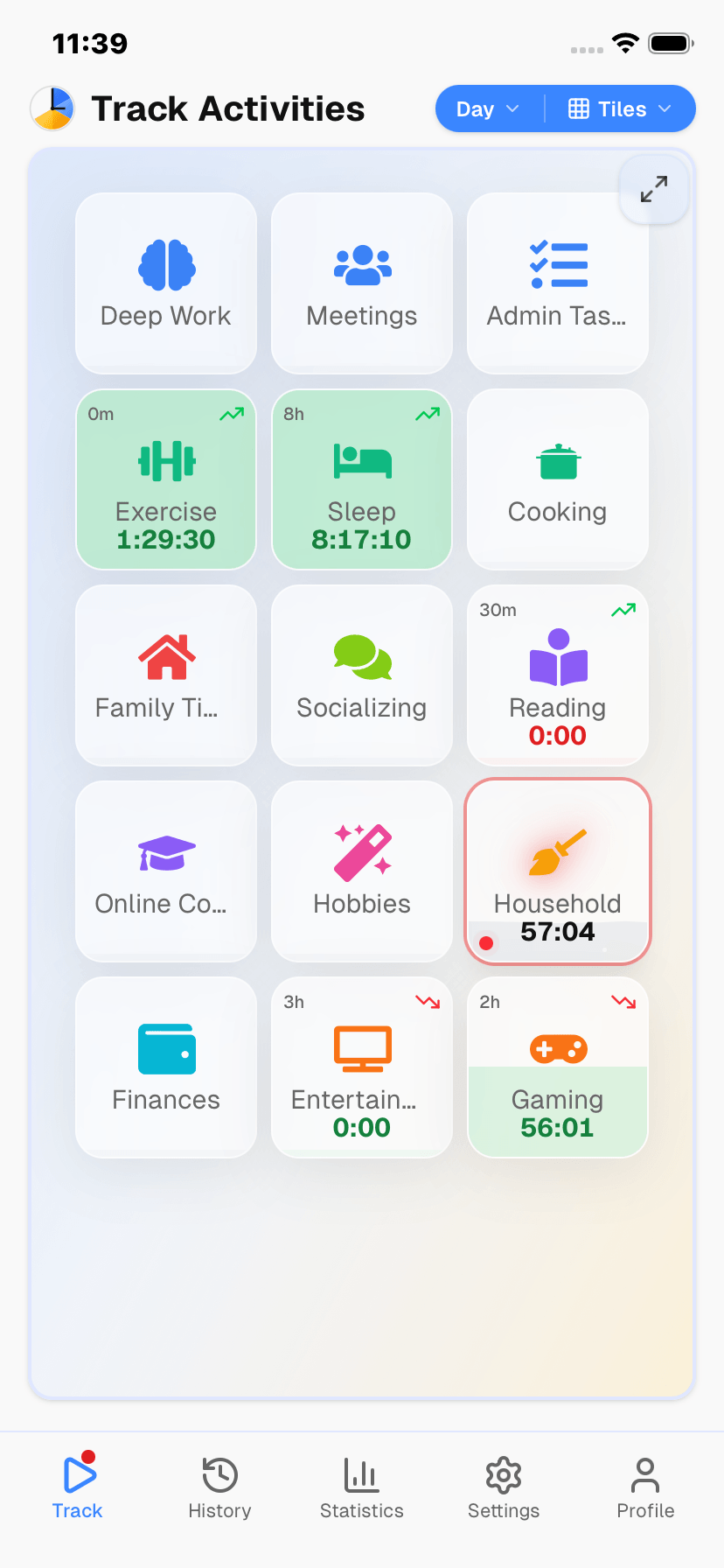
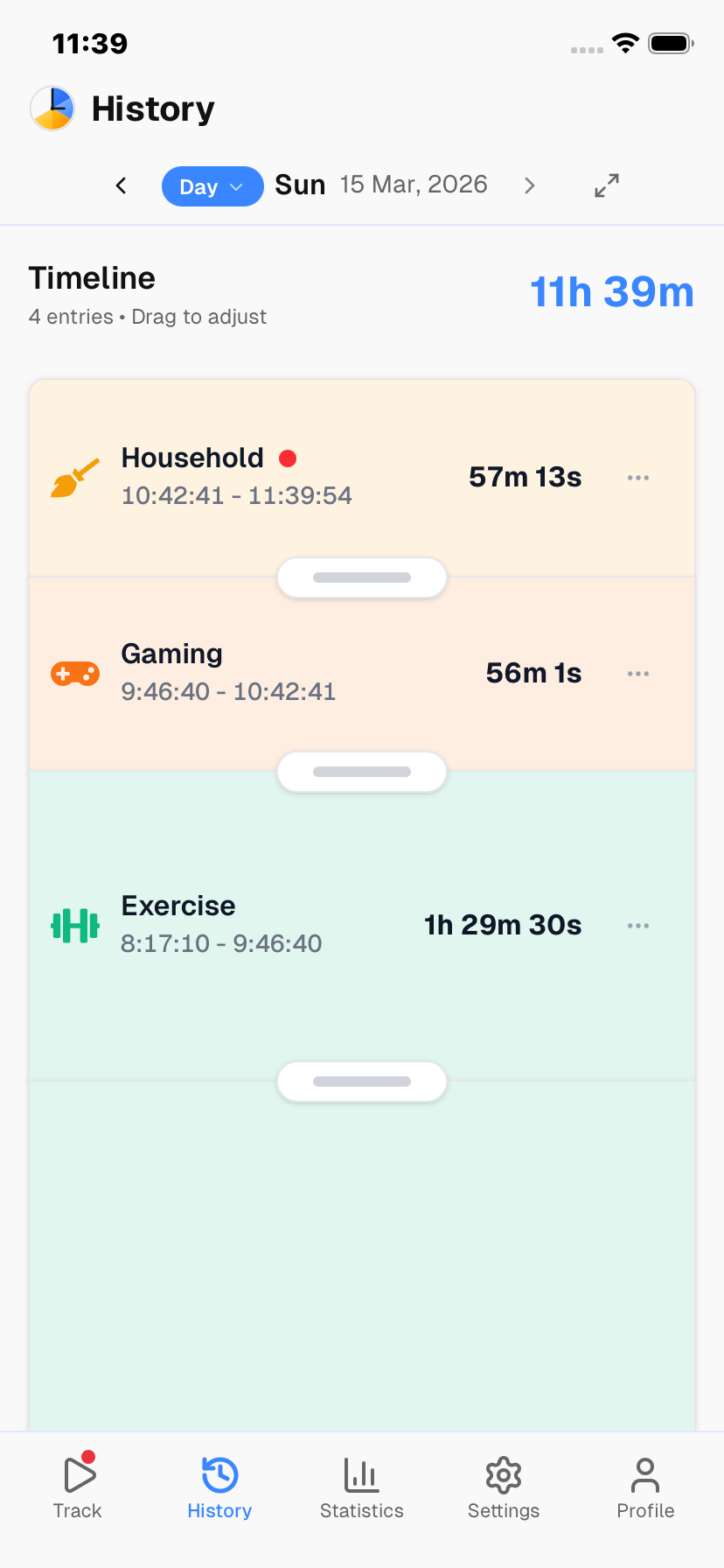
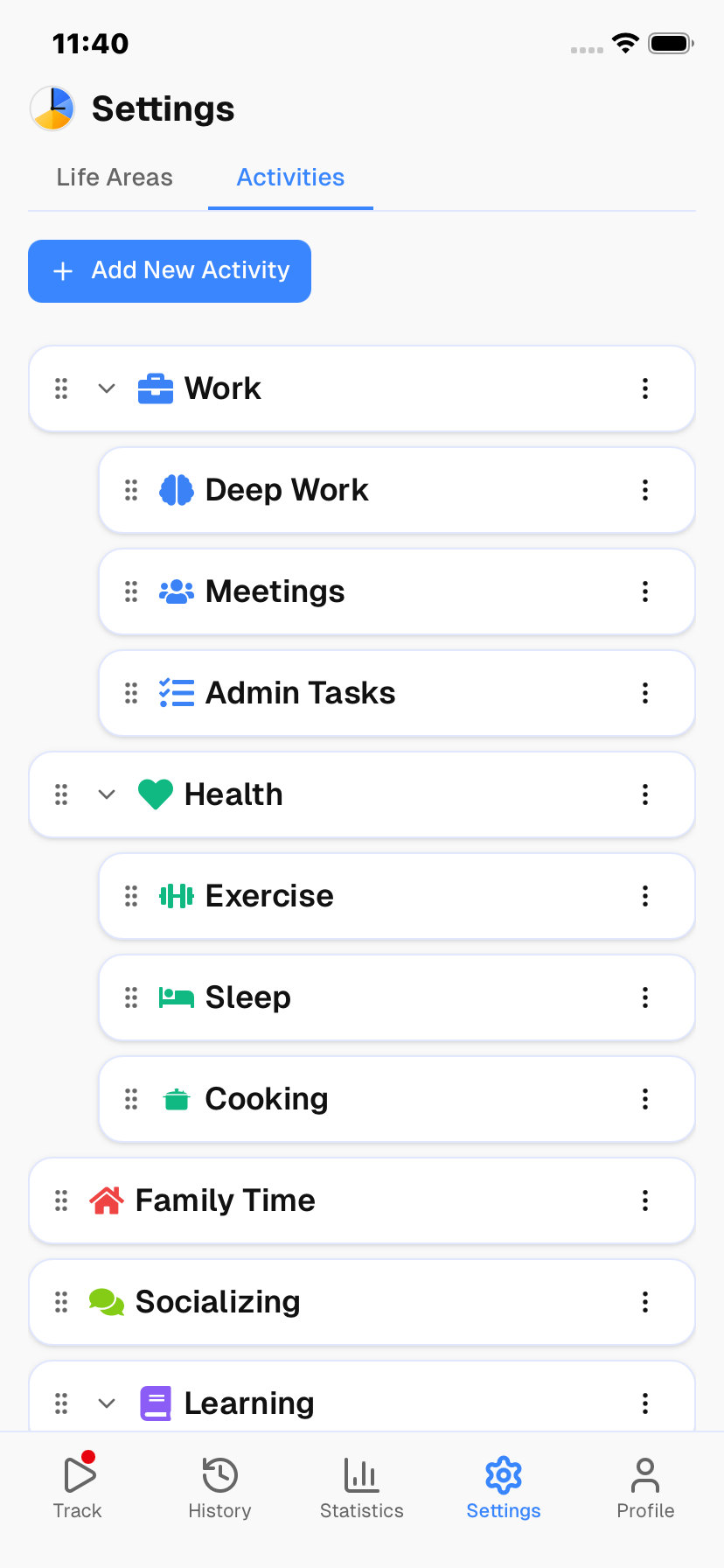
Timetracker is now available for iPhone and iPad! Track your time natively on iOS with a smooth, fast experience. One-tap activity switching, instant sync with the web and Android versions, and the same full feature set you know. Download it free on the App Store.

Download on the App Store

Timetracker is Now on Google Play!

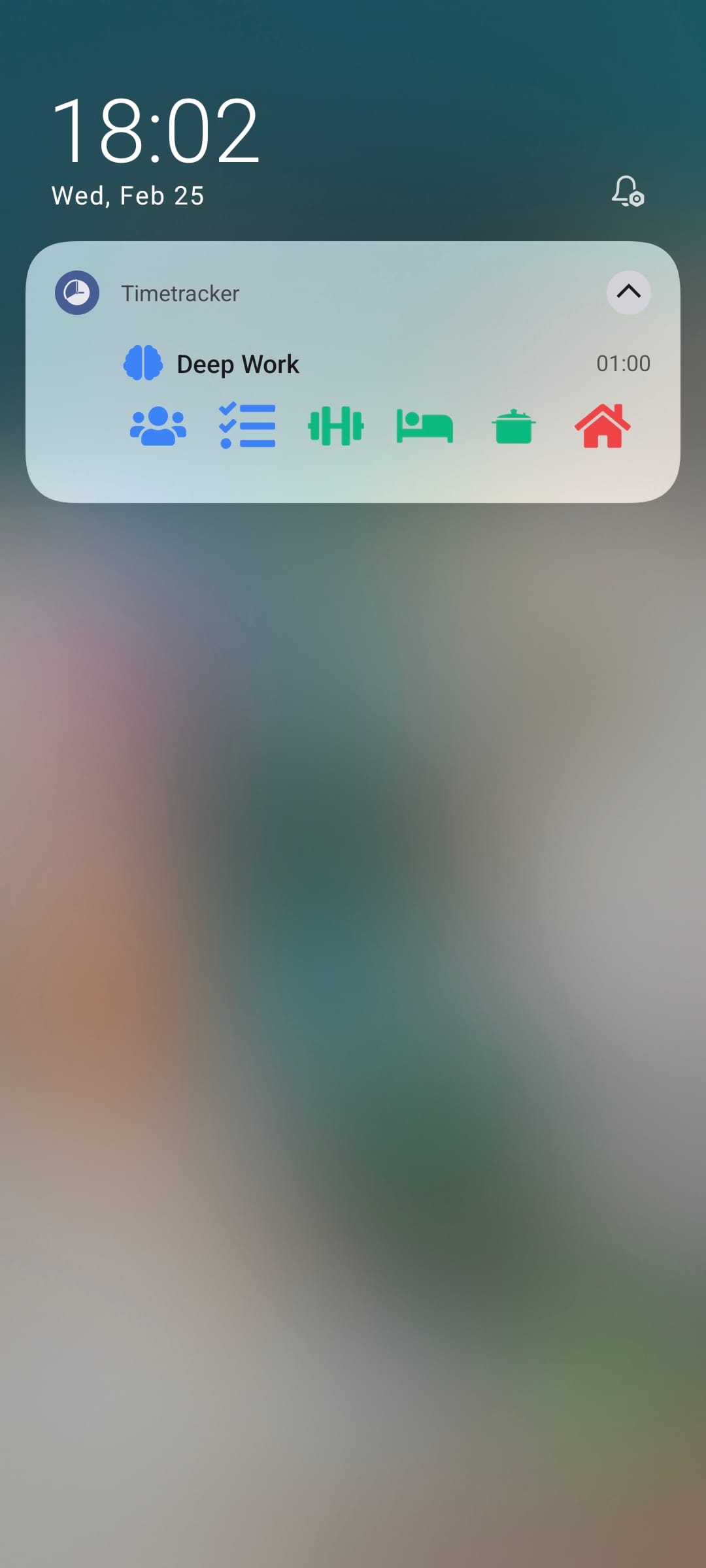
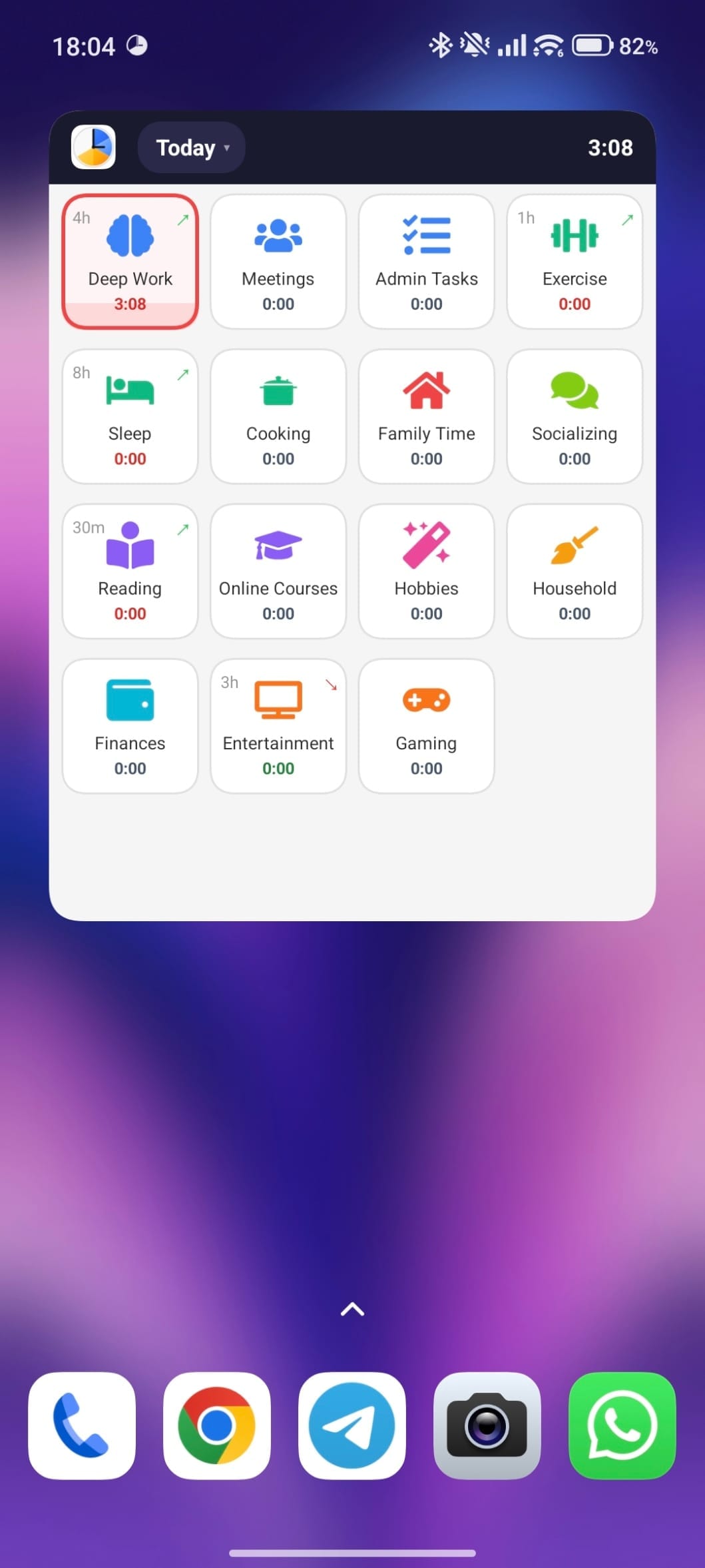
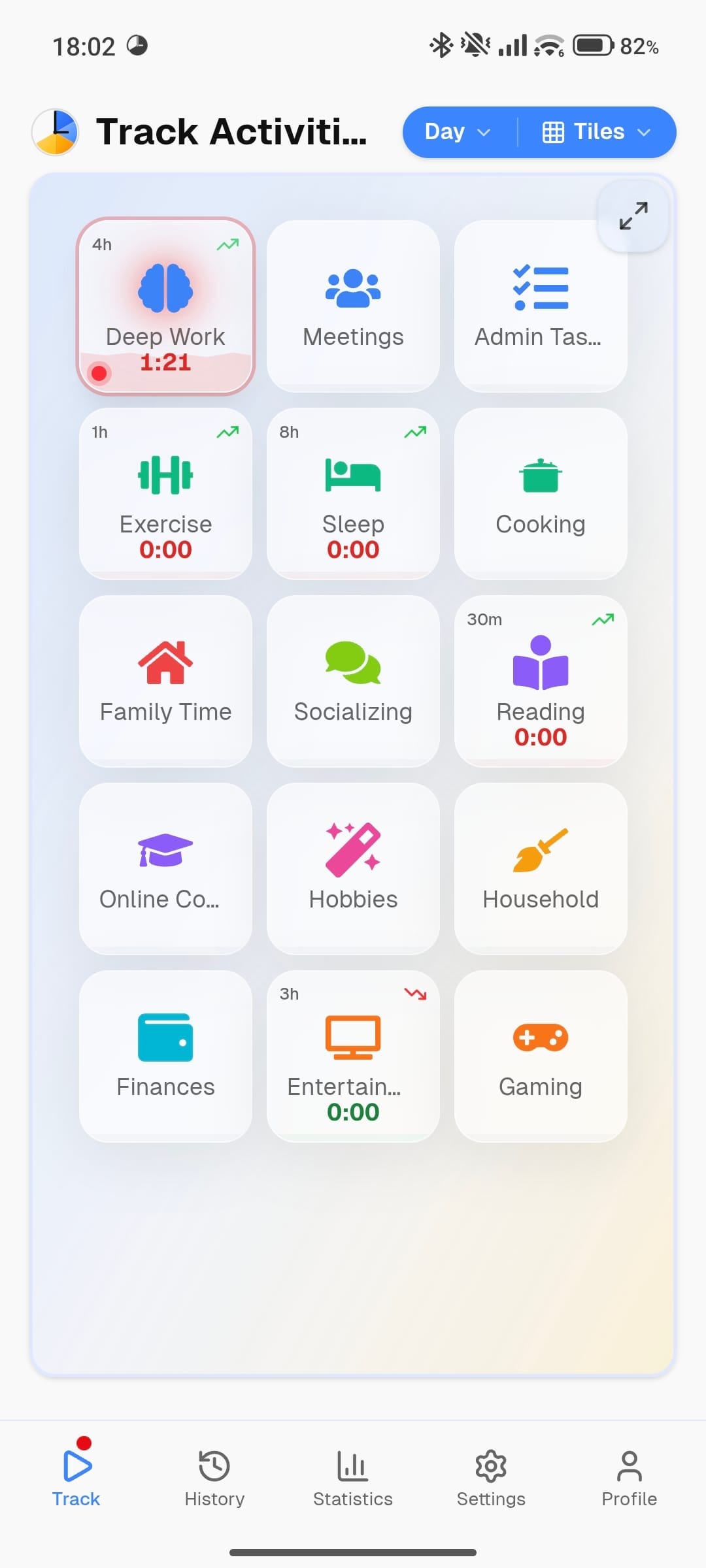
Great news — Timetracker is now available as a native Android app! Get the same great time tracking experience with native performance, persistent tracking notifications, and quick activity switching right from your notification bar. Download it free on Google Play.

Get it on Google Play

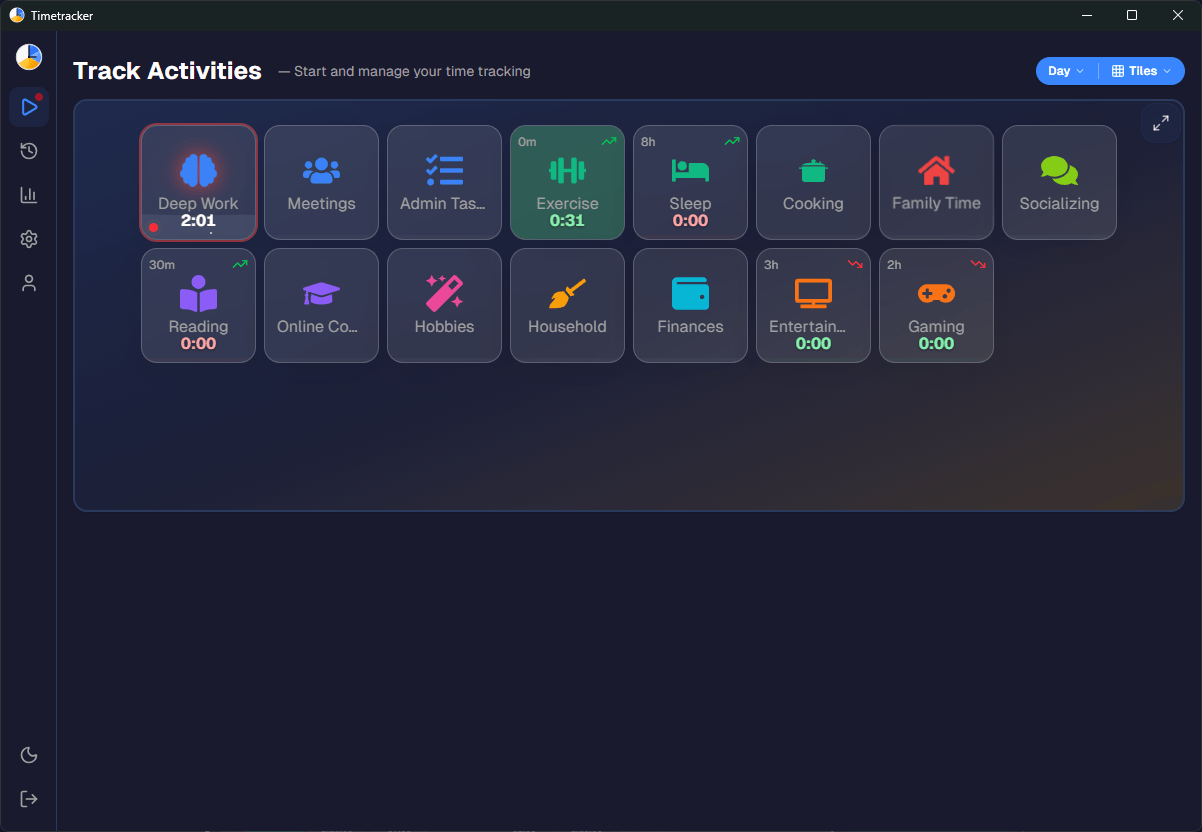
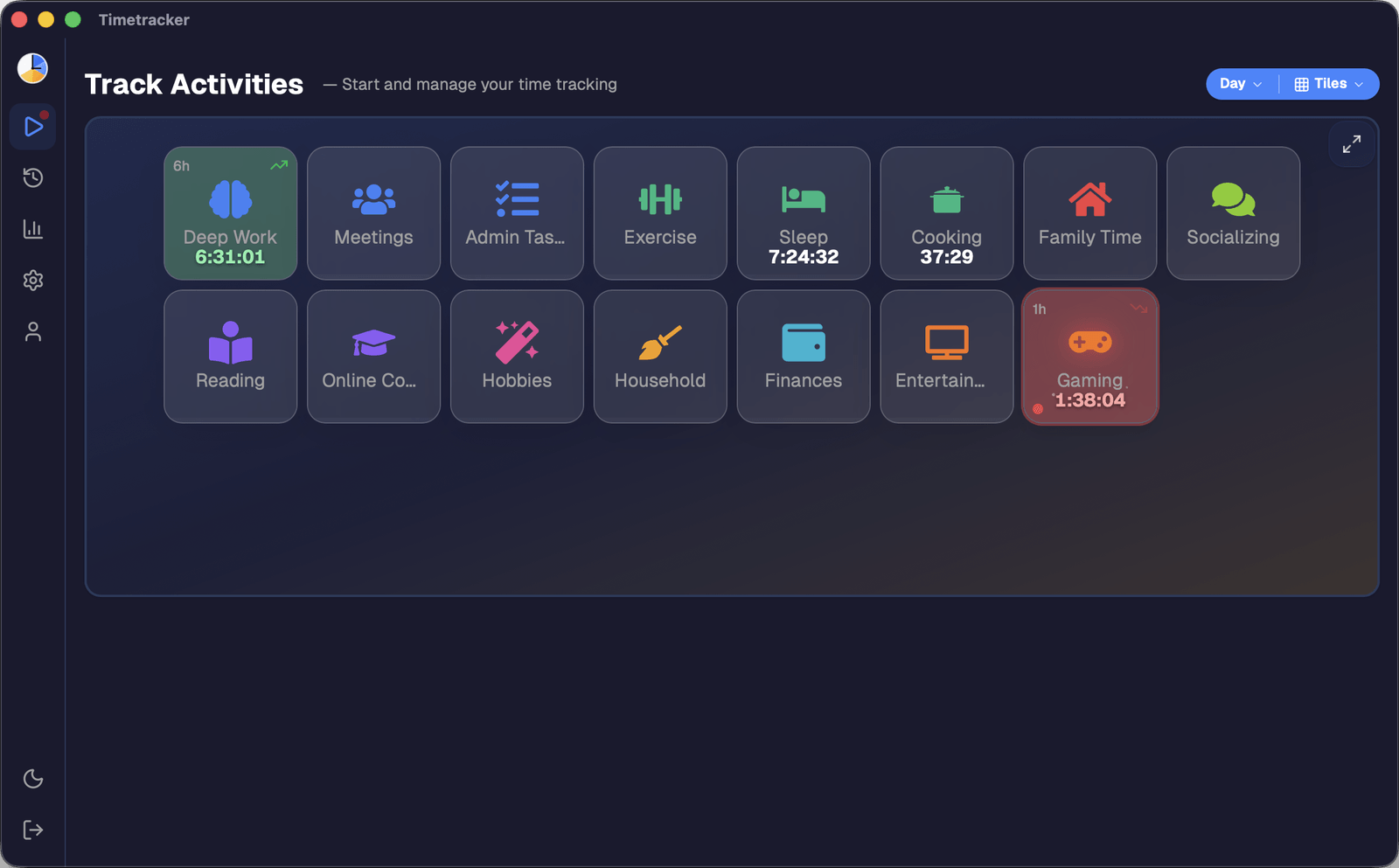
Dark & Light Theme Support and Fullscreen Mode

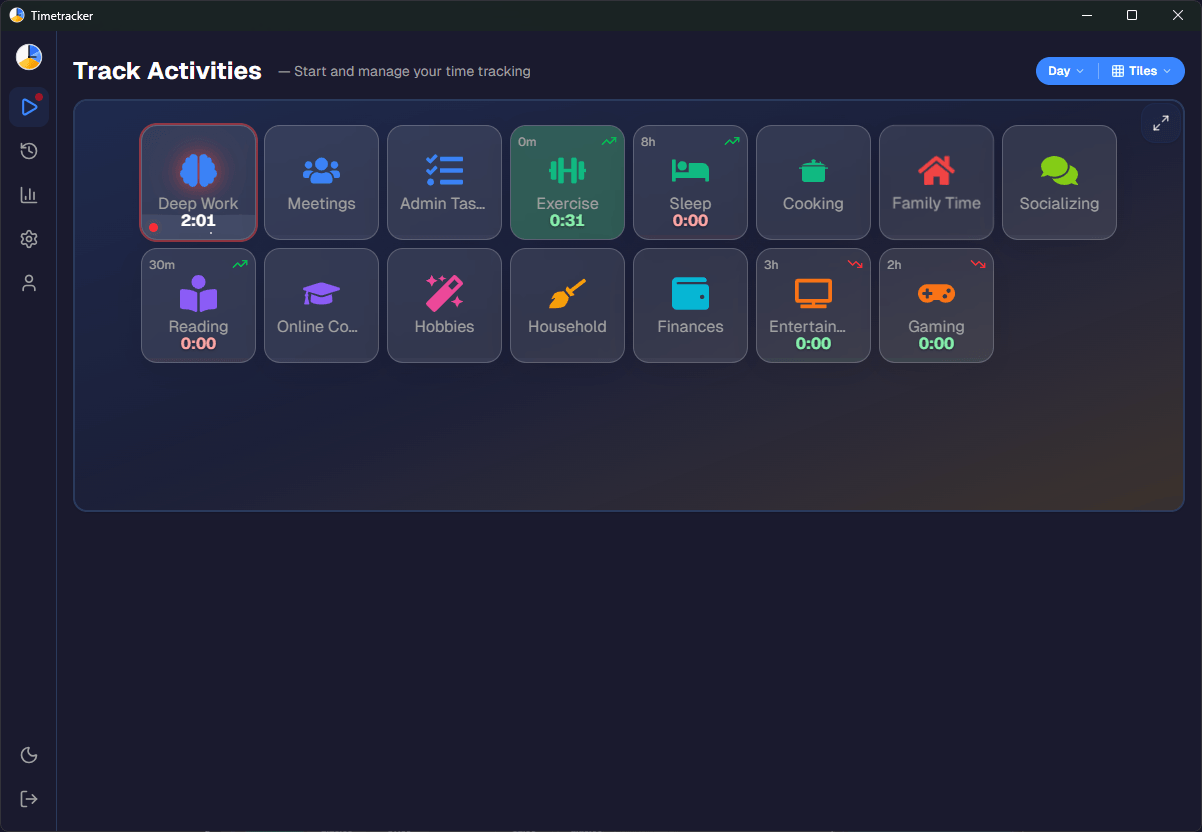
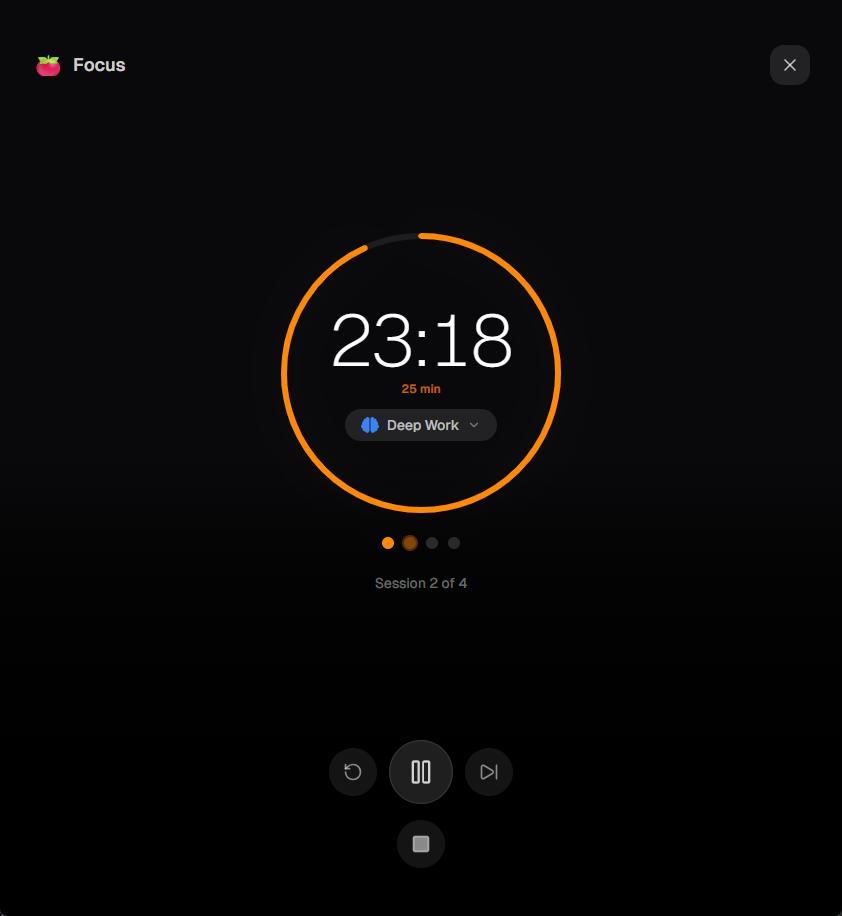
You asked, we delivered! Timetracker now supports dark mode, light mode, and a system-default option that follows your device settings. Switch themes right from your Profile page — your preference is saved per device, so you can use dark mode on your phone and light mode on your desktop. We've also added fullscreen mode for a distraction-free tracking experience. Enjoy a cleaner, more comfortable interface day and night.

Bug Fixes and Stability Improvements

We've been working hard to improve the reliability of timetracker.live. This update includes numerous bug fixes and performance optimizations to make your time tracking experience smoother and more stable. Thank you for your feedback — it helps us make the service better every day.

New Feature: Statistics Dashboard

New Feature: Statistics Dashboard

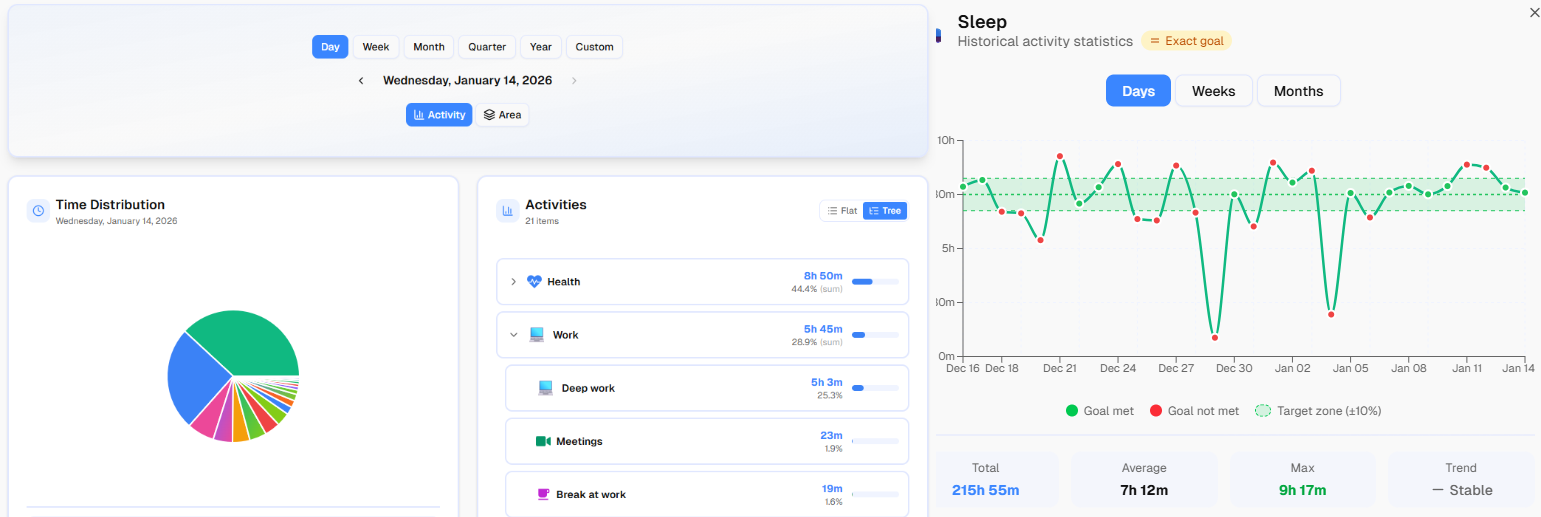
We're excited to announce the launch of our new Statistics feature! Now you can visualize your time tracking data with beautiful charts and graphs. See how you spend your time across different life areas, track trends over time, and gain deeper insights into your daily habits.

Welcome to timetracker.live!

We're thrilled to announce the official launch of timetracker.live — a free personal time tracking app designed to help you achieve life balance. Track your activities across work, health, hobbies, and family. Set goals, monitor your progress, and take control of your time. We can't wait to have you join our community!