Timetracker vs Clockify: personal balance vs team productivity
Clockify is a popular free time tracker for teams: project tracking, timesheets, and employee management. Timetracker is built for something different: tracking your entire day to understand how you balance work, health, sleep, and life.
The short answer
Choose Clockify if you need team time tracking with project management, timesheets, and employee scheduling. Clockify excels at helping teams log work hours and managers oversee productivity, with a generous free tier for unlimited users.
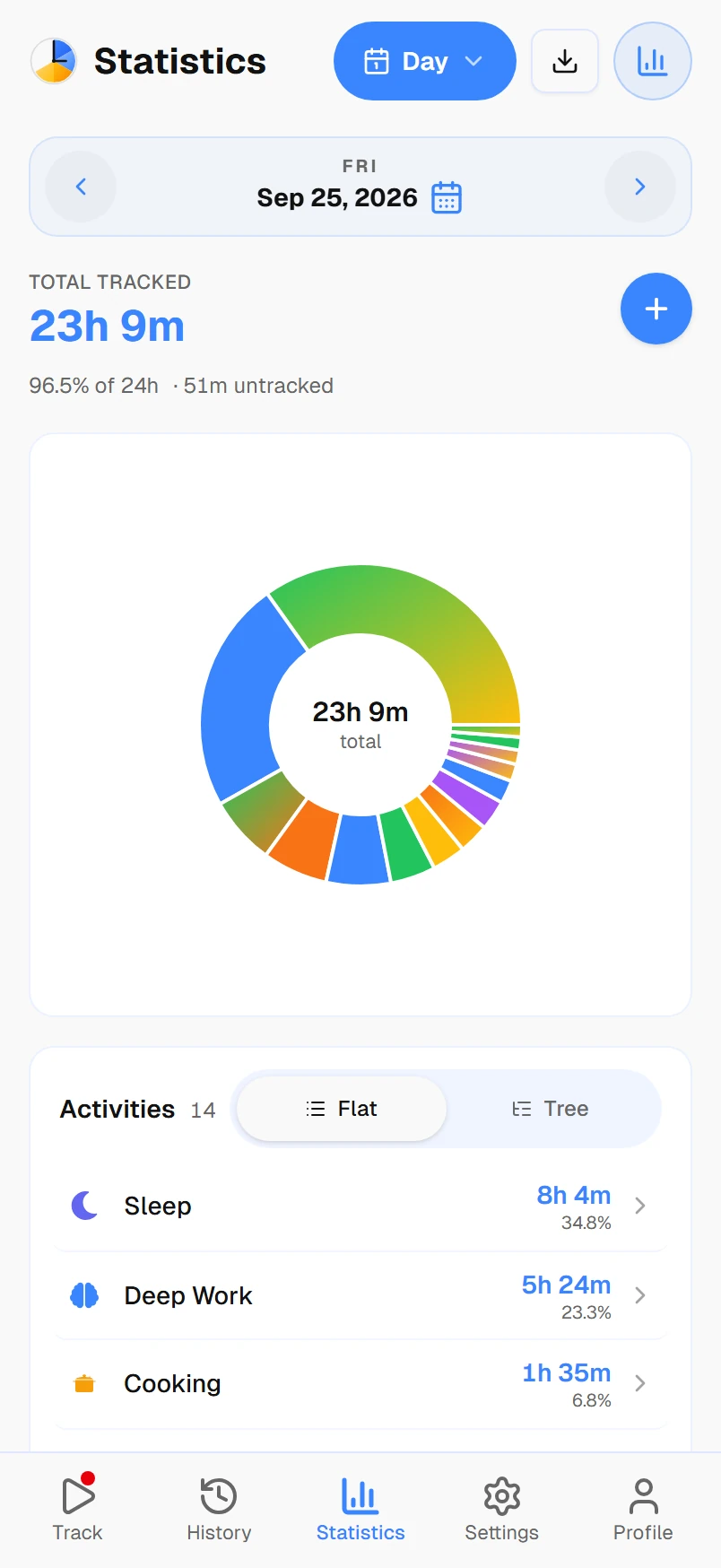
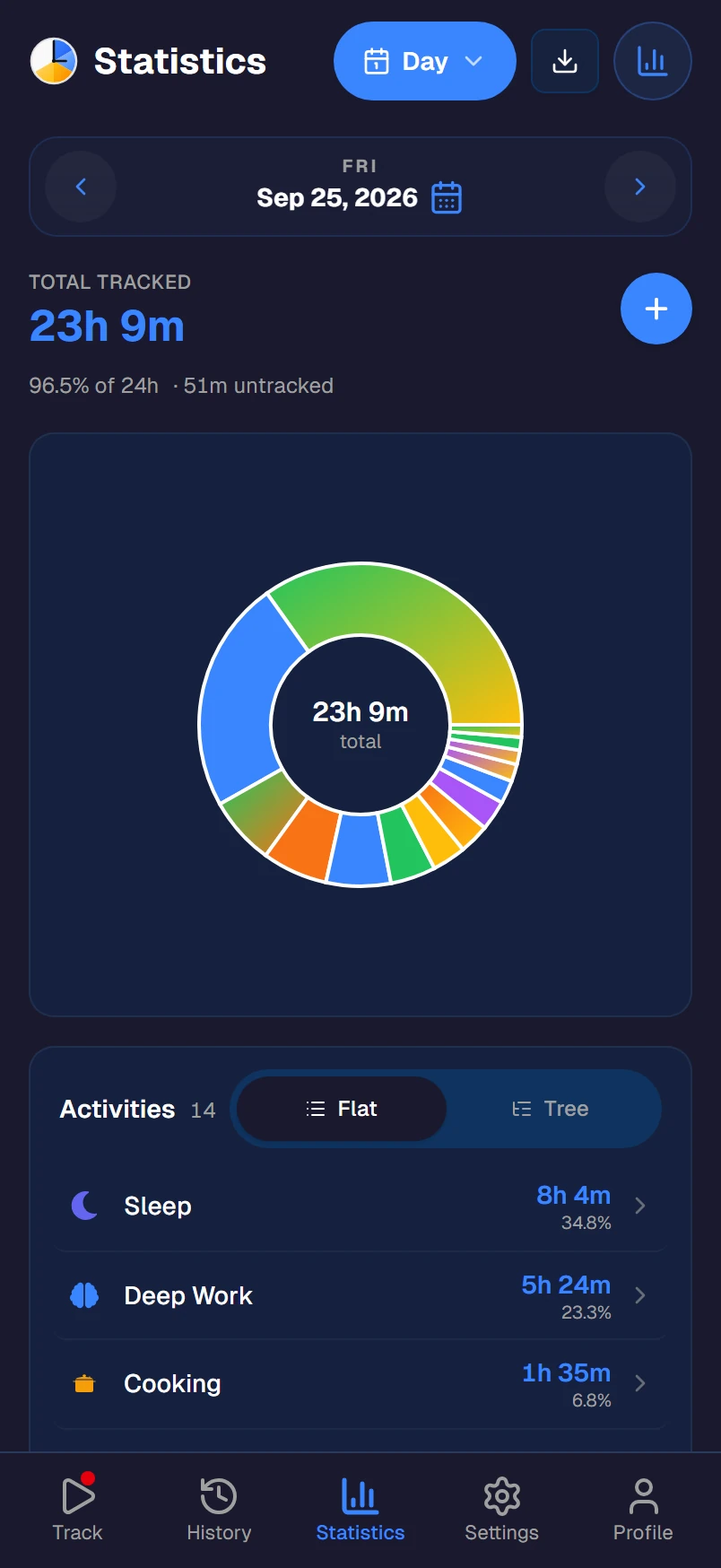
Choose Timetracker if you want to understand where all 24 hours of your day go, not just work. Timetracker is a personal tool that organizes time into categories (Work, Health, Sleep, Family, Hobbies) with continuous tracking and personal time goals to help you build better habits.
Key differences
24 hours vs work hours
Clockify tracks the hours your team works. Timetracker tracks your entire day: work, sleep, exercise, commute, family time, hobbies. No gaps between entries, just one continuous timeline.
Categories vs projects
Clockify organizes time by projects, tasks, and clients. Timetracker organizes by categories: Work, Health, Family, Learning. You see how much of your life goes to each domain, not just which client got which hours.
Personal vs team
Clockify is built for teams: timesheets, approvals, employee scheduling, manager dashboards. Timetracker is built for you personally: your habits, your balance, your goals. No team overhead.
Life goals vs timesheets
Clockify generates timesheets and project reports. Timetracker lets you set personal goals: exercise 5 hours a week, sleep 8 hours a night, limit screen time. Track what matters to your life, not just your employer.
Life balance vs productivity
Clockify shows project breakdowns and team utilization. Timetracker shows how you balance work against health, family, hobbies, and rest: daily, weekly, and monthly views across all categories.
One tap vs timer management
Clockify uses traditional start/stop timers with manual entries. Timetracker uses one-tap switching: tap a new activity and the previous one stops automatically. Simpler, faster, no forgotten timers.
Feature-by-feature comparison
| Feature | Timetracker | Clockify |
|---|---|---|
| Primary purpose | Track your entire day | Track work hours for teams |
| Tracking model | Continuous (no gaps) | Start/stop (gaps between entries) |
| Organization | Categories & activities | Projects, tasks & clients |
| 24-hour coverage | ||
| Personal time goals | ||
| Built-in pomodoro timer | ||
| Auto-switch to break activity | ||
| Team timesheets | ||
| Invoicing | Paid plans | |
| Employee scheduling | Paid plans | |
| Nested activities | ||
| All features free | Basic features free | |
| Unlimited users (free) | ||
| Android app | ||
| iOS app | ||
| Desktop apps | Windows, Mac, Linux | Windows, Mac, Linux |
| Browser extensions |
Last updated: March 2026. Feature data based on publicly available information.
Which one is right for you?
Choose Clockify if you...
- Manage a team's work hours and timesheets
- Need project-level time tracking for clients
- Want employee scheduling and time off tracking
- Need invoicing and billable rate features
- Use integrations with project management tools
Choose Timetracker if you...
- Want to track your entire day, not just work
- Care about work-life balance and daily habits
- Set personal time goals (exercise, sleep, learning)
- Prefer simple one-tap tracking without team overhead
- Want all features free without per-user pricing
Frequently asked questions
What is the main difference between Timetracker and Clockify?
Clockify is a team time tracking tool built for logging work hours, managing projects, and generating timesheets. Timetracker is a personal time tracking app that covers your entire day — all 24 hours across work, sleep, exercise, hobbies, and family. Clockify helps teams be productive at work; Timetracker helps individuals find life balance.
Is Timetracker free like Clockify?
Both have free tiers. Clockify's free plan includes unlimited tracking and users but limits features like time off, invoicing, project templates, and custom fields to paid plans ($3.99-$11.99/user/month). Timetracker's free tier is the whole app rather than a limited slice of it, with no user limits.
Can Clockify track my whole day like Timetracker?
Clockify is designed for work hours — it uses start/stop timers with gaps between entries. You could technically add non-work entries, but it lacks categories, continuous tracking, and personal time goals. Timetracker is specifically built for 24-hour tracking with no gaps between activities.
Does Timetracker have team features like Clockify?
No. Timetracker is a personal time tracker — there are no team dashboards, employee timesheets, or manager approvals. If you need team time tracking, Clockify is the better choice. Timetracker focuses entirely on individual life balance and personal goals.
Does Clockify have a pomodoro timer?
No. Clockify doesn't have a built-in pomodoro timer — if you use the Pomodoro Technique alongside Clockify, you have to run a second app (Forest, Pomofocus, Focus Keeper) for the countdown and remember to keep both in sync. Timetracker has the pomodoro baked directly into the time tracker: pick an activity, start a focus session, and the app automatically switches to your break activity when focus ends (and back when the break is over). One app, one workflow.
Which platforms do Timetracker and Clockify support?
Both work on web, Android, iOS, Windows, Mac, and Linux. Clockify also has browser extensions; Timetracker doesn't. Otherwise the platform coverage is equivalent.
Should I switch from Clockify to Timetracker?
If you use Clockify for team timesheets and project management, keep it — that's its strength. If you're a solo user who wants more than just work tracking and you care about understanding your full day (sleep, exercise, hobbies), Timetracker gives you that complete picture with personal time goals.