Time tracker for Wear OS
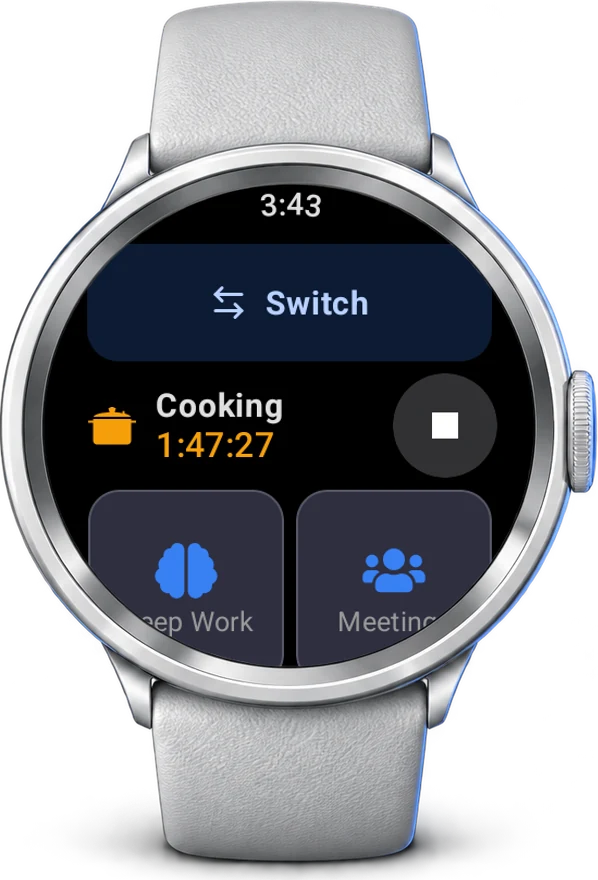
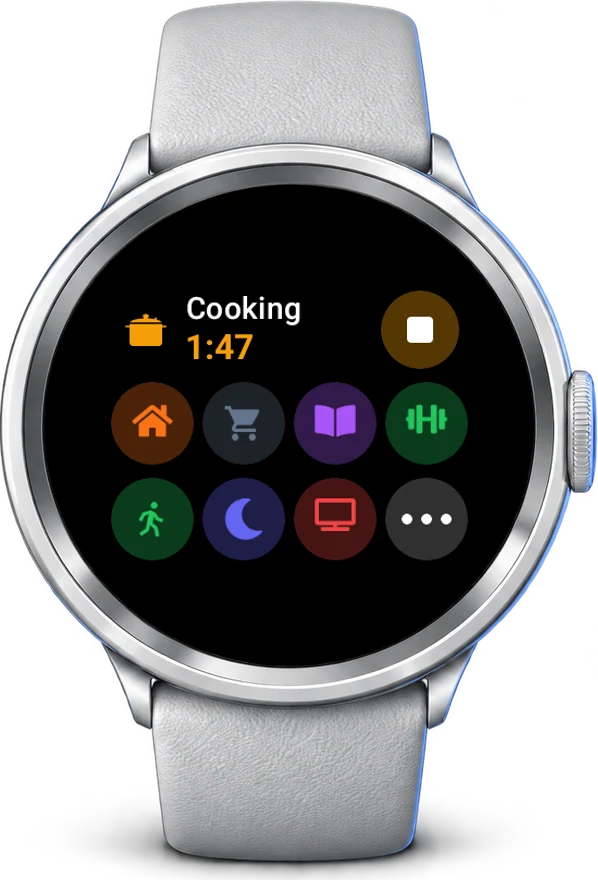
Start, switch and stop activities from your wrist. The watch shows what is running and today's time, and stays in sync with your phone, computer and the web.
Part of Timetracker Premium, free for the first week.
Why on the wrist?
Your watch is closer than your phone. Switching takes a second, so you actually do it.
One tap from the watch face
The tile shows what is running and your recent activities. Tap one to switch, without opening anything.
Works without a connection
Out for a run with no phone? Starts and stops are kept on the watch and sent when it is back online.
Signs in from your phone
The watch asks the Timetracker app on your phone to approve it. Nothing to type on a tiny screen.
How it works
1. Install on the watch
Open Google Play on the watch and search for Timetracker, or pick the watch when installing from Google Play on your phone.
2. Sign in from your phone
Approve the watch in the Timetracker app on your phone. No phone app? Open timetracker.live/watch and enter the code the watch shows.
3. Track from your wrist
Tap a tile to start, tap Stop to finish. Everything you track shows up on your other devices at once.
Frequently asked questions
Which watches does it run on?
Any watch with Wear OS 3 or later, such as the Google Pixel Watch and the Samsung Galaxy Watch 4 and newer.
Do I need Premium?
Yes. The watch app is part of Timetracker Premium, which you can try free for a week. Without it the watch shows a single screen explaining that.
How does the watch sign in?
It asks the Timetracker app on your Android phone to approve it, so there is nothing to type. Without the phone app, open timetracker.live/watch on any device and enter the code the watch shows.
Does it work without a connection?
Yes. Starts, switches and stops made while the watch is offline are kept on the watch and sent as soon as it is back online.
Can I track from the watch face?
Yes. Add the Timetracker tile to see what is running and start a recent activity with one tap, without opening the app.
Does it sync with my other devices?
Yes. A session started on the watch appears at once on your phone, computer and the web app, and the other way round.
Have an iPhone instead? Timetracker for Apple Watch
Also see: built-in pomodoro timer, vs Toggl, vs Clockify, or read the blog.