You think you code 6 hours a day. Track it and find out.
Meetings, Slack, code reviews, standups, context switches. By the time you actually write code, the day is half gone. Track your real deep work hours, and everything that's eating them.
The maker's schedule problem
Paul Graham wrote about it in 2009: developers need long, uninterrupted blocks to be productive. A single meeting in the middle of the afternoon doesn't cost 30 minutes, it costs the entire afternoon, because it takes 23 minutes to regain deep focus after an interruption.
Yet most developers have no data on how fragmented their day actually is. You feel unproductive but can't prove why. Track every switch (deep work to Slack to meeting to code review) and the pattern becomes undeniable. That data is how you negotiate for no-meeting days and focus blocks.
What developers learn from tracking
Measure deep work
Track uninterrupted coding sessions as 'Deep work.' After a week, you'll know your real number: not the 6 hours you imagine, but the 2.5 hours you actually get. That gap is where productivity improvements hide.
Quantify meeting cost
Every meeting has a cost beyond its duration: the context switch before and after. Track meetings and watch your deep work shrink around them. When you can show your manager '3 hours of meetings killed 5 hours of coding,' that's a conversation worth having.
Track code review time
Code reviews are essential but rarely accounted for. Track them separately from your own coding. If reviews consume 1.5 hours a day, that's 15% of your workday, and your sprint estimates should reflect it.
Protect learning time
Reading docs, exploring new tools, studying architecture: this gets squeezed out by urgent tickets. Set a weekly goal (3-5 hours) and track it. Visible learning time is harder to sacrifice than invisible learning time.
See fragmentation
Your daily timeline shows every switch: code → Slack → code → meeting → code → PR review. When your longest focus block is 40 minutes in an 8-hour day, the visualization makes the problem impossible to ignore.
Track the whole day
Developers are knowledge workers who also need sleep, exercise, and hobbies. Track your full day, not just work, and catch the pattern where 'just one more fix' pushes bedtime to 1 AM three nights in a row.
A developer's 40‑hour week (in reality)
Where 40 work hours actually go:
| Activity | HoursHours/week | %% of work |
|---|---|---|
| Deep work (coding) | 14h | 35% |
| Meetings & standups | 10h | 25% |
| Code review | 5h | 12% |
| Slack & email | 6h | 15% |
| Learning & docs | 2h | 5% |
| Admin & planning | 3h | 8% |
14 hours of deep work out of 40. That's 35%. The rest is everything else that "just takes a minute."
A developer setup
Track work and life. Set up in 2 minutes.
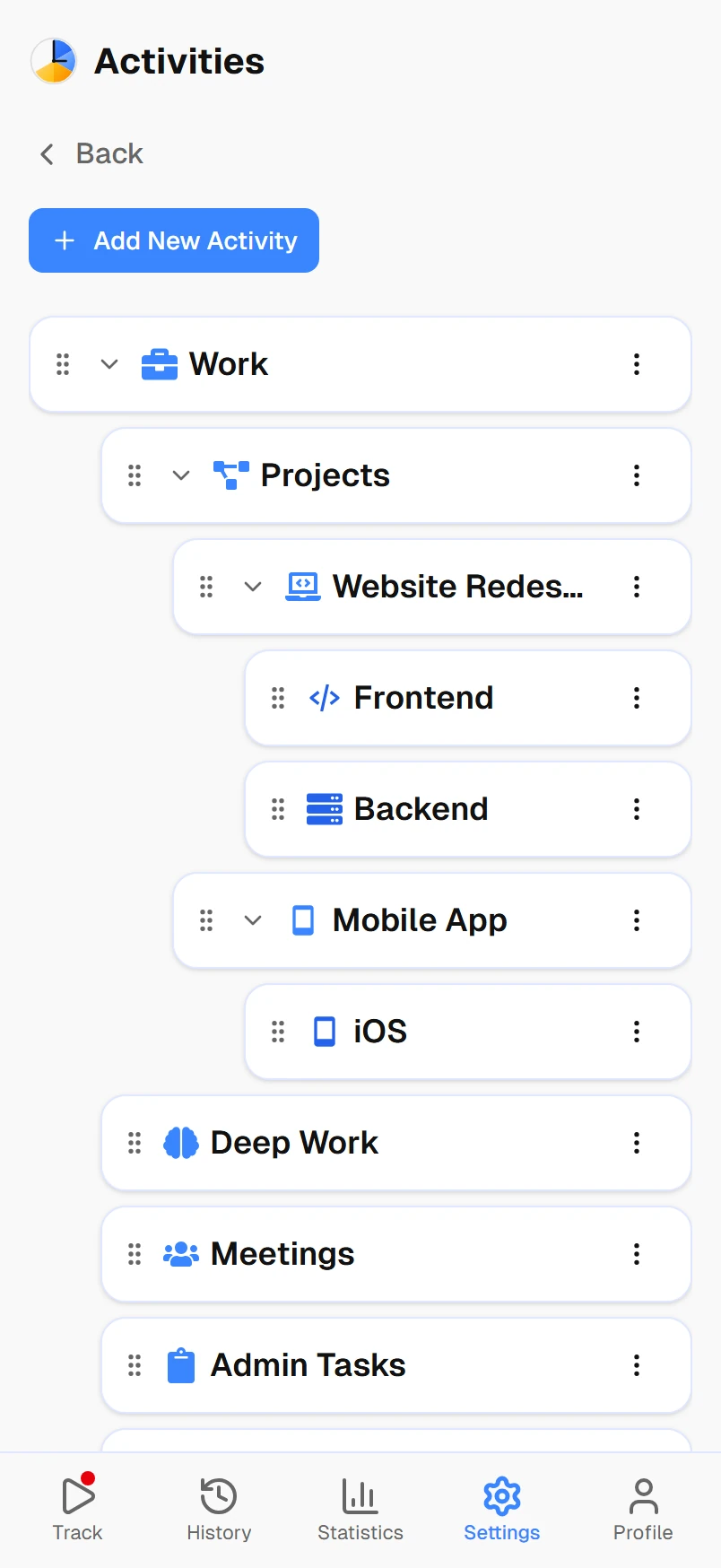
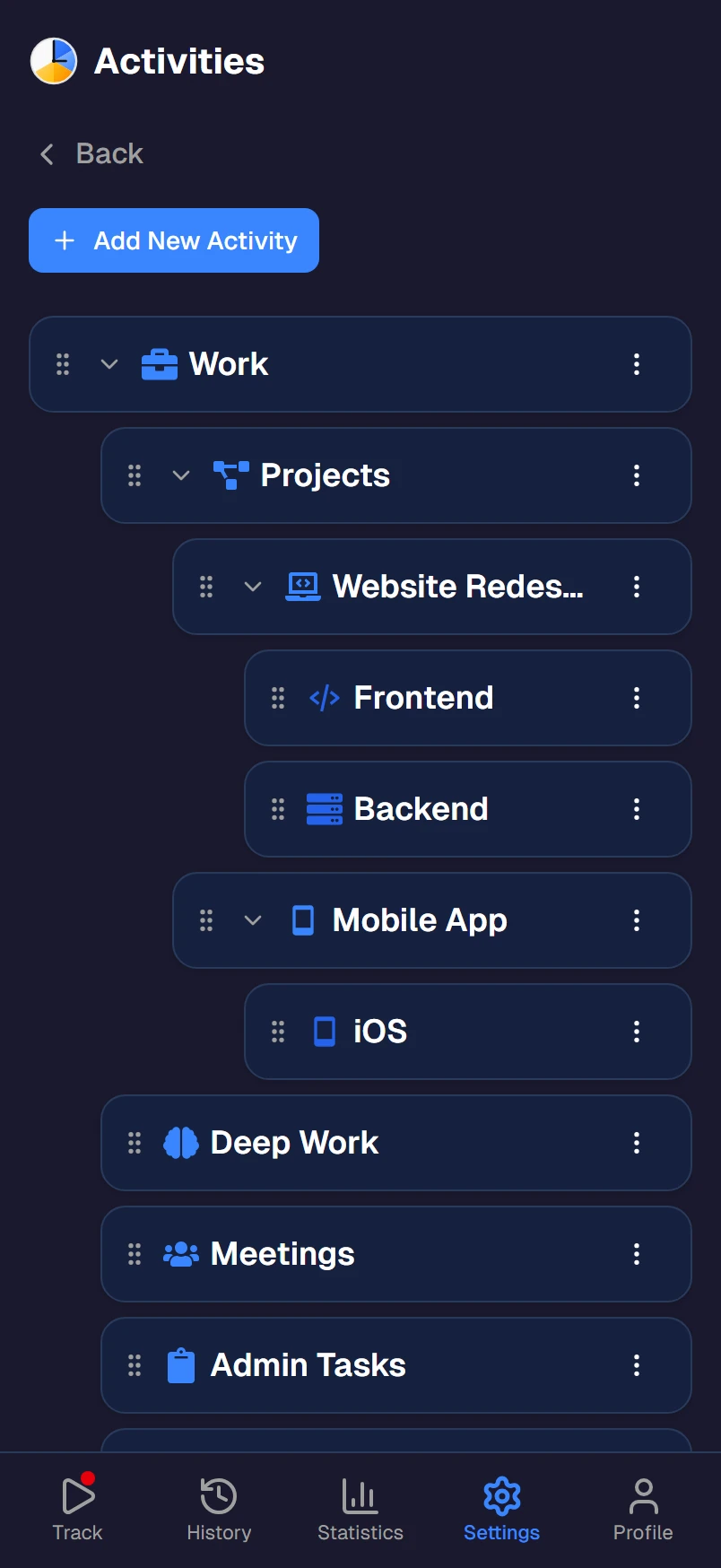
- WorkDeep work, Meetings, Code review, Slack & email, Learning, Admin
- HealthExercise, Gym, Running, Cooking
- SleepNight sleep
- LearningSide projects, Reading, Courses, Open source
- LeisureGaming, Social media, Netflix, Friends
- MaintenanceCommute, Chores, Meals, Errands
Frequently asked questions
Why should developers track their time?
Most developers think they spend most of their day coding. In reality, meetings, Slack, code reviews, standups, and context-switching often consume 40-60% of the workday. Time tracking reveals your actual deep work hours so you can protect them — and gives you data to push back when meetings take over.
How much deep work should a developer get per day?
Research suggests most knowledge workers manage about 4 hours of deep, focused work per day. For developers, this means 4 hours of uninterrupted coding is a great day. If your time tracking shows less than 2 hours, you have a meeting/interruption problem worth solving.
Is this a project time tracker like Jira or Toggl?
No. Timetracker doesn't track time per ticket or project. It tracks your whole day — deep work, meetings, code review, learning, exercise, sleep, and personal time. It's a personal tool that shows you how you actually spend your time across all of life, not just work tasks.
Can I track the cost of context switching?
Yes, indirectly. When you track every switch between activities — deep work to Slack to meeting to deep work again — your daily view shows the fragmentation. If your longest uninterrupted coding session is 45 minutes in an 8-hour day, that's visible. Research shows it takes 23 minutes to regain focus after an interruption.
Does it track coding activity automatically?
No. Timetracker uses manual one-tap switching, not automatic IDE tracking. This is intentional — automatic trackers count time your IDE is open, not time you're actually focused. Manual tracking forces a moment of intention: 'I'm starting deep work now.' That awareness itself improves focus.
Is Timetracker free?
Yes. Every current feature is free — no per-seat pricing, no enterprise plans. Works on Android, iOS, Windows, Mac, Linux, and any browser.