You track billable hours. Who tracks the rest?
Your billing tool says you worked 30 hours. Reality says 50. The emails, proposals, admin, and "quick calls" don't show up on invoices, but they eat your evenings, weekends, and health. Track your whole day to see the real cost of freelancing.
The freelancer burnout trap
Freelancers are uniquely vulnerable to burnout because the boundaries between work and life don't exist by default. There's no office to leave, no manager to tell you to stop, no colleagues who notice when you're on your laptop at 11 PM again.
Worse, billing tools create a false sense of control. Toggl says you worked 32 billable hours, a reasonable week. But it doesn't show the 6 hours of email, 4 hours of proposals, 3 hours of bookkeeping, and 2 hours of "just checking Slack." The real total? 47 hours. And that's before the weekend "quick fixes."
To protect yourself, you need to track all of your time, not just the hours you bill.
What whole-day tracking shows you
See the real number
You log 30 billable hours and think it's a light week. But add emails, proposals, bookkeeping, calls, and admin, and the real total is 50+. Tracking everything reveals the actual cost of freelancing.
Catch burnout early
Burnout doesn't happen overnight. It creeps in: 45 hours becomes 50, then 55. Weekly reports show the trend before you feel it. When you see three straight weeks over 50 hours, that's your signal.
Track the invisible work
Client calls, email threads, invoicing, marketing, learning new tools: none of this is billable, but it all takes time. Create an 'Admin' category alongside your 'Client Work' category and see the hidden tax.
Protect your off hours
When you work from home, work bleeds into everything. Track your evenings and weekends as non-work time. When your report shows you worked 4 hours on Saturday, the data makes it real.
Set work limits
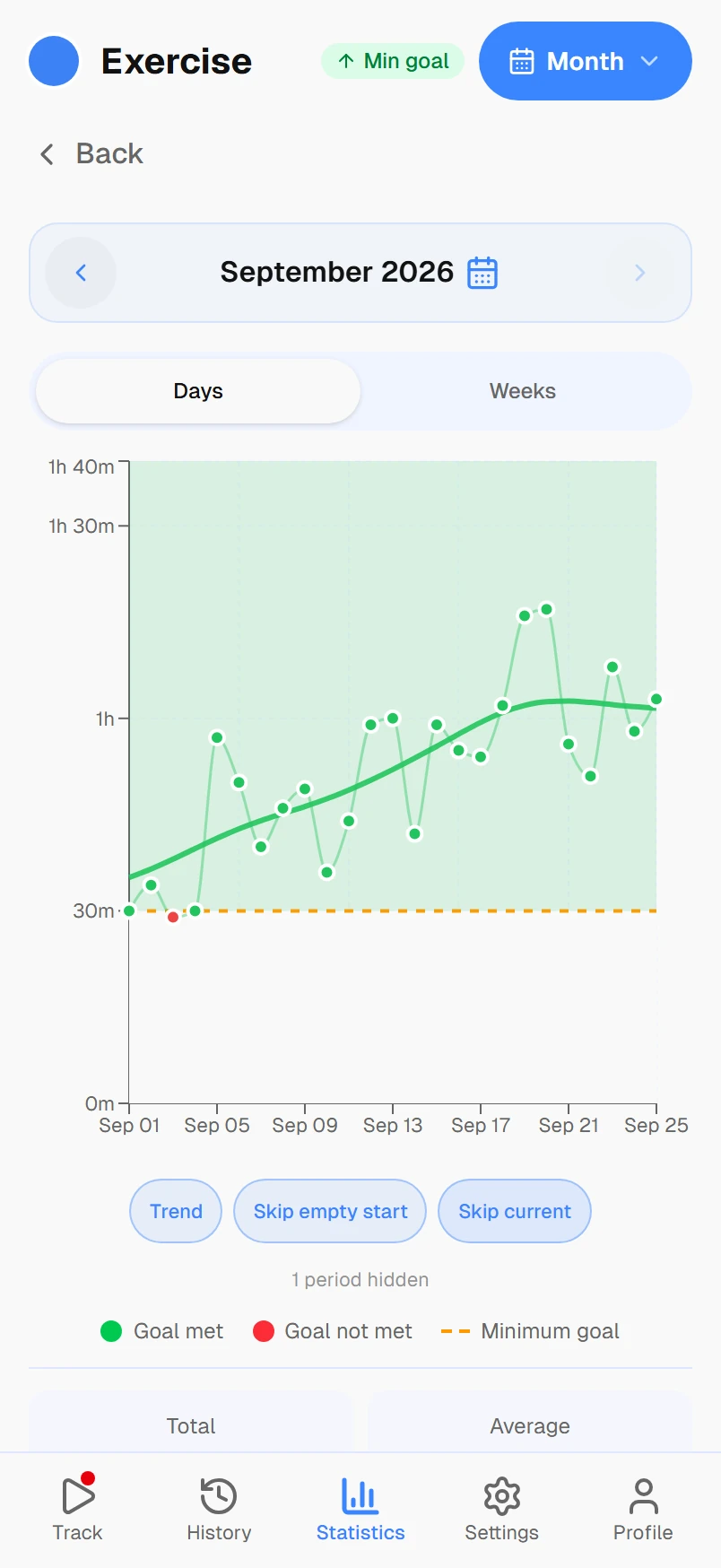
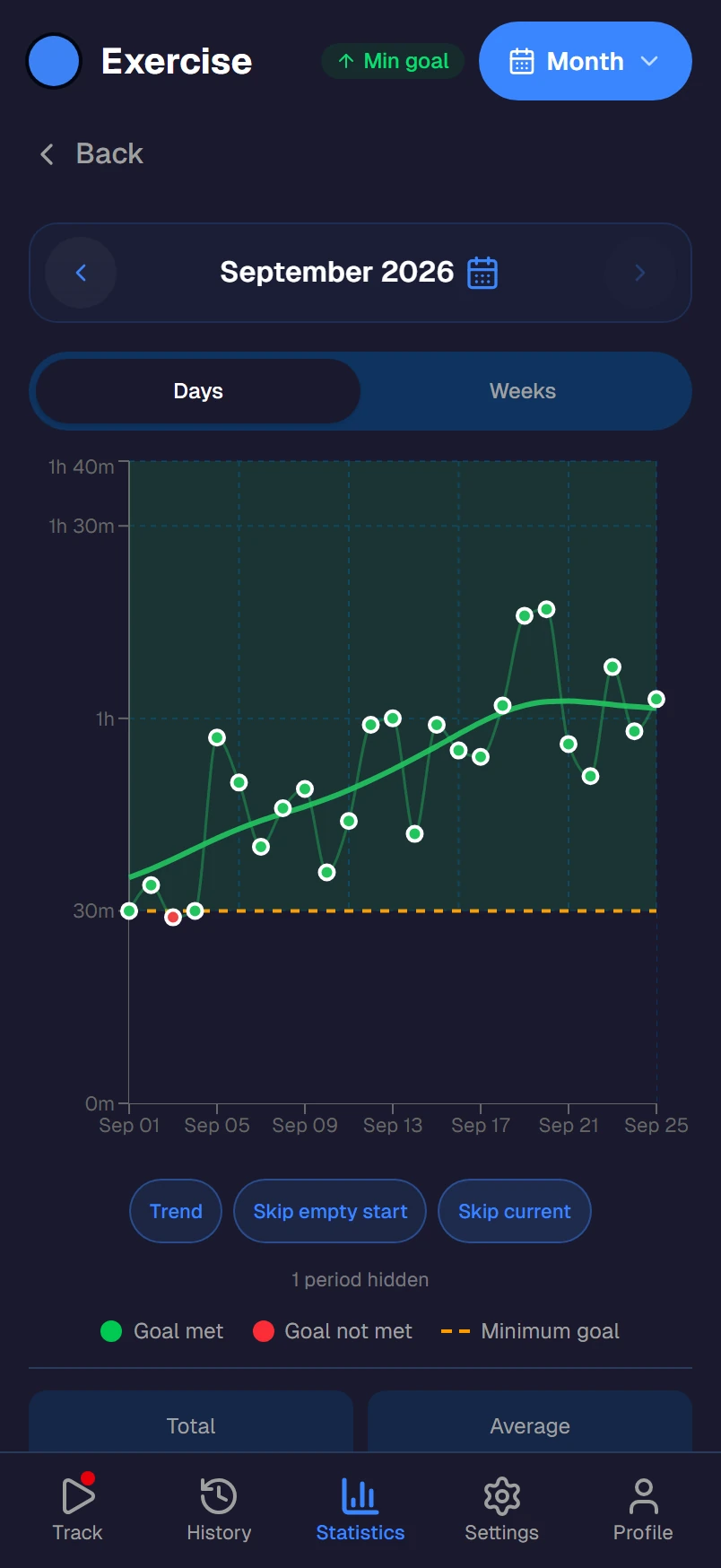
Set a daily work goal of 8 hours maximum. Set a weekly exercise goal of 5 hours minimum. When the numbers go wrong, you see it in real time, not at the end of the month when you're already fried.
One tap, no friction
Switching from 'Client Work' to 'Lunch' to 'Admin' to 'Exercise' is one tap each. No forms, no project selection dialogs. Freelancers already juggle too much; the tracking tool shouldn't add to the load.
Use it alongside your billing tool
Timetracker doesn't replace Toggl or Harvest; it complements them. Keep your billing tool for invoicing clients. Use Timetracker to track the other 130 hours of your week that billing tools ignore.
Your billing tool handles:
- Billable hours per client
- Project tracking and budgets
- Invoice generation
- Hourly rate calculations
Timetracker handles:
- Total work hours (billable + unpaid)
- Sleep, exercise, and rest tracking
- Work-limit goals (max 8h/day)
- Weekend and evening protection
Frequently asked questions
Why do freelancers burn out even when they track time?
Most freelancer time trackers only count billable hours — the time you invoice clients. But freelancing involves unpaid work too: emails, proposals, bookkeeping, marketing, learning. A freelancer might log 30 billable hours and think they worked a normal week, when the real total is 55 hours. Tracking only billable time hides the overwork.
How is Timetracker different from Toggl or Clockify for freelancers?
Toggl and Clockify track work hours across projects and clients. Timetracker tracks your entire day — billable work, unpaid admin, commute, exercise, sleep, and downtime. You see the full picture: not just how much you billed, but how much of your life work actually consumed. That's the data that prevents burnout.
Can I still track billable hours with Timetracker?
You can track client work as activities under a Work category. However, Timetracker doesn't have invoicing, billable rates, or client management. If you need to generate invoices, keep your billing tool (Toggl, Harvest, etc.) and use Timetracker alongside it to track your full day and protect your non-work time.
What's a healthy work-life split for freelancers?
There's no universal answer, but tracking reveals your personal pattern. Many freelancers discover they work 50-60 hours when they thought it was 35-40. A common goal is keeping total work (billable + admin + emails) under 45 hours, while protecting at least 5 hours for exercise, 7+ hours of sleep per night, and dedicated time off on weekends.
How do I set boundaries as a freelancer using time tracking?
Set time goals in Timetracker: maximum 8 hours of work per day, minimum 1 hour of exercise, no work after 7 PM (track 'Evening' activities instead). When your weekly report shows work creeping past your limits, you have concrete data to justify saying no to extra projects or pushing deadlines.
Is Timetracker free for freelancers?
Yes. Every current feature is free — no per-user pricing. Works on Android, iOS, Windows, Mac, Linux, and any browser. Your data syncs across all devices.