Your home became your office. Where did home go?
No commute means no off switch. Slack pings at 7 AM, emails after dinner, "quick fixes" on Sunday. Track your real work hours (all of them) and build the boundaries your home office doesn't have.
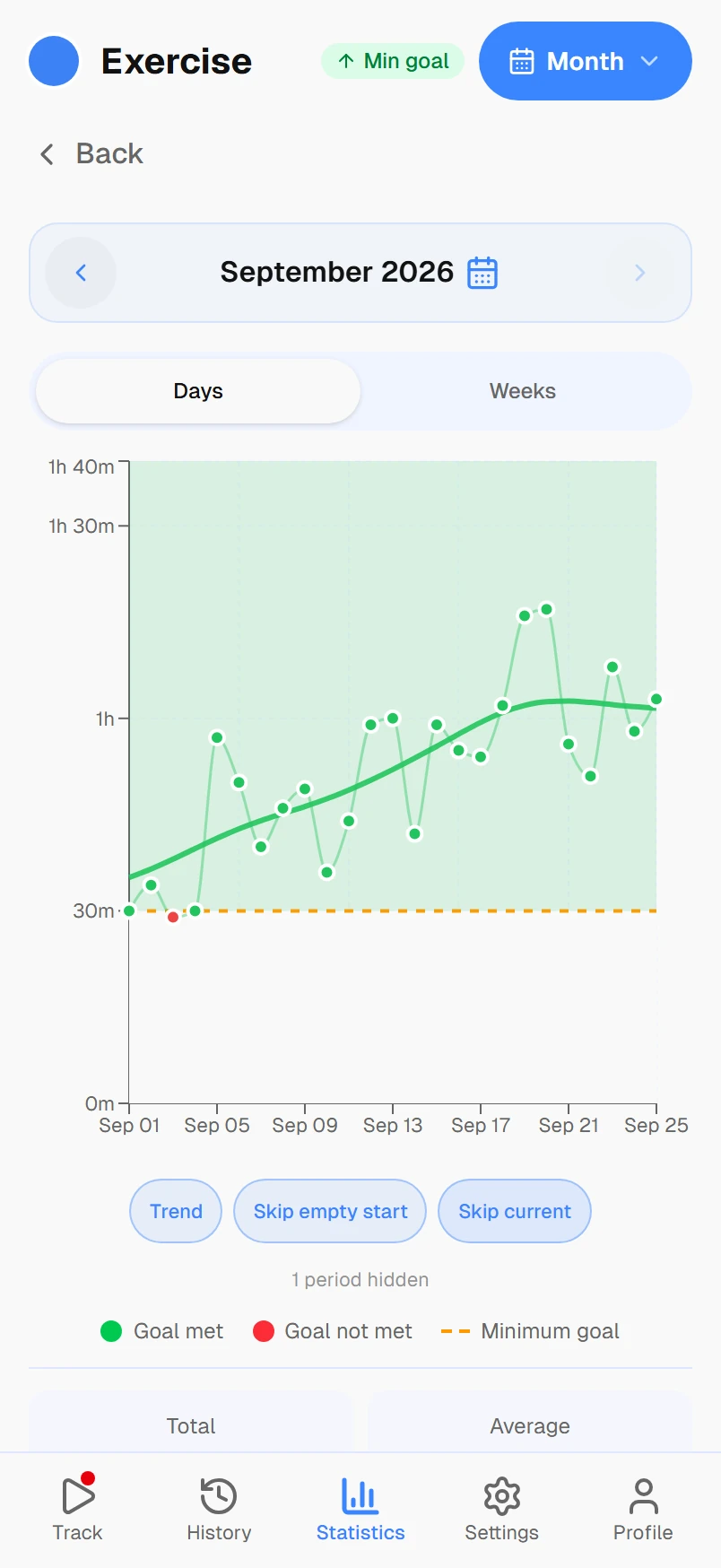
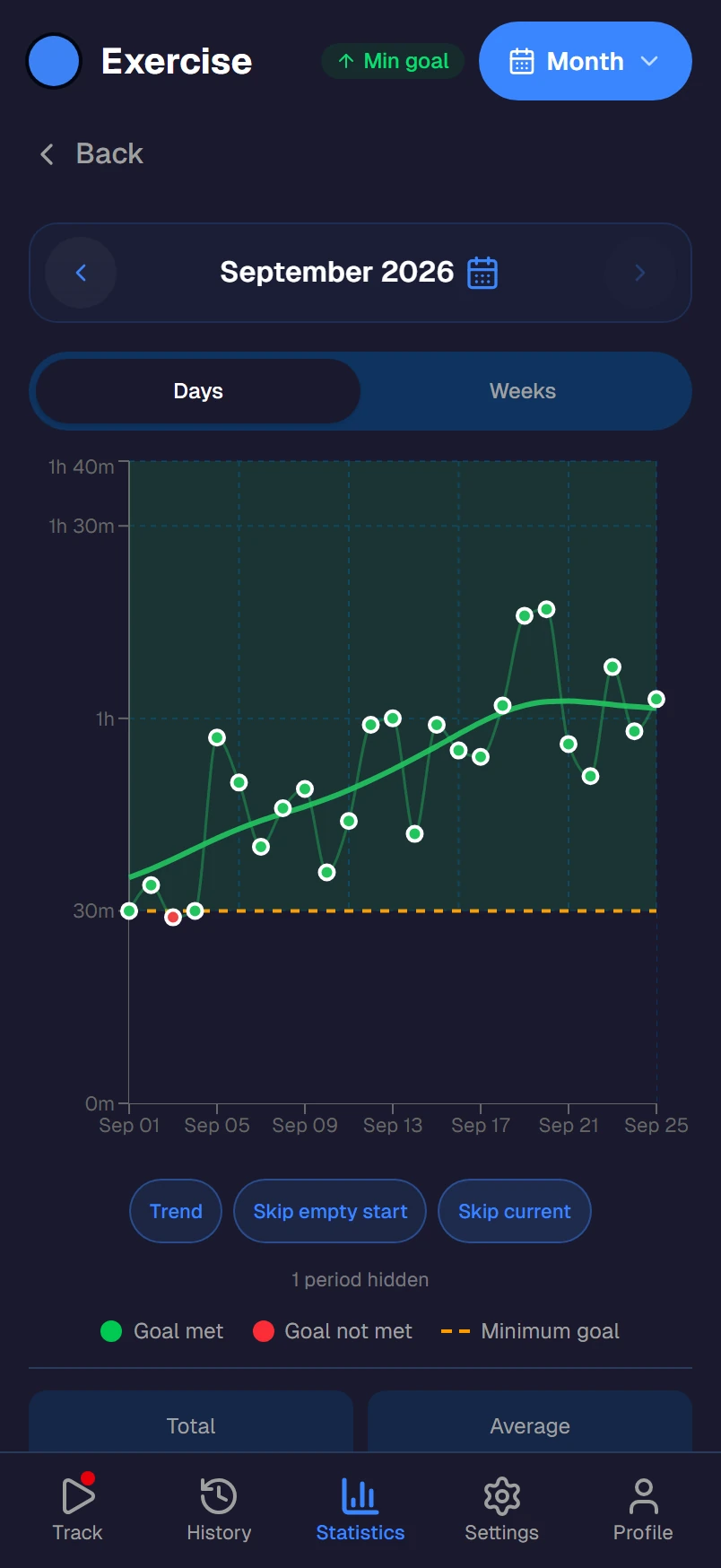
The remote work boundary problem
Office workers have physical boundaries: you walk in, you walk out, and the commute creates a buffer between work and life. Remote workers have none of that. The laptop is always within reach, Slack is always on, and there's always "one more thing" to handle.
Studies show remote workers put in an average of 48.5 hours per week, almost a full extra day compared to office workers. But because the extra hours happen in small increments (a Slack message here, an email there), most remote workers don't realize how much extra they're giving away.
Build boundaries with data
Track the real hours
Your calendar says 8 hours of meetings and focus time. But what about the Slack messages at 7 AM, the emails after dinner, and the 'quick fix' on Sunday? Track all of it and see your actual work total.
Spot after-hours creep
Create an 'After-hours work' activity. After one week, most remote workers discover 8-12 extra hours they didn't realize they were giving away: late-night Slack, weekend emails, 'just checking' that turns into an hour.
Reclaim your breaks
Remote workers often feel guilty taking breaks because no one sees them being productive. Track your lunch, walks, and coffee breaks. When your report shows 9 hours of work, taking 30 minutes away from the screen isn't slacking, it's earned.
Not employee monitoring
No screenshots, no keystroke logging, no employer dashboard. Timetracker is 100% personal: only you see your data. This isn't about proving you work. It's about protecting yourself from working too much.
Set work limits
Set a daily maximum: 8 hours of work, then close the laptop. Set a minimum: 1 hour of exercise, 7 hours of sleep. When the numbers drift, your weekly report catches it before burnout does.
Create a fake commute
Without a commute, there's no transition between work and home. Track a 'Morning routine' and 'Evening wind-down' activity. Tapping 'work done' at 6 PM creates the mental boundary that walking out of an office used to provide.
Frequently asked questions
Why do remote workers need a personal time tracker?
When you work from home, there's no commute to signal the start and end of work. Laptops stay open, Slack notifications keep pinging, and 'one more email' turns into two more hours. A personal time tracker shows you exactly when work starts bleeding into personal time — so you can set and enforce real boundaries.
Isn't this just employee monitoring software?
No. Timetracker is a personal tool — only you see your data. There are no screenshots, no keystroke logging, no employer dashboards. This isn't about proving you're working; it's about protecting yourself from overwork by seeing your actual work-life split.
How do remote workers track the blurry boundaries?
Create activities that capture the gray areas: 'Checking Slack after hours,' 'Weekend email,' 'Working during lunch.' After a week, you'll see exactly how much extra work sneaks in outside your official hours. Most remote workers are surprised — it's usually 8-12 extra hours per week.
What's a healthy work-life split for remote workers?
Research suggests remote workers average 48.5 hours per week — nearly a full extra day compared to office workers. A healthy target is keeping total work (including email and Slack outside hours) under 45 hours while protecting at least 7 hours of sleep, 4-5 hours of exercise, and genuine screen-free downtime.
Can time tracking help with remote work guilt?
Yes. Many remote workers feel guilty taking breaks because no one sees them working. Time tracking provides proof: 'I worked 9 hours today, I deserve to close the laptop.' The data replaces guilt with facts — you can see objectively that you've done enough.
Is Timetracker free?
Yes. Every current feature is free — no ads, no employer plans. This is a personal tool for you. Works on Android, iOS, Windows, Mac, Linux, and any browser.