Online time tracker that runs in your browser
Open timetracker.live, sign in, start tracking. No download, no install, no admin password. A web-based time tracker that works on Windows, Mac, Linux, Chromebook, and any device with a browser, with the same account syncing across all your devices.
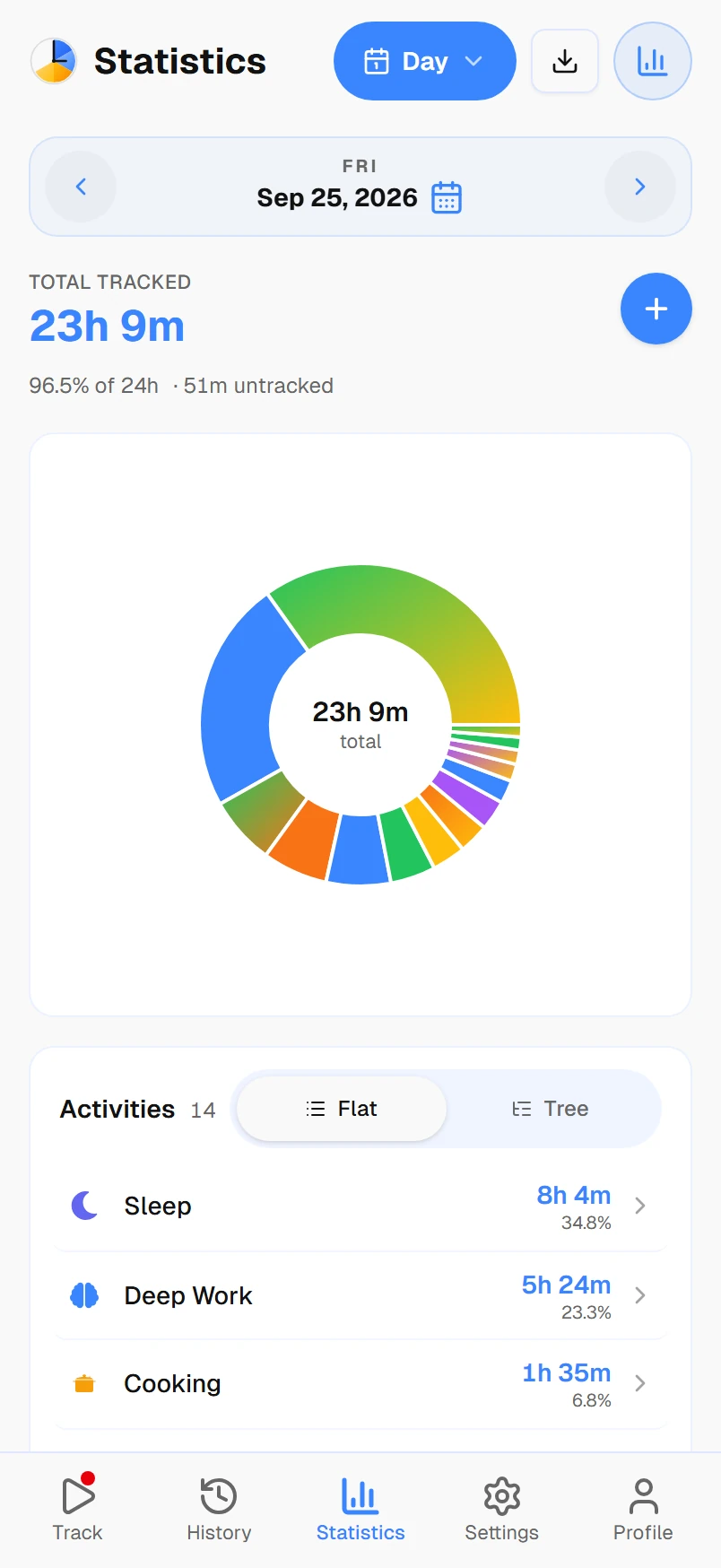
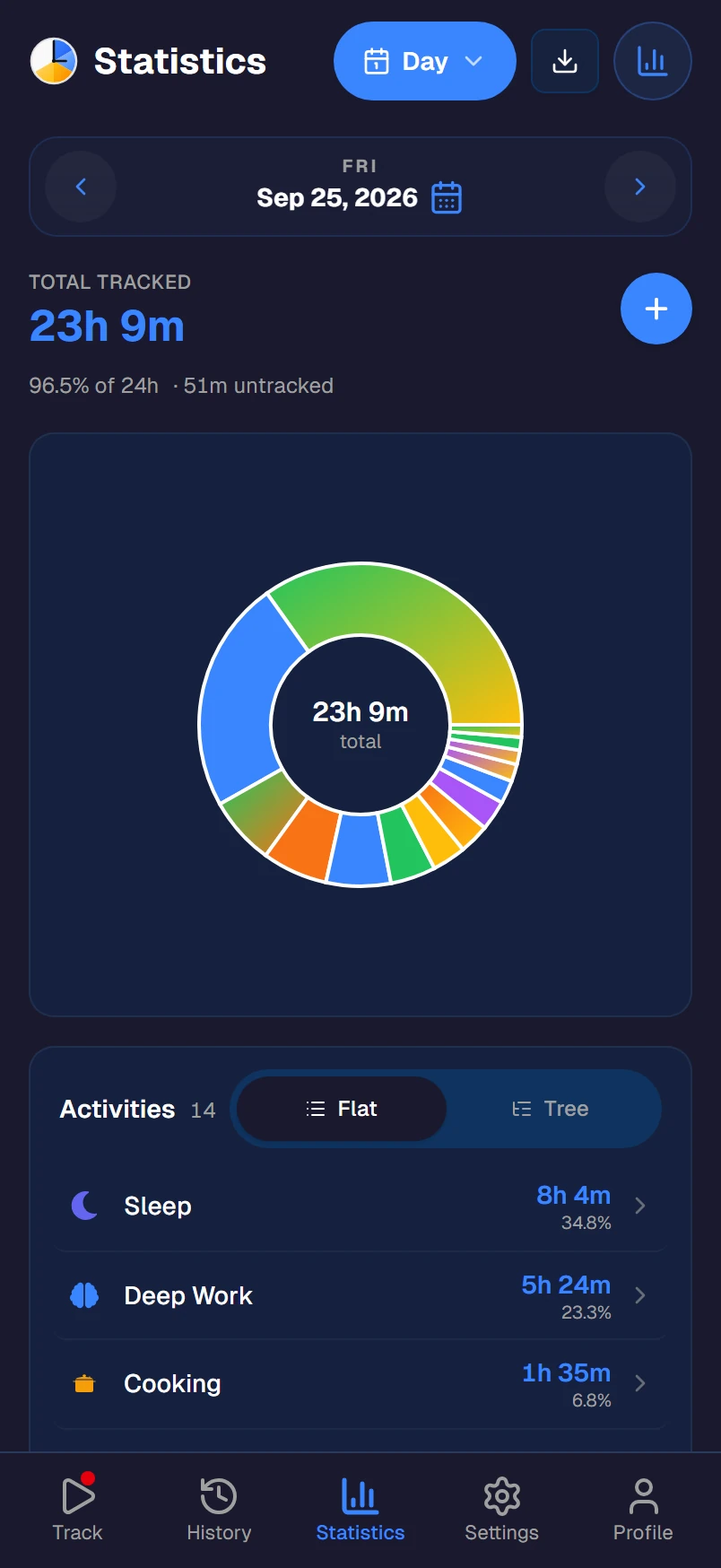
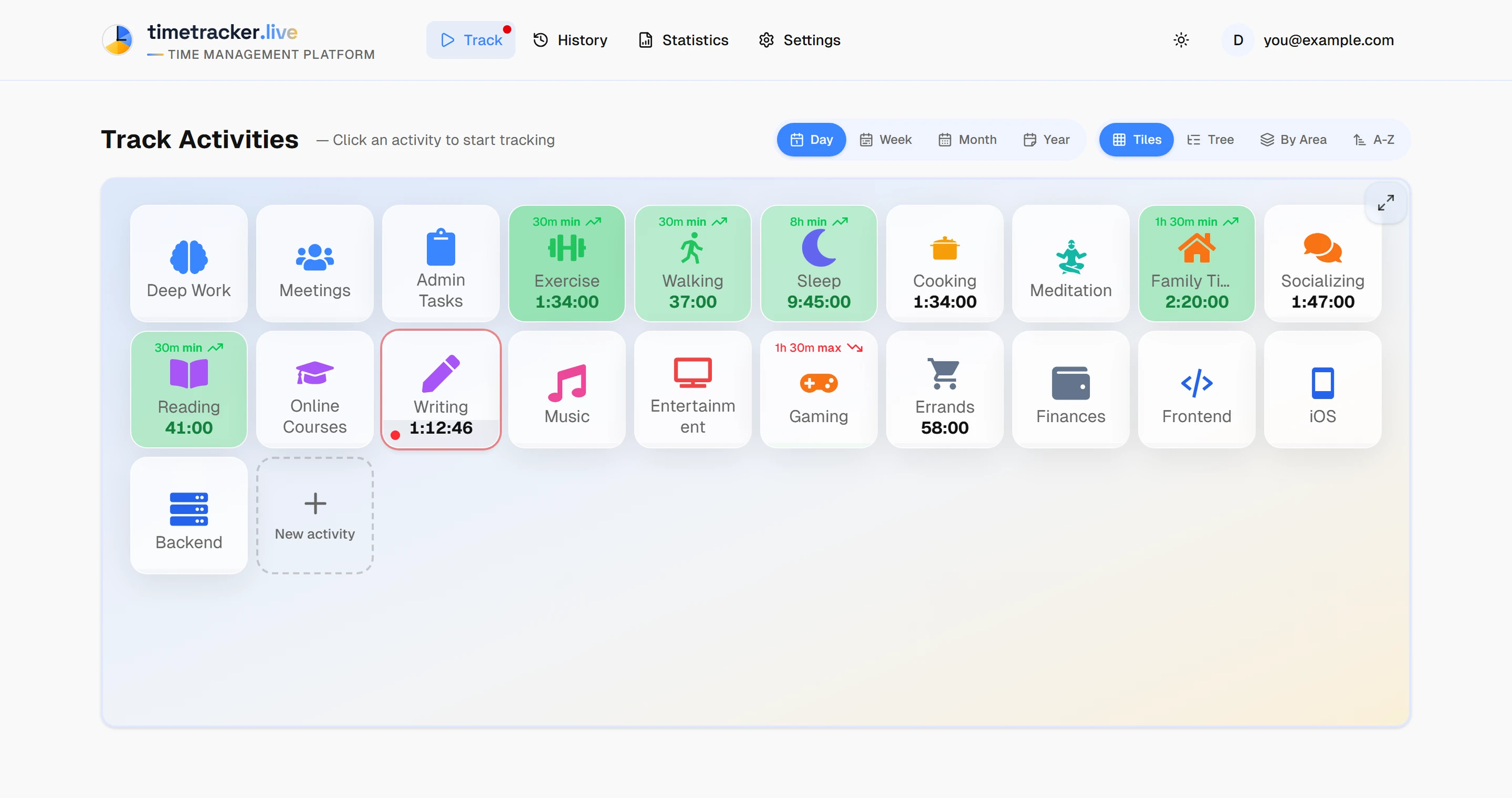
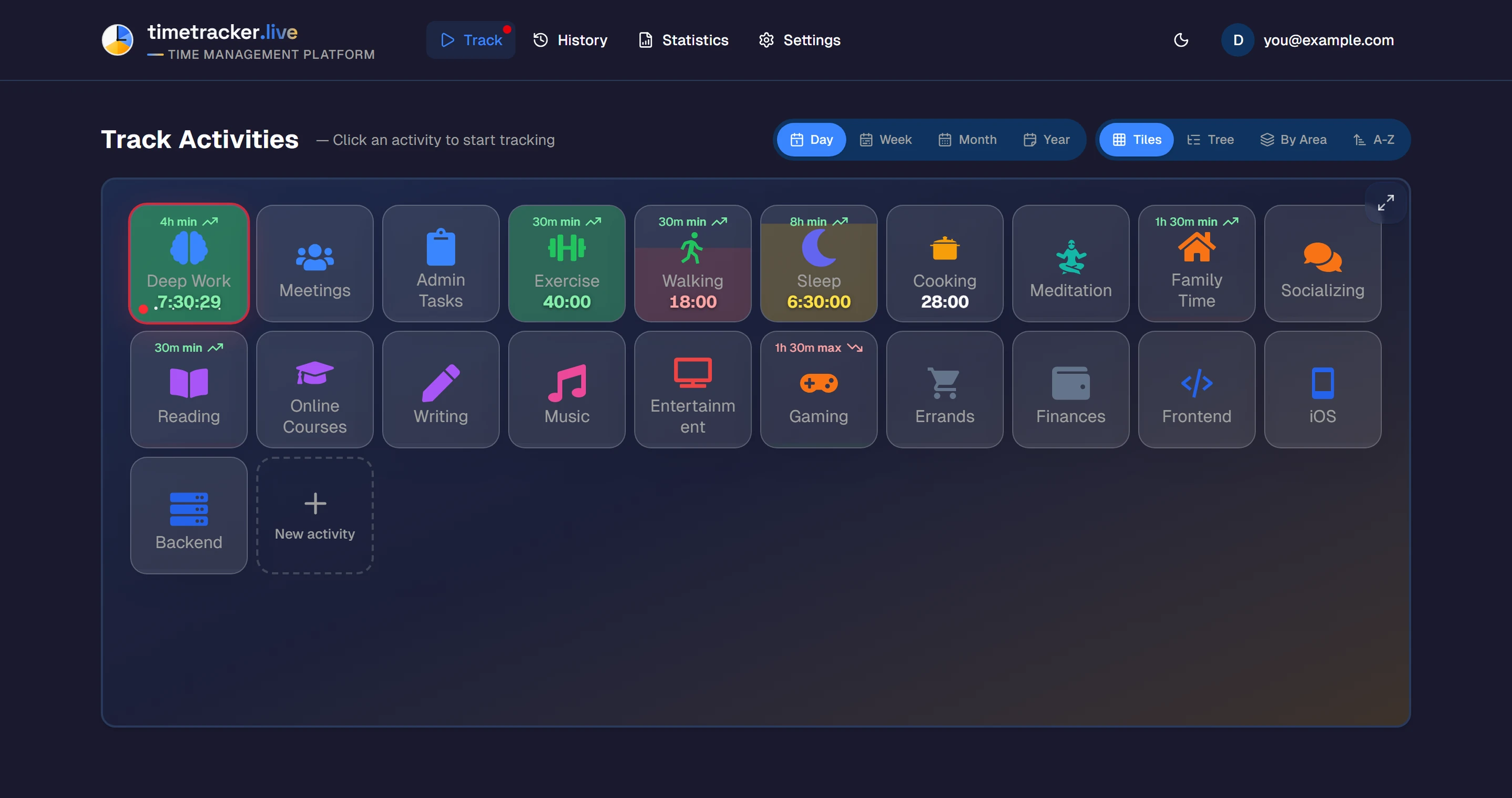
timetracker.live, in a browser tab
Why pick a web‑based time tracker?
Most time trackers want you to download a 100MB installer, click through a setup wizard, and give it admin rights. On a personal machine, fine. On a work laptop with locked software policies? On a Chromebook? On your partner's computer while you're traveling? Not happening.
A browser-based time tracker side-steps all of it. Open the website, sign in, track. It's the same model you already trust for email, calendar, and banking, with none of the "please contact your IT administrator" friction.
What you get from the browser version
Runs in any browser
Chrome, Firefox, Safari, Edge, Brave, Arc: if it can open a website, it can run Timetracker. No browser extensions, no plugins, no quirky compatibility issues.
Zero install, instant start
Open timetracker.live, sign in, start the timer. That's it. No download, no setup wizard, no admin password, no IT ticket for work laptops with locked-down software policies.
Syncs across every device
Start a timer in the browser on your work laptop, stop it from the Android app on the bus, check your weekly chart from the desktop app at home. Same account, same data, in real time.
Works on Chromebook
No Chrome OS app needed. School Chromebooks, library computers, Linux boxes without Snap support, locked-down kiosk machines: all fine. If it has a browser, it has Timetracker.
Your data follows you
Data lives on our servers, not in your browser's local storage. Clear cookies, reinstall your OS, switch to a new machine: sign in and everything is still there, exactly how you left it.
Desktop apps when you want them
Prefer a standalone window that lives in your taskbar or dock? Native apps for Windows, Mac, and Linux use the same account as the web version. Pick whichever feels right.
Online vs desktop app
Same account, same data. Pick whichever fits the moment, or use both.
| OnlineOnline (browser) | DesktopDesktop app | |
|---|---|---|
| Installation | None: open a link | Download + install |
| Works on restricted work laptops | Yes (no admin needed) | Depends on IT policy |
| Chromebook support | Yes | No |
| Cross-device sync | Yes | Yes |
| Setup time | ~10 seconds | 1–2 minutes |
Frequently asked questions
What is the best online time tracker?
Timetracker.live is a free online time tracking app that runs entirely in your browser — no download or install required. Sign up with an email or Google account and start tracking your time across categories like work, study, sleep, and exercise. Everything syncs across devices automatically.
Do I need to install anything to use a web-based time tracker?
No. Timetracker runs in any modern browser — Chrome, Firefox, Safari, Edge, Brave, or Arc. Just open timetracker.live and sign in. There's nothing to download, and no admin permissions needed, which makes it ideal for work laptops with restrictive software policies.
Does it work on Chromebook?
Yes. Because Timetracker is fully web-based, it works perfectly on Chromebooks, school computers, library machines, and any device that can open a web browser. No Chrome OS app required.
Can I use the online version and the desktop app together?
Yes. Start a timer in the browser at work, then check your weekly stats on the native Windows, Mac, Linux, iOS, or Android app at home. Everything uses the same account and syncs in real time.
Is my data safe in a browser-based time tracker?
Your data lives on our servers (encrypted in transit over HTTPS) and is tied to your account, not your browser. If you clear cookies or switch devices, you just sign back in and everything is there. You can export or delete your data at any time from the settings page.