Track your time. Keep it simple.
Most time trackers are built for billing clients. This one is built for understanding your life. Tap an activity, start tracking. That's it.
Time tracking shouldn't feel like work
Most time tracking tools are designed for freelancers and agencies. They come loaded with projects, clients, invoices, and billing rates. If you just want to know where your day goes, all that complexity gets in the way.
Timetracker is different. It's built for personal time awareness: understanding how you split your day between work, health, sleep, hobbies, and family. No billing. No bloat. Just simple tracking.
Simple doesn't mean limited
One tap to track
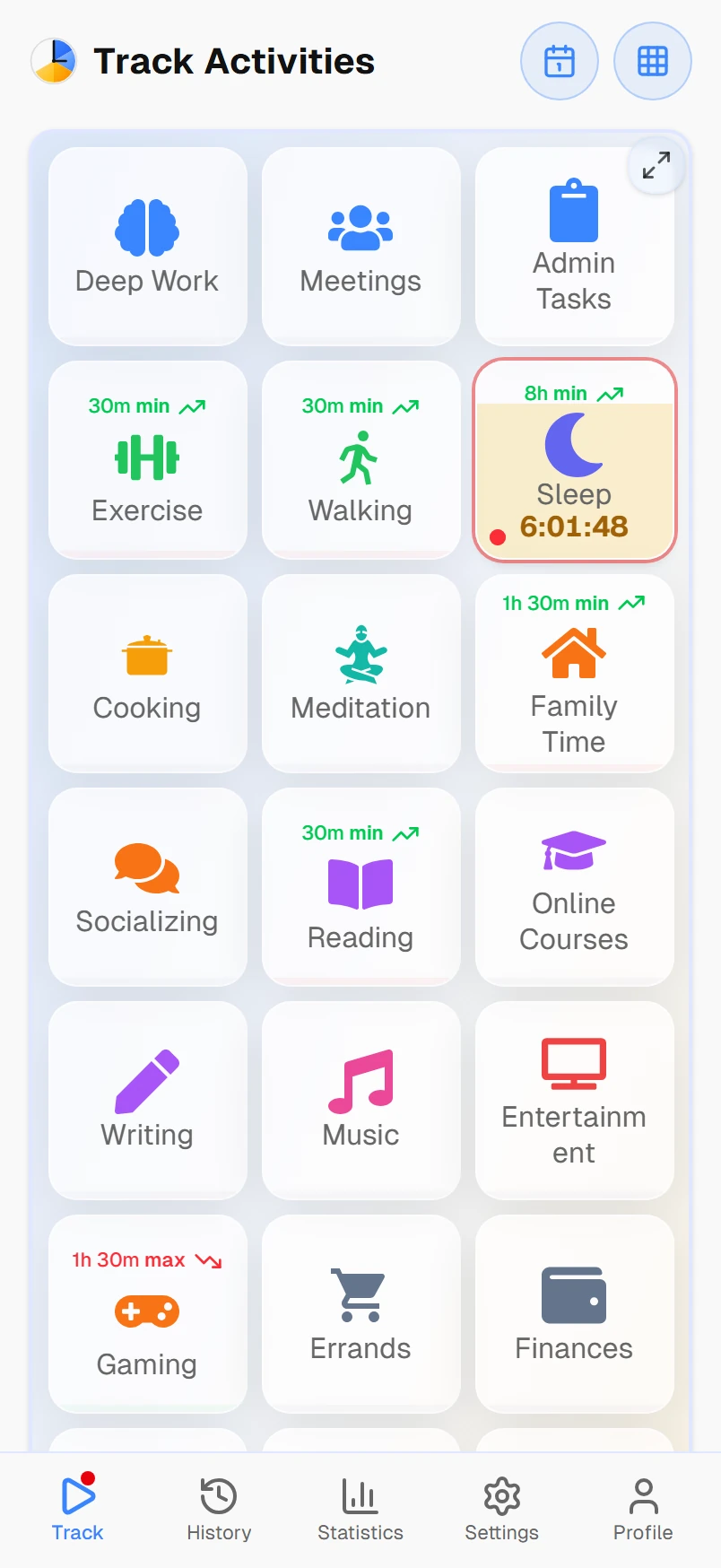
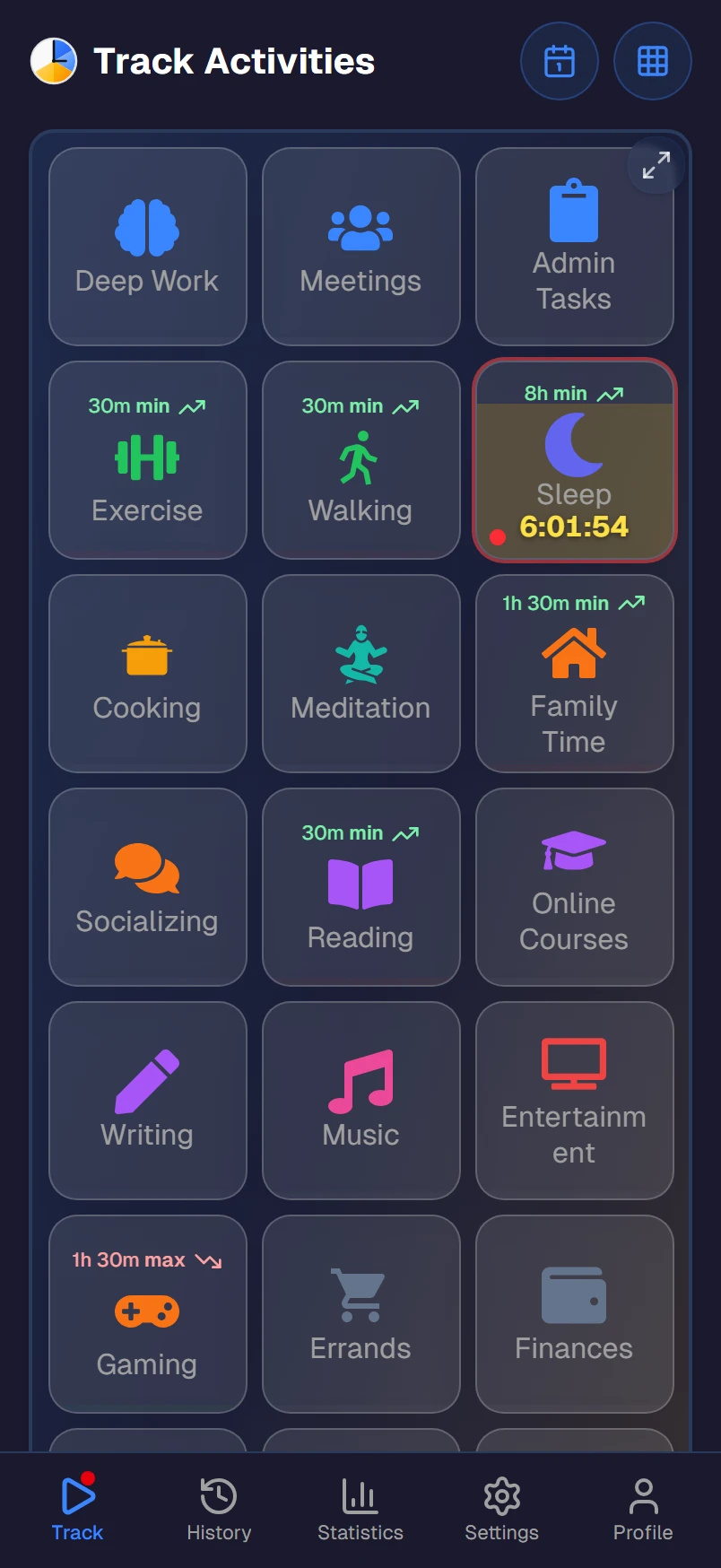
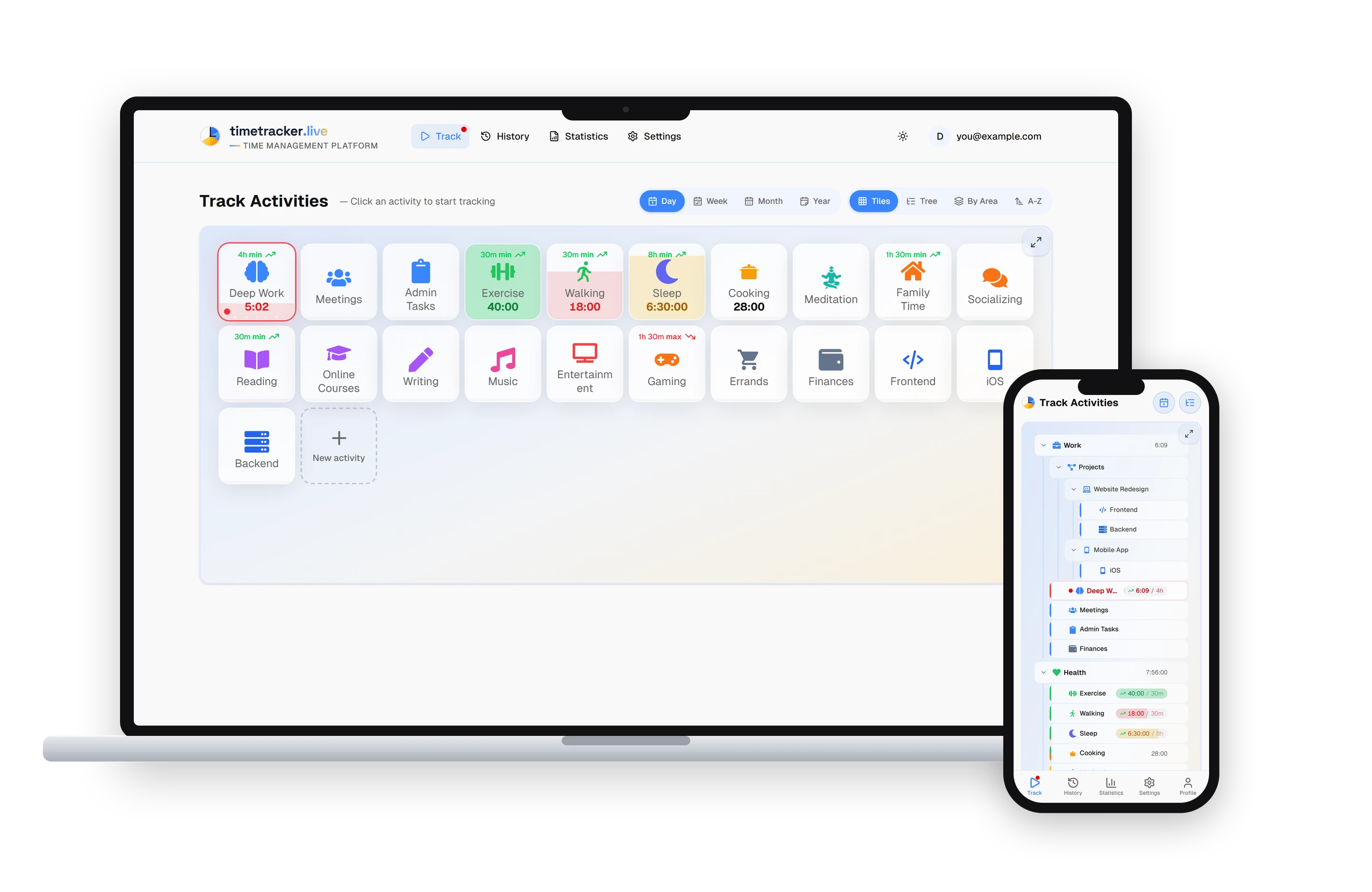
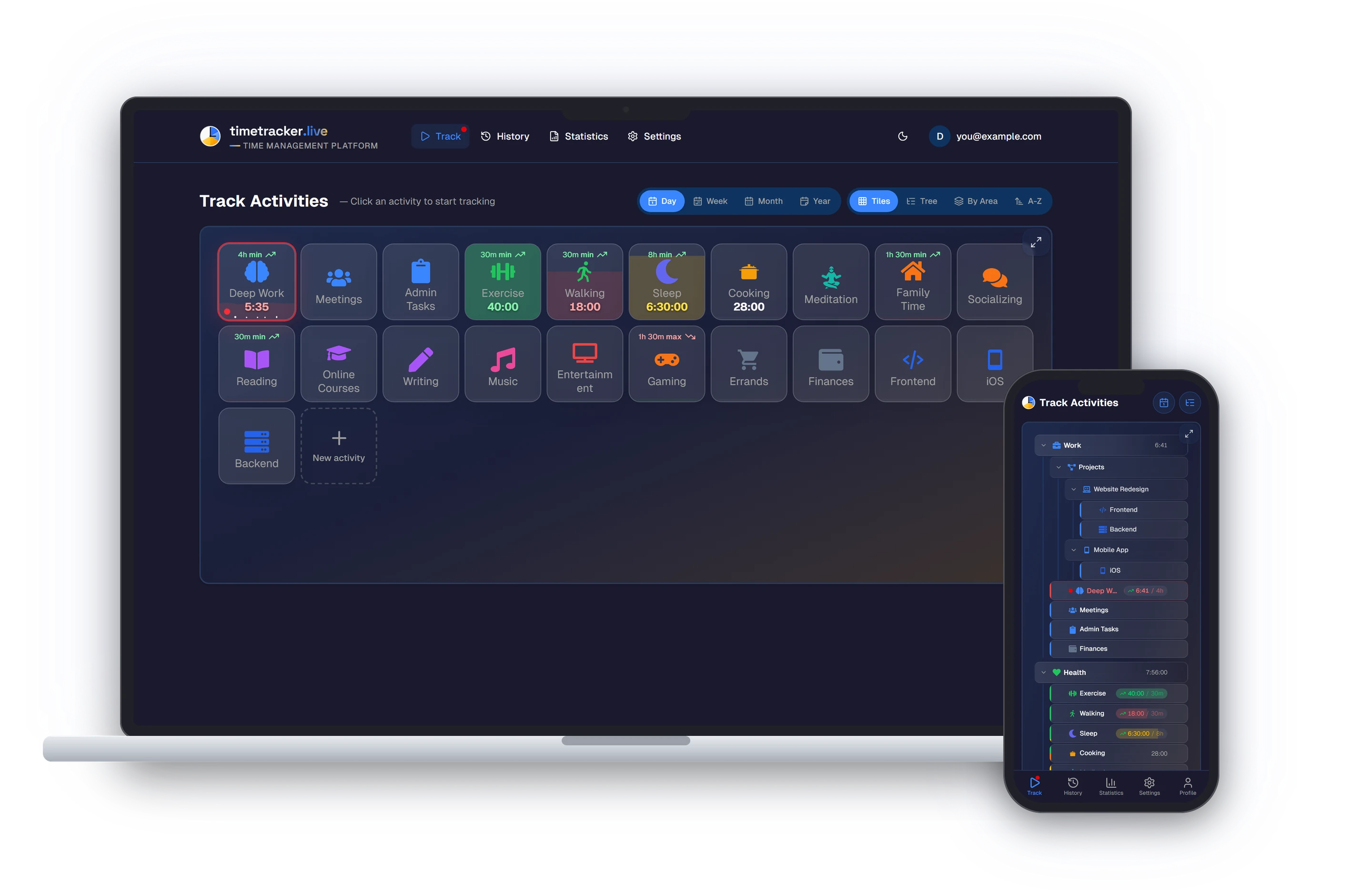
Tap an activity to start tracking. Tap another to switch. The previous timer stops automatically. No start/stop buttons, no manual entries.
Categories, not projects
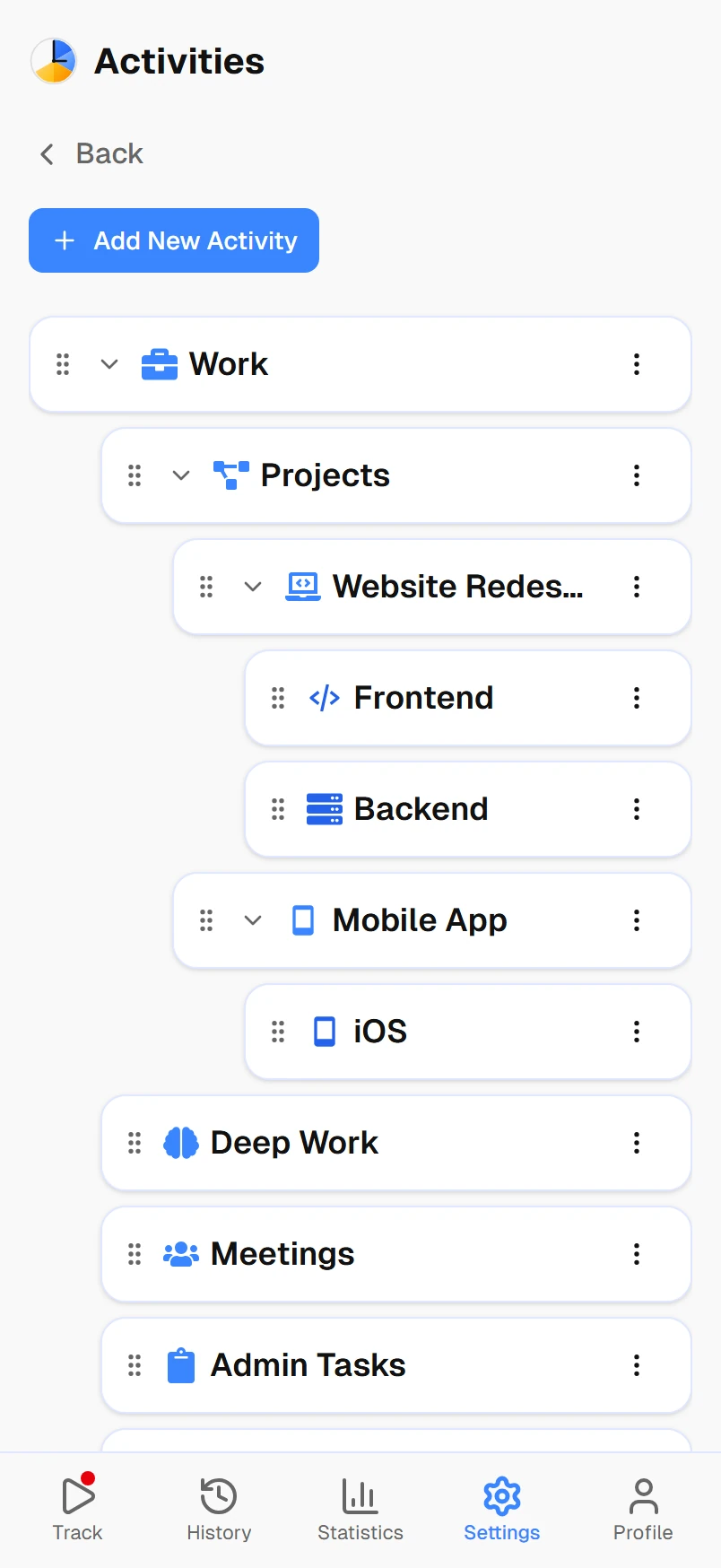
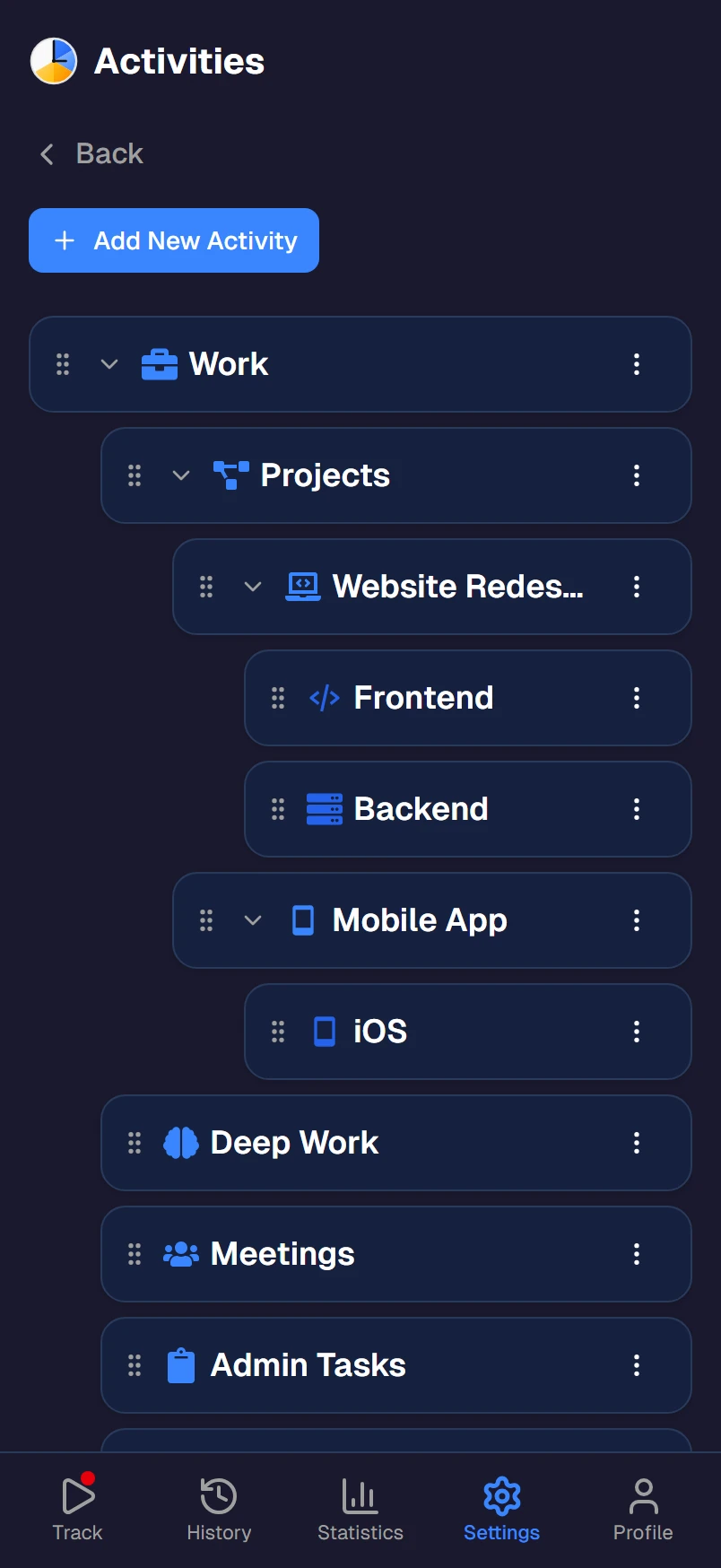
Organize your time into categories like Work, Health, Family, and Hobbies. No clients, invoices, or billable rates cluttering your view.
All 24 hours
Track your whole day, not just work. Sleep, exercise, commute, meals, hobbies. See where every hour actually goes.
Clear insights
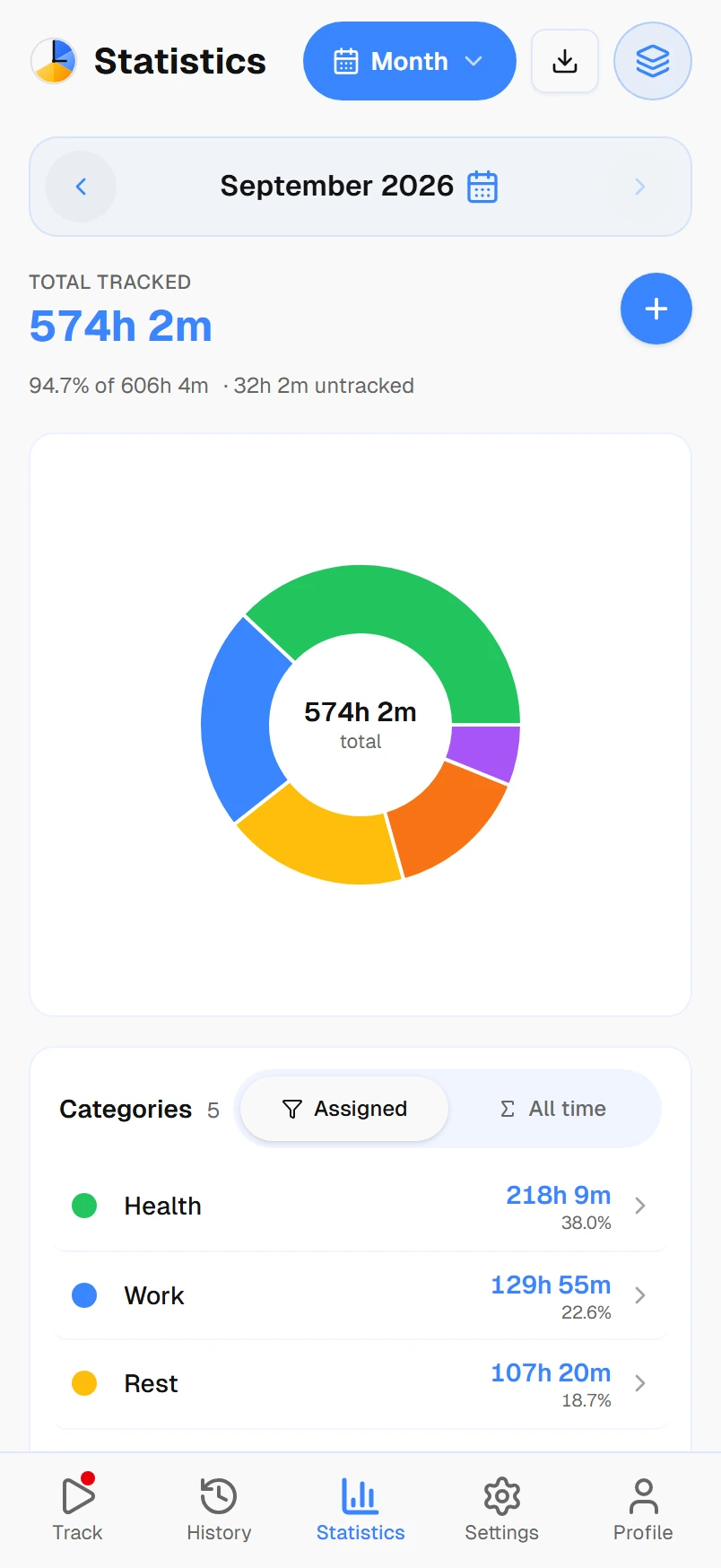
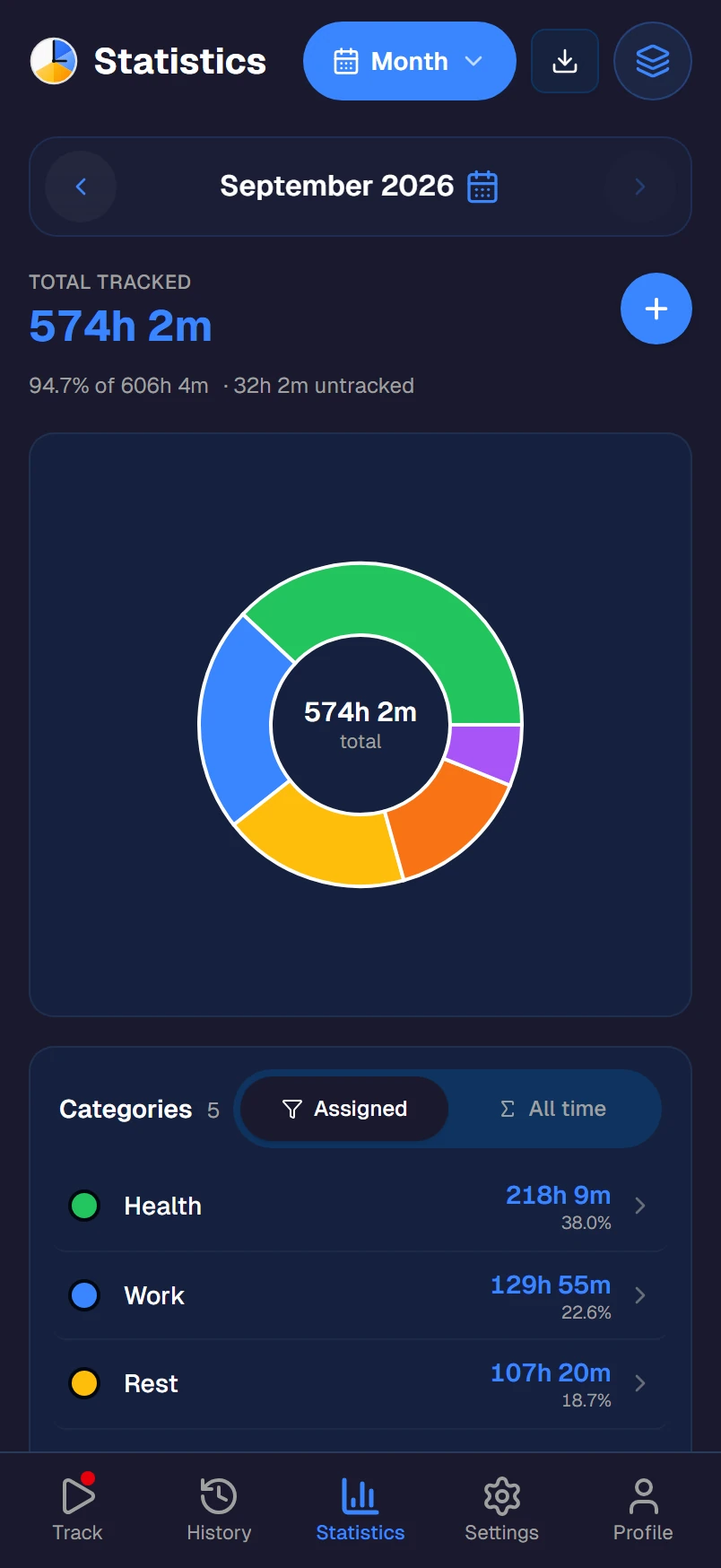
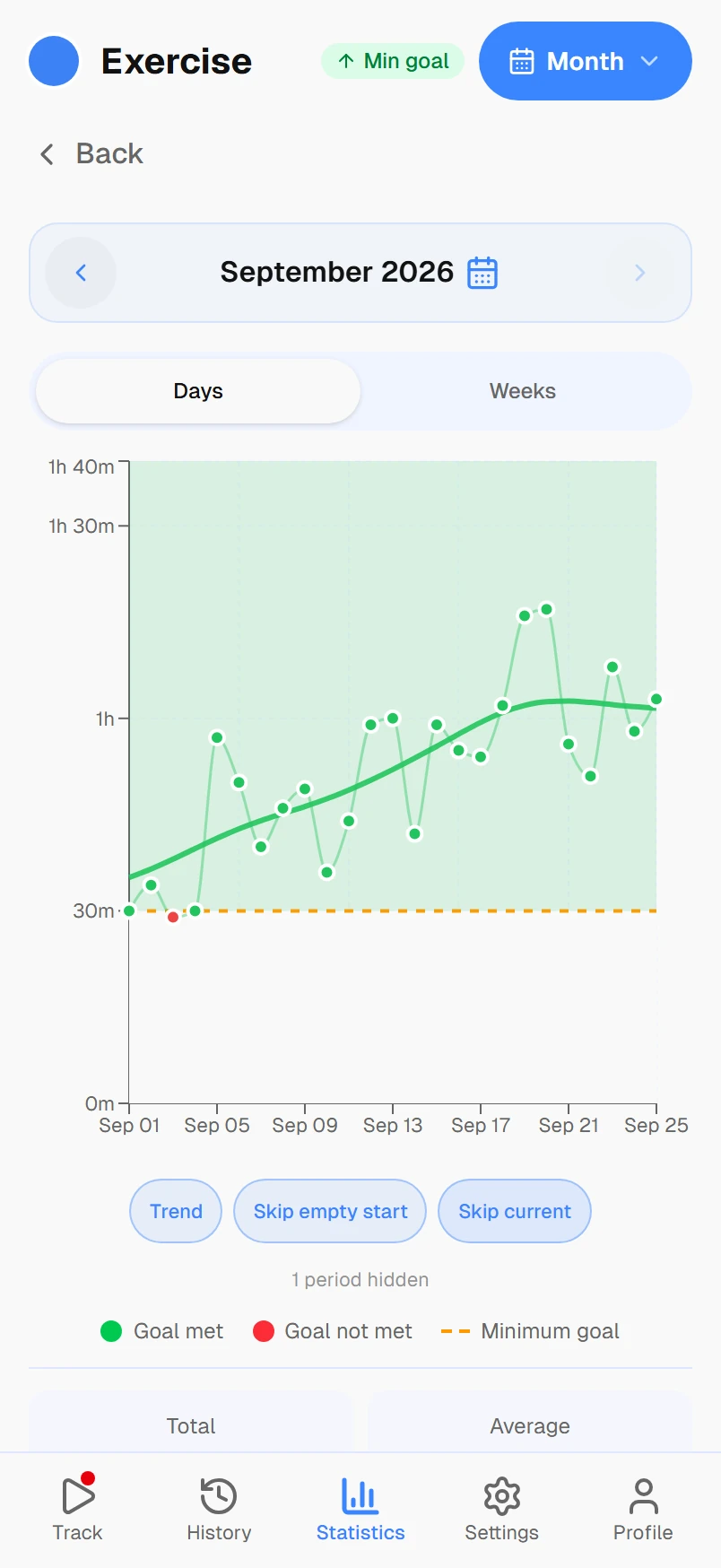
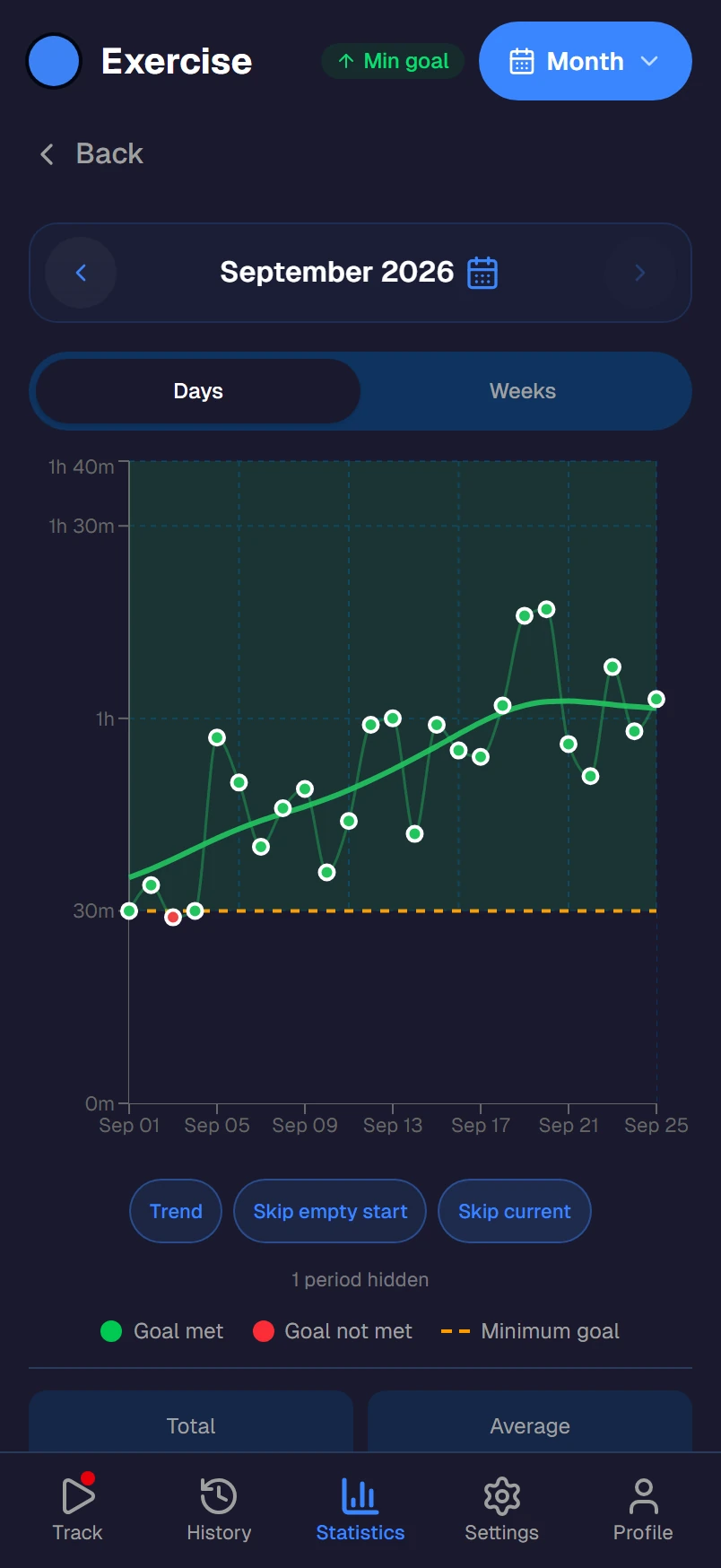
Daily, weekly, and monthly breakdowns show how you spend your time. Simple charts, no data science degree required.
Optional goals
Want to exercise 5 hours a week? Set a goal. Don't want goals? Don't set them. The app works either way.
Works everywhere
Phone, tablet, laptop, desktop. Android, iOS, Windows, Mac, Linux, Web. One account, everything syncs.
Three steps. Two minutes.
1. Create your categories
Add 5–7 categories: Work, Health, Sleep, Hobbies, Family. Then add a few activities under each. Done in under two minutes.
2. Tap to track
Tap an activity to start the timer. When you switch to something else, tap the new one; the old timer stops on its own.
3. See the big picture
Check your daily, weekly, and monthly stats. See exactly how much time goes to work vs. health vs. everything else.
How Timetracker compares
| Feature | Timetracker | OthersTypical apps |
|---|---|---|
| One-tap tracking | ||
| Track all 24 hours | ||
| Categories (not just projects) | ||
| No invoicing or billing clutter | ||
| Free: all features included | ||
| Works on all platforms | Varies |
See it in action
Frequently asked questions
What makes Timetracker simpler than other time tracking apps?
One-tap tracking. No projects, clients, invoices, or billable rates. Just your activities organized into categories. Tap to start, tap to switch. That's it.
Is this really free?
Yes. No ads, no per-user pricing. Every current feature is available from day one.
Can I use it on multiple devices?
Yes. Timetracker works on Android, iOS, Windows, Mac, Linux, and the web. Your data syncs everywhere automatically.
How long does it take to set up?
About two minutes. Create a few categories (like Work, Health, Sleep), add activities under each, and you're tracking. No tutorials needed.
Does it only track work hours?
No. Timetracker is designed for your whole day — all 24 hours. Work, sleep, exercise, hobbies, family time, commute, and everything in between.
Is my data private?
Your data is stored securely and is only accessible to you. We don't sell data, show ads, or share your information with third parties.