Best Free Time Tracker for Android: Track Your Whole Day, Not Just Work
Looking for a free time tracker for Android? Most apps only track billable hours. Here's one that tracks all 24 hours — work, sleep, exercise, family, and everything in between.
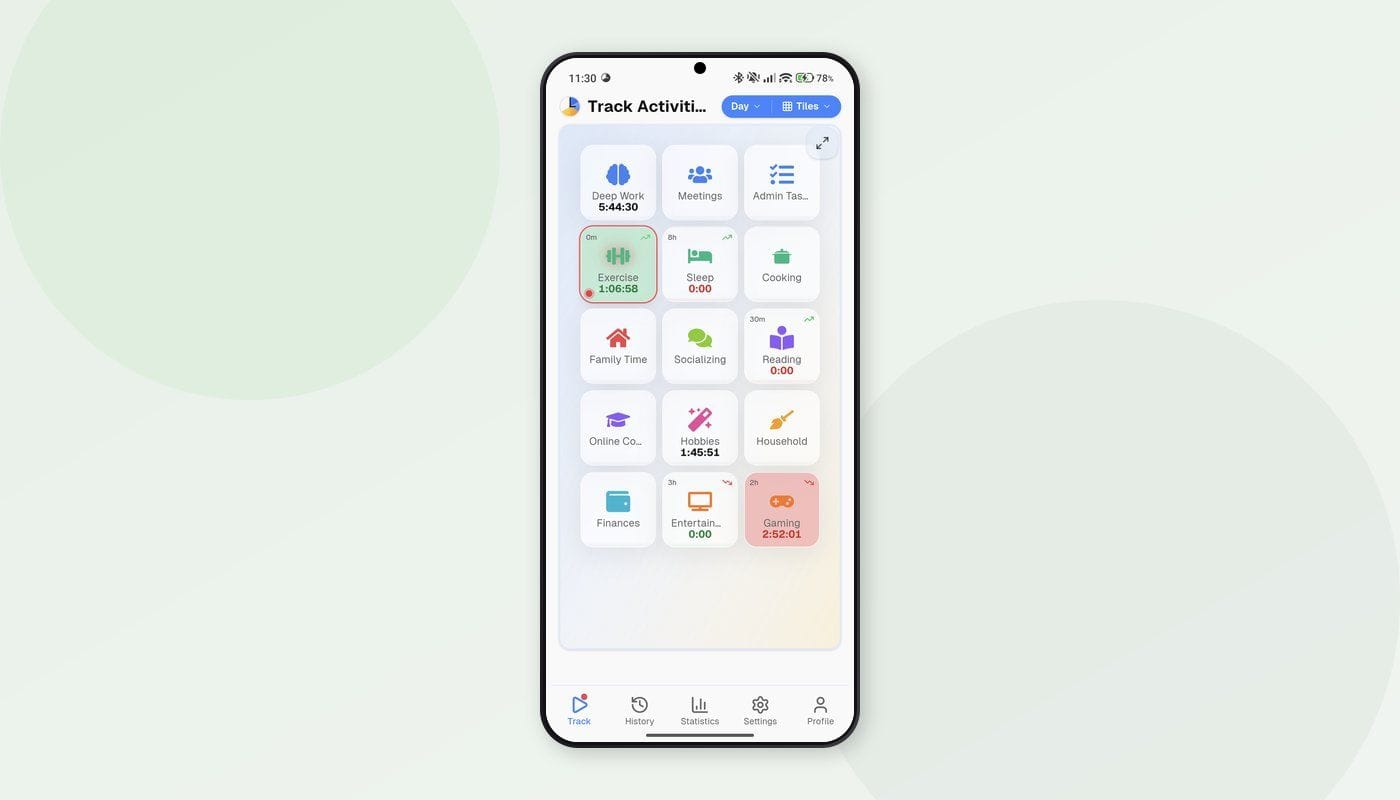
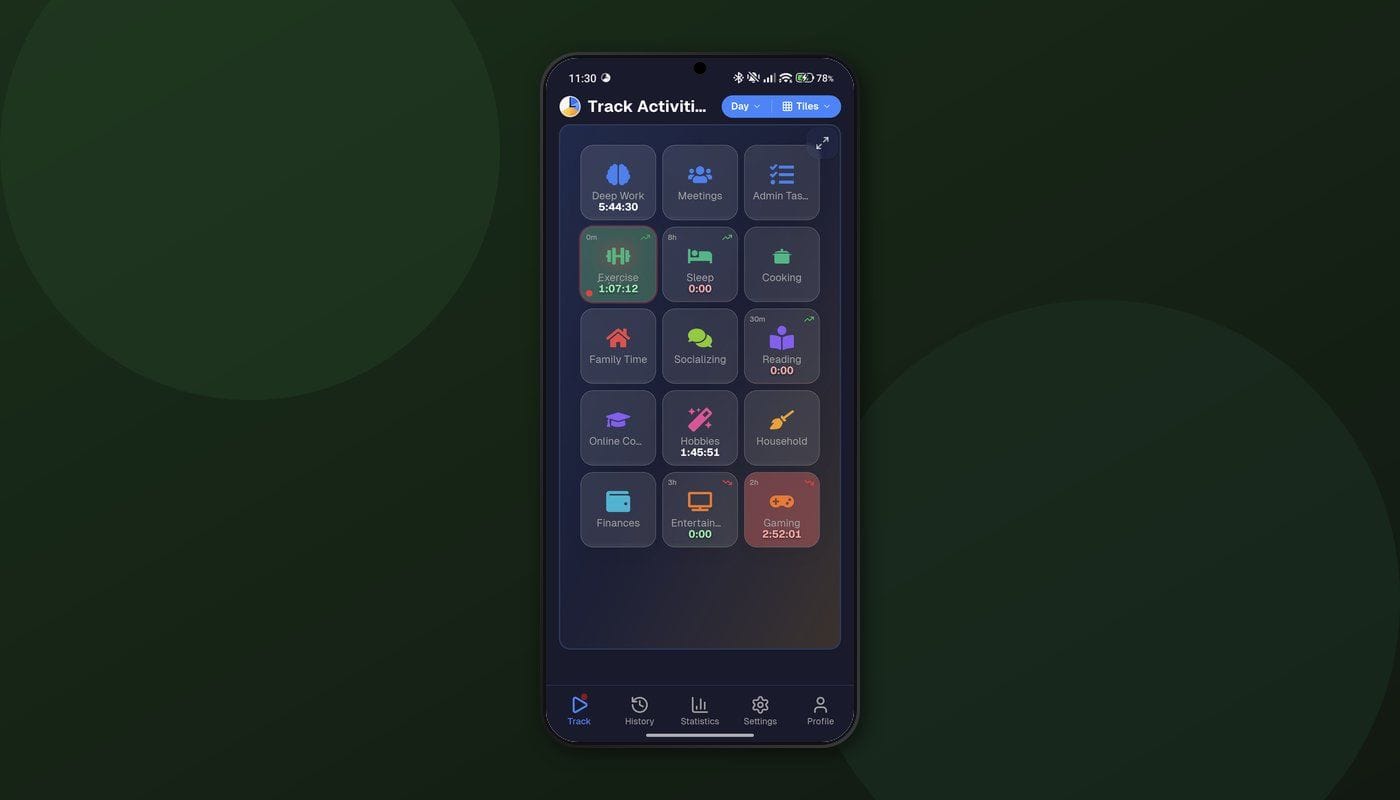
Open the Play Store, search "time tracker," and you'll get dozens of results. Toggl Track. Clockify. Harvest. They all look similar — a big play button, a list of projects, maybe a weekly timesheet. They're designed for one thing: logging billable hours for clients.
That's useful if you're a freelancer sending invoices. But what about the rest of your day? What about sleep, exercise, commuting, cooking dinner, scrolling your phone for "just five minutes" that turns into forty? Those hours don't show up in any work tracker. They just vanish.
If you want to understand where all your time goes — not just the work part — you need a different kind of app that lets you track all 24 hours. And your Android phone is actually the perfect device for it.
Why Your Phone Is the Best Time Tracking Device
Think about it: your phone is the one thing you always have with you. It's on your nightstand when you wake up, in your pocket during your commute, on your desk at work, and back on your nightstand when you go to sleep. A desktop app can only track time while you're at your computer. Your phone covers your entire day.
That's exactly why Timetracker for Android exists. It's built around one idea: your day is a continuous stream of activities, and switching between them should take exactly one tap.
Wake up? Tap "Sleep" to stop it, tap "Morning routine." Leave for work? Tap "Commute." Arrive? Tap "Work." Each tap ends the previous activity and starts the new one. No stopping and starting separate timers. No gaps. No overlaps.
What Makes This Different From Toggl or Clockify
Work-focused trackers and whole-life trackers solve fundamentally different problems. Here's where they diverge:
They track projects. This tracks categories. Instead of "Client A" and "Client B," Timetracker organizes your time into categories — Work, Health, Sleep, Learning, Social, Leisure, Maintenance. Under each category, you create specific activities. "Health" might contain "Running," "Gym," and "Cooking." "Work" might have "Deep focus," "Meetings," and "Admin." You can nest activities to any depth.
They have gaps. This has none. A work tracker expects you to start and stop timers throughout the day. Forget to press start? Gap. Forget to stop? Inflated entry. Timetracker assumes you're always doing something — you just switch between activities. The timeline is continuous.
They show you hours worked. This shows you hours lived. After a week of tracking everything, you'll see your day broken down into actual proportions — how much you worked, slept, exercised, commuted, relaxed, and maintained your life. That full picture is where the real insights live.
The Android Experience
Persistent notification
When a timer is running, Timetracker shows a persistent notification with your current activity and elapsed time. Glance at your phone without unlocking it — you can see what you're tracking. Want to switch? Pull down the notification shade and tap.
This might seem like a small thing, but it changes the habit entirely. You don't need to open the app to interact with it. The notification is always there, gently reminding you what you're doing right now.
Home screen widget
Add a Timetracker widget to your home screen and you can start or switch activities without opening the app at all. The widget shows your current activity and elapsed time — tap it to switch. It's the fastest way to track: unlock your phone, tap the widget, done. No app to launch, no navigation, just one tap from your home screen.
One-tap switching
Inside the app, switching activities is a single tap. See the list, tap the new one, done. The previous activity stops, the new one starts, and the transition is logged with a precise timestamp. No confirmation dialogs, no extra steps. When switching needs to be fast and frictionless, every extra tap is friction that kills the habit.
Works offline
On the subway? In an area with spotty signal? On airplane mode to focus? The app works offline. Your time entries are stored locally and sync when you're back online. You never lose data because of a connection issue.
Syncs everywhere
Your Android phone is probably not your only device. Timetracker syncs across Windows, Mac, iPhone, and the web app. Start a timer on your phone in the morning, switch it from your laptop at work, check your stats on your tablet in the evening. One account, all devices, real-time sync.
What a Week of Data Looks Like
Most people start tracking with a vague sense that they "don't have enough time." After seven days of actual data, the picture gets specific. Here are patterns that surprise almost everyone:
The phone tax. You pick up your phone to check one notification and lose 15 minutes. This happens 8-10 times a day. That's over two hours of fragmented time that didn't feel like anything. When you track "Phone/scrolling" as its own activity, the number is uncomfortable.
The transition cost. Getting ready in the morning, commuting, settling in at the office, packing up, commuting home, unwinding — these transitions between "real" activities add up to 2-3 hours daily for most people. You can't eliminate them, but seeing them quantified helps you stop wondering where your afternoons went.
The sleep reality. You go to bed at 11 PM and wake up at 7 AM, so you sleep 8 hours, right? Track it. Factor in the 40 minutes of phone scrolling before you actually close your eyes and the 15 minutes of snoozing. Your real sleep might be closer to 7 hours. Over a week, that adds up.
The exercise gap. Health is important to you. You go to the gym "regularly." The data says: twice last week, for 45 minutes each time. That's 1.5 hours out of 168. Seeing the number — not the intention, the number — is what actually drives change.
These insights require tracking more than work. A billable-hours app simply doesn't capture the data that makes these patterns visible.
Setting Goals That Stick
Seeing the data is step one. Step two is setting goals that actually work. Timetracker lets you set time goals for any activity — daily, weekly, or on specific day types (weekdays, weekends).
Some examples:
- Sleep: at least 7.5 hours daily
- Exercise: at least 4 hours weekly
- Deep work: at least 3 hours on weekdays
- Reading: at least 30 minutes daily
- Screen time (leisure): no more than 2 hours daily
Goals show up as progress bars on your tracking screen. You see at a glance whether you're on track for the day. It's lightweight accountability — no coach, no app nagging you, just a quiet visual reminder of what you said mattered.
Categories: A Better Mental Model
Most time trackers force you into a "projects and tasks" framework borrowed from project management. That works for billing clients. It doesn't work for understanding your life.
Categories are different. They represent the broad categories that make up a human life:
- Work — your job, side projects, professional development
- Health — exercise, nutrition, medical
- Sleep — nighttime sleep, naps
- Social — family, friends, community
- Learning — reading, courses, practice
- Leisure — entertainment, hobbies, rest
- Maintenance — chores, errands, commute, hygiene
This isn't just labeling — it's a different way of thinking about time. Instead of asking "how productive was I today?" you ask "how balanced was my day?" Did I sleep enough? Did I move my body? Did I spend time with people I care about? Did I have time to just relax?
The weekly and monthly views show these categories as proportions. You can see at a glance if work is crowding out health, or if maintenance is eating your evenings. That's the kind of insight you can't get from a work timer.
Getting Started
-
Download Timetracker for Android — it's free on the Play Store, under 10 MB.
-
Create an account — email and password, or Google sign-in. No credit card.
-
Set up your categories — start with 5-7. Add 3-5 activities under each. This takes 2-3 minutes.
-
Start tracking — tap your first activity of the day. When you switch to something new, tap that instead. Build the habit over a few days.
-
Review your week — after 5-7 days, check the weekly stats. Find your time patterns. Set goals for next week.
Free to Use
Timetracker is free — no ads, no per-user pricing. You get unlimited activities, unlimited history, goals, and cross-device sync. Available on Android, iPhone, Windows, Mac, and the web.
Try It
If you've been looking for an Android time tracker and every option you've found is really a work-hours tracker in disguise — give this one a shot. Track one complete day, from waking up to going to bed. Look at where the hours actually went.
You'll probably learn something about your day that you didn't expect.
Related articles
How to Do a Time Audit You'll Actually Finish
Most time audits die on day three, killed by the alarm-and-notebook method. Here's a two-week version that survives contact with a real life, plus the categories to use and what to look for at the end.
I Used Toggl for Two Years to Track My Life. Here's Why I Stopped.
Toggl is the best work time tracker on the market. It's also the wrong tool for tracking your life. Here's what I learned after two years of trying to force it.