Best Free Time Tracker for iPhone: Track Your Whole Day, Not Just Work
Looking for a free time tracker for iPhone? Most iOS apps only track work hours. Here's one that tracks all 24 hours — work, sleep, exercise, family, and everything in between.
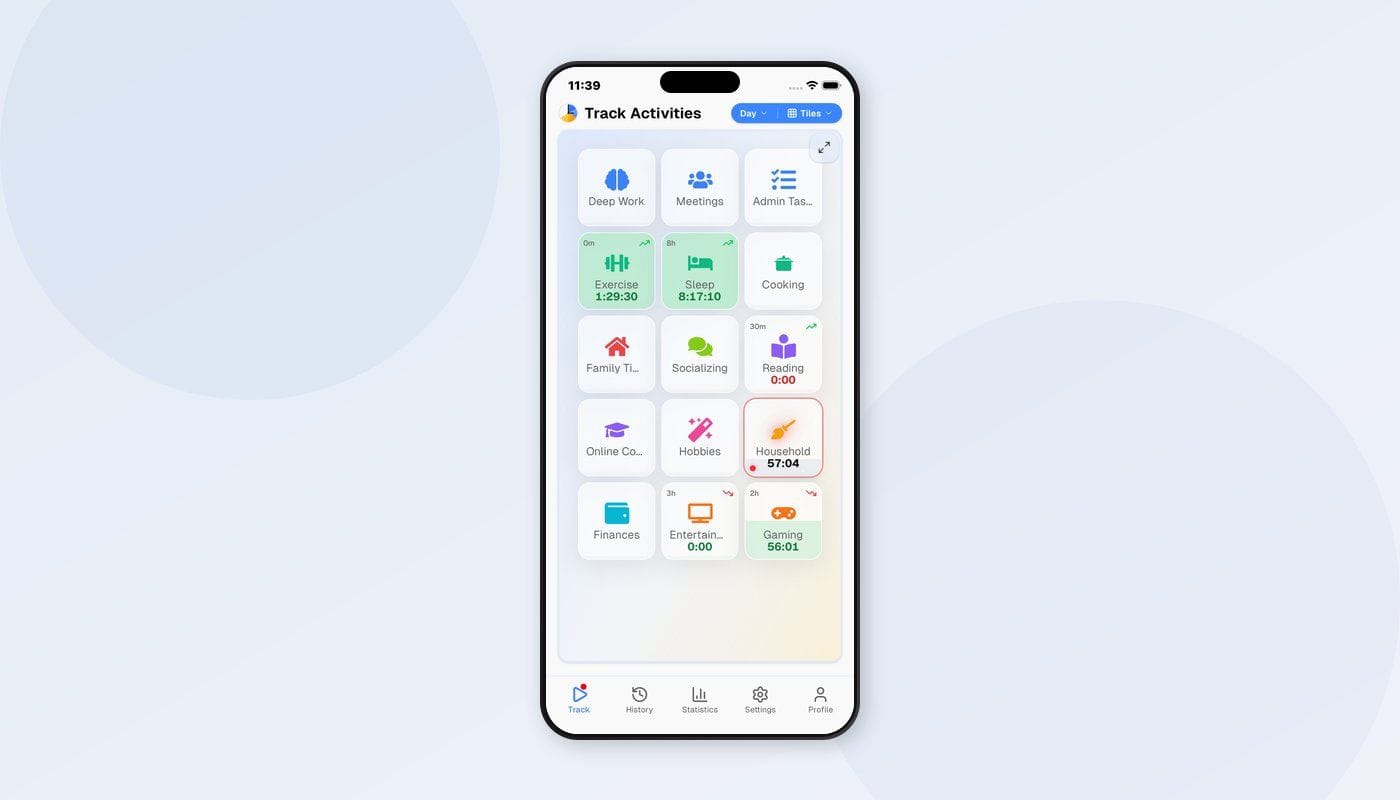
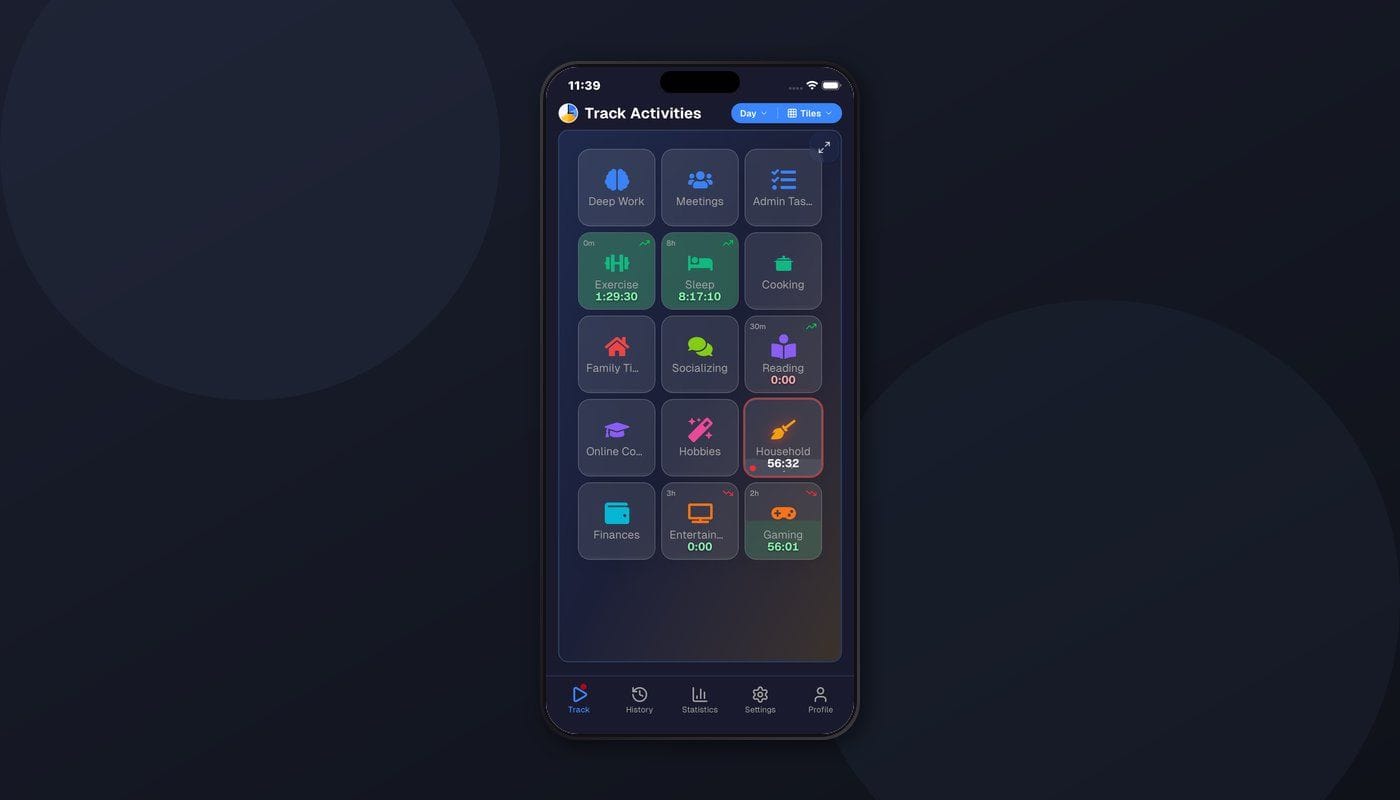
The App Store has no shortage of time trackers. Search for one, and the top results all look the same: a timer, a list of projects, maybe a pie chart of your billable hours. Toggl, Clockify, Harvest — they're all fighting over the same use case: helping freelancers and remote workers log hours for clients.
But there's a completely different question that none of those apps answer: where does my entire day go?
Not just the work part. The whole thing — the morning routine, the commute, the hours at the desk, the workout you did (or didn't do), the cooking, the reading, the Netflix, the sleep. All 24 hours, every day. That's a different problem, and it needs a different kind of app.
The Problem With Work-Only Trackers on iPhone
Your iPhone is with you all day. It's the first thing you check in the morning and the last thing you put down at night. If any device should help you understand your whole day, it's this one.
Yet most iPhone time trackers only care about the hours between 9 AM and 5 PM. They have a big "Start" button, a "Stop" button, and a project picker. Track your work, generate a report, send an invoice. The moment you stop working, the app goes silent. Your evening is a void. Your weekend doesn't exist.
This creates a strange blind spot. You track 8 hours of work meticulously, then have no idea where the other 16 hours went. You know you billed 38 hours this week but can't explain why you feel exhausted, why you haven't exercised, or why you never seem to have free time.
The data you're missing is the data that actually matters for your quality of life.
Tracking Your Whole Day, One Tap at a Time
Timetracker takes a different approach. Instead of starting and stopping isolated timers, you simply tell the app what you're doing right now. When that changes, you tell it the new thing. The previous activity stops automatically.
It's a continuous timeline. No gaps, no overlaps, no forgotten timers running for six hours while you were at lunch.
Here's what a typical morning looks like:
- 7:00 AM — Alarm goes off. You tap "Sleep" to end it, tap "Morning routine."
- 7:40 AM — Dressed and ready. Tap "Commute."
- 8:15 AM — At the office. Tap "Work — Deep focus."
- 9:30 AM — Meeting starts. Tap "Work — Meetings."
- 10:00 AM — Meeting ends. Tap "Work — Deep focus."
Five taps. Five clean time entries. No start buttons, no stop buttons, no manual time entry after the fact. Each tap takes about a second.
What Makes It Work on iPhone
One-tap switching
The app is designed around a single interaction: tap to switch. Your activities are listed on the main screen. Tap one, and it immediately becomes the active timer. The previous activity gets a clean end time, the new one starts. It's fast enough that you'll do it in the moment instead of telling yourself "I'll log that later" (and then never doing it).
iPhone and iPad
The app works on both iPhone and iPad. Same account, same data, same interface adapted to the screen size. Track from your phone when you're out, check your weekly stats on the iPad at home.
Offline first
Spotty cell service on the train? Airplane mode during a flight? The app works offline. All your time entries are stored locally and sync when you reconnect. You never lose tracking data because of a network issue, which matters when you're trying to build a consistent habit.
Cross-platform sync
Most people don't live on a single device. You might track from your iPhone when you're away from your desk, then switch to your Mac or Windows laptop during work, then check stats on the web at home. Timetracker syncs across everything — Android too, if you have a tablet or switch phones. One account covers all your devices in real time.
Categories: Thinking Beyond "Projects"
Here's where Timetracker gets philosophical. Most trackers organize time into "projects" and "tasks" — a model borrowed from project management software. It makes sense for billing, but it's the wrong framework for understanding how you live.
Timetracker uses categories instead. These are the broad categories that make up a human life:
- Work — deep focus, meetings, email, admin
- Health — exercise, cooking, medical appointments
- Sleep — night sleep, naps
- Social — family time, friends, dates
- Learning — reading, courses, new skills
- Leisure — TV, hobbies, games, scrolling
- Maintenance — commute, chores, errands, getting ready
Under each category, you create specific activities. These can be nested — "Health > Exercise > Running" or "Work > Meetings > Standups" — as granular as you want.
The shift from "projects" to "categories" changes the questions you ask. Instead of "was I productive today?" you ask "was today balanced?" Instead of "how many hours did I bill?" you ask "did I invest time in the parts of life that matter to me?"
Discoveries People Make in Week One
People start tracking for different reasons — curiosity, a vague sense of wasted time, wanting to exercise more, feeling like there aren't enough hours in the day. Whatever the motivation, the first week of full-day data almost always produces surprises.
Routines take longer than you think. Morning routine, evening wind-down, getting ready for bed — the time between "doing nothing" and "doing something useful" adds up. Many people discover they spend 60-90 minutes daily just in transition.
"Leisure" is often invisible. When someone says "I have zero free time," the data usually says otherwise. The free time is there — it's just fragmented into 10-minute phone checks, social media between tasks, a YouTube video here and there. It doesn't feel like leisure because it's never a satisfying block. Seeing it quantified is the first step toward consolidating it into something that actually recharges you.
Work expands without limits. If you don't track when work ends and personal time begins, work will quietly absorb your evening. Checking email "real quick" after dinner. Thinking about tomorrow's presentation. A work tracker doesn't catch this because you don't press "start" for casual work thoughts. But tracking your whole day does — because "checking work email at 9 PM" has to be logged as something.
Sleep is negotiable (until it isn't). You aim for 8 hours. The data says 6.5 on weeknights, 9.5 on weekends. That weekly average of 7.1 hides a pattern of accumulating sleep debt and crashing on the weekend. You can't see this pattern without tracking sleep as a first-class activity.
These aren't just interesting facts — they're the foundation for making deliberate changes. And the only way to get this data is to track more than work.
Setting Goals You'll Actually Follow
Data without action is just trivia. That's where goals come in.
Timetracker lets you set time-based goals for any activity:
- Sleep: at least 7.5 hours daily
- Exercise: at least 5 hours weekly
- Reading: at least 20 minutes daily
- Deep work: at least 4 hours on weekdays
- Social media: no more than 1 hour daily
Goals show up as progress indicators on your tracking screen. After a few days, you develop an intuitive sense of whether you're on track. It's subtle accountability — no push notifications, no streaks, no gamification. Just a clear picture of what you committed to and how you're doing.
Where Does My Time Go?
This is the question that drives most people to try time tracking in the first place. And it's the question that only whole-day tracking can answer.
After a full week, your stats page becomes genuinely interesting. You can see:
- Your average sleep per night (actual, not aspirational)
- How much of your week goes to maintenance and transitions
- Whether you're exercising as much as you think
- How your weekdays and weekends differ
- Which parts of your life are getting crowded out
The monthly view is even more revealing. Trends emerge — you sleep less in busy work weeks, you exercise more when the weather is good, your leisure time peaks on Sunday but barely exists on Tuesday.
None of this is possible with a start/stop work timer. It requires continuous tracking of everything. And your iPhone, the device that's always with you, is the best tool for it.
Getting Started
-
Download Timetracker for iPhone — free on the App Store. No ads, no per-user pricing.
-
Create your account — email and password, or sign in with Google. Takes 30 seconds.
-
Set up categories — create 5-7 that represent your whole day. Add a few activities under each. You can always refine later.
-
Track your first day — start when you wake up and keep tapping as you move through the day. Don't worry about perfection; any data is better than none.
-
Review after a week — open the weekly view and see where 168 hours actually went. Set your first goals based on what you find.
Free to Use
Timetracker is free — no ads, no per-user pricing. You get unlimited activities, unlimited history, goals, and cross-device sync. Available on iPhone, iPad, Mac, Windows, Android, and the web.
Give It a Day
You don't need to commit to anything. Just download the app, set up your categories, and track one complete day. From waking up to falling asleep. Then look at the breakdown.
If the data tells you something you didn't already know — and it almost certainly will — you'll want to keep going.
Related articles
How to Do a Time Audit You'll Actually Finish
Most time audits die on day three, killed by the alarm-and-notebook method. Here's a two-week version that survives contact with a real life, plus the categories to use and what to look for at the end.
I Used Toggl for Two Years to Track My Life. Here's Why I Stopped.
Toggl is the best work time tracker on the market. It's also the wrong tool for tracking your life. Here's what I learned after two years of trying to force it.